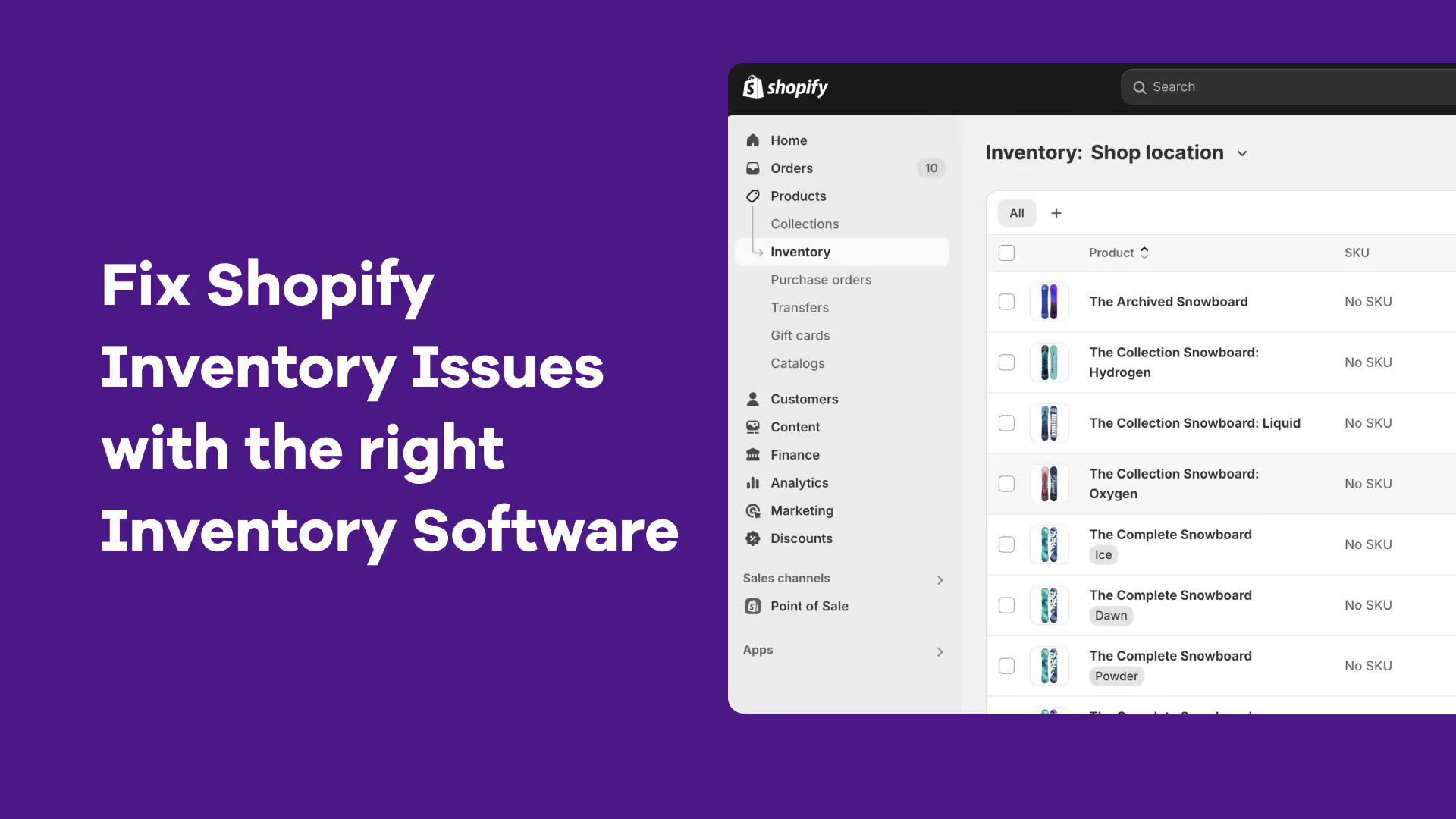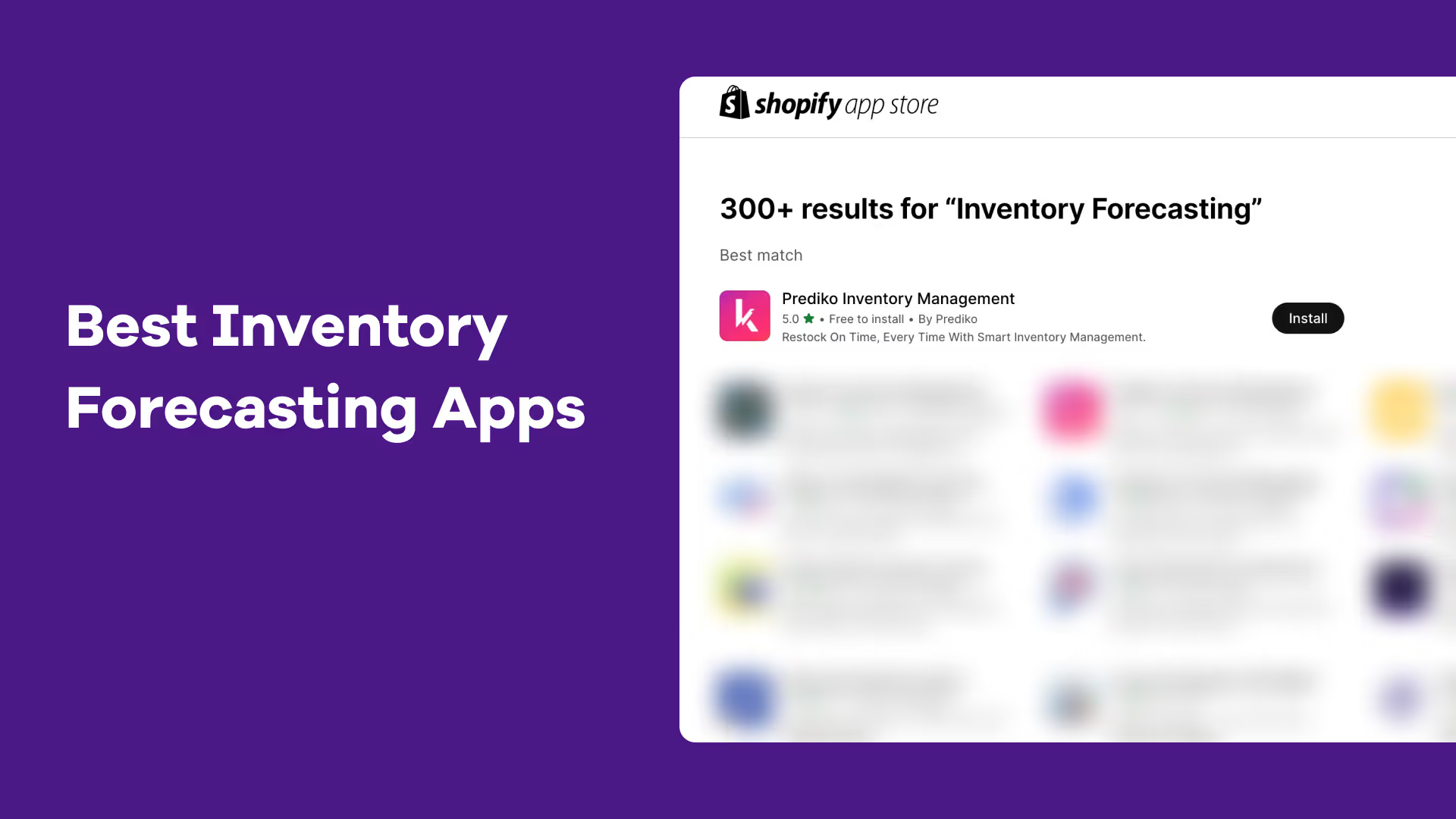




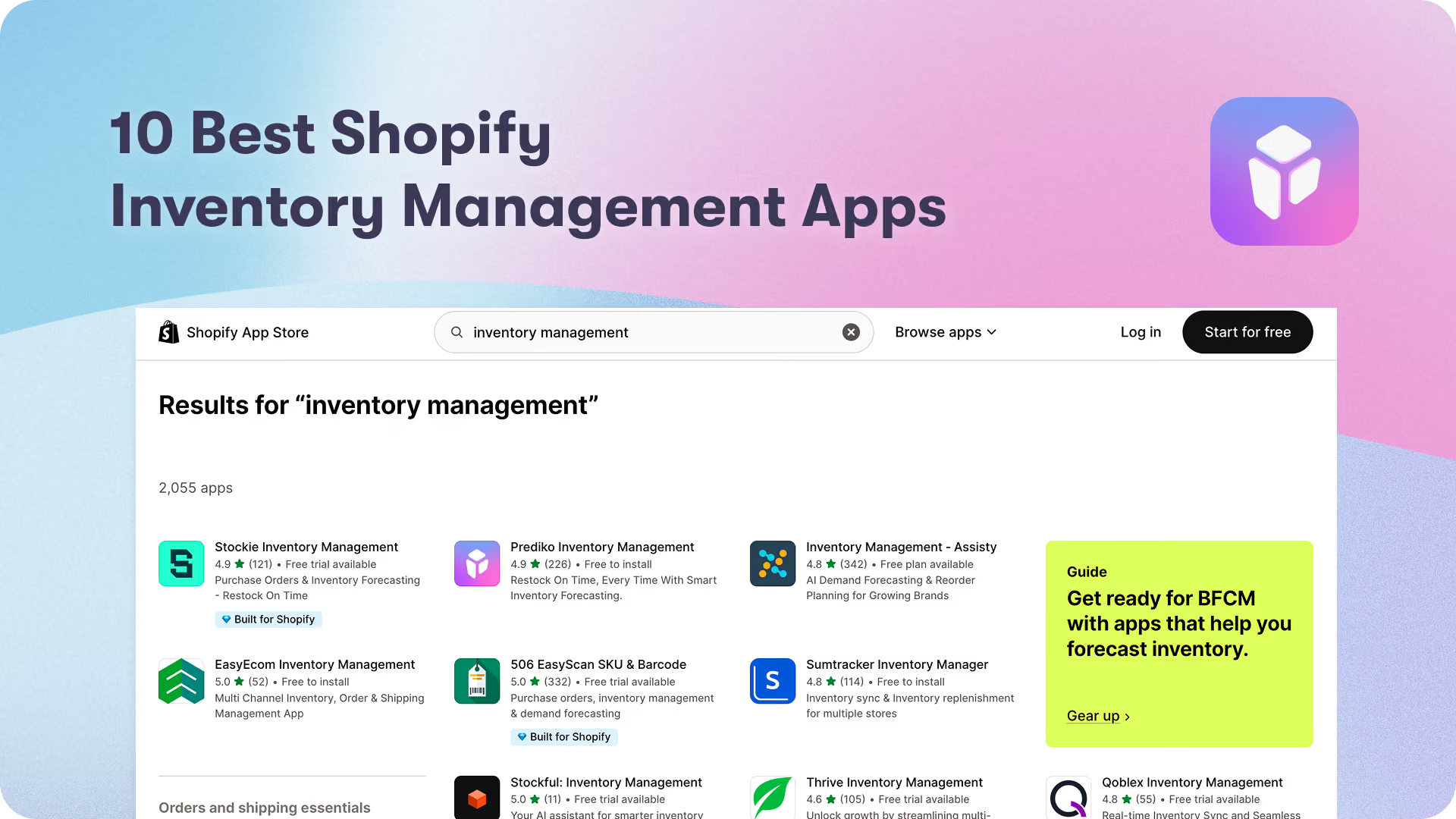
A simple search on Shopify App store for “inventory management” gives a result of 1000+ apps. We have narrowed down those 1000 apps to the ones that have the best combination of features, pricing, support & onboarding.
All the inventory management apps listed in this blog have most of these features and are very good in their capabilities. However, we have kept ourselves at the top of this list because Shopify also ranked as No.1 app on their official guide on inventory management apps for eCommerce brands.
Important note: Shopify apps are Shopify native software. That's why app and software mean the same thing in this list.
Overall Comparison of Best Shopify Inventory Management Apps
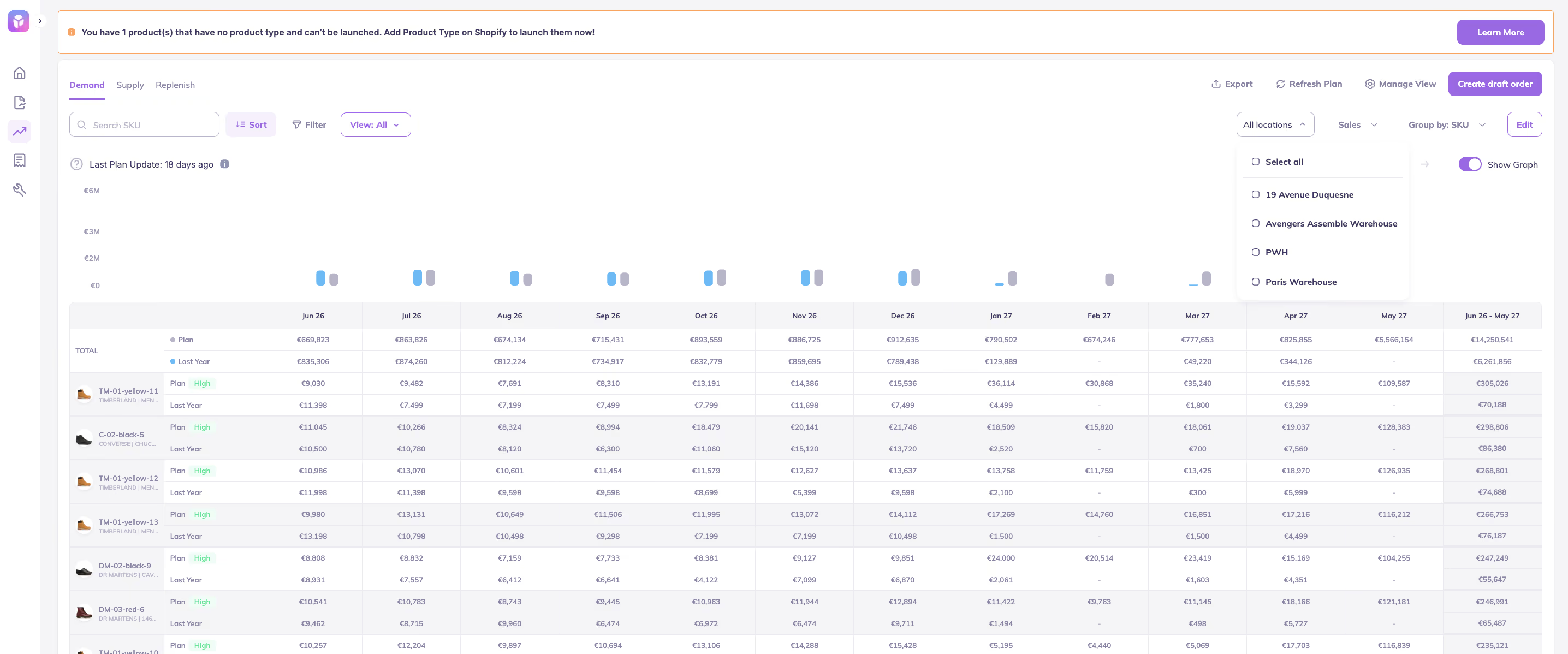
No. 1 👉 Prediko's AI Inventory Management App
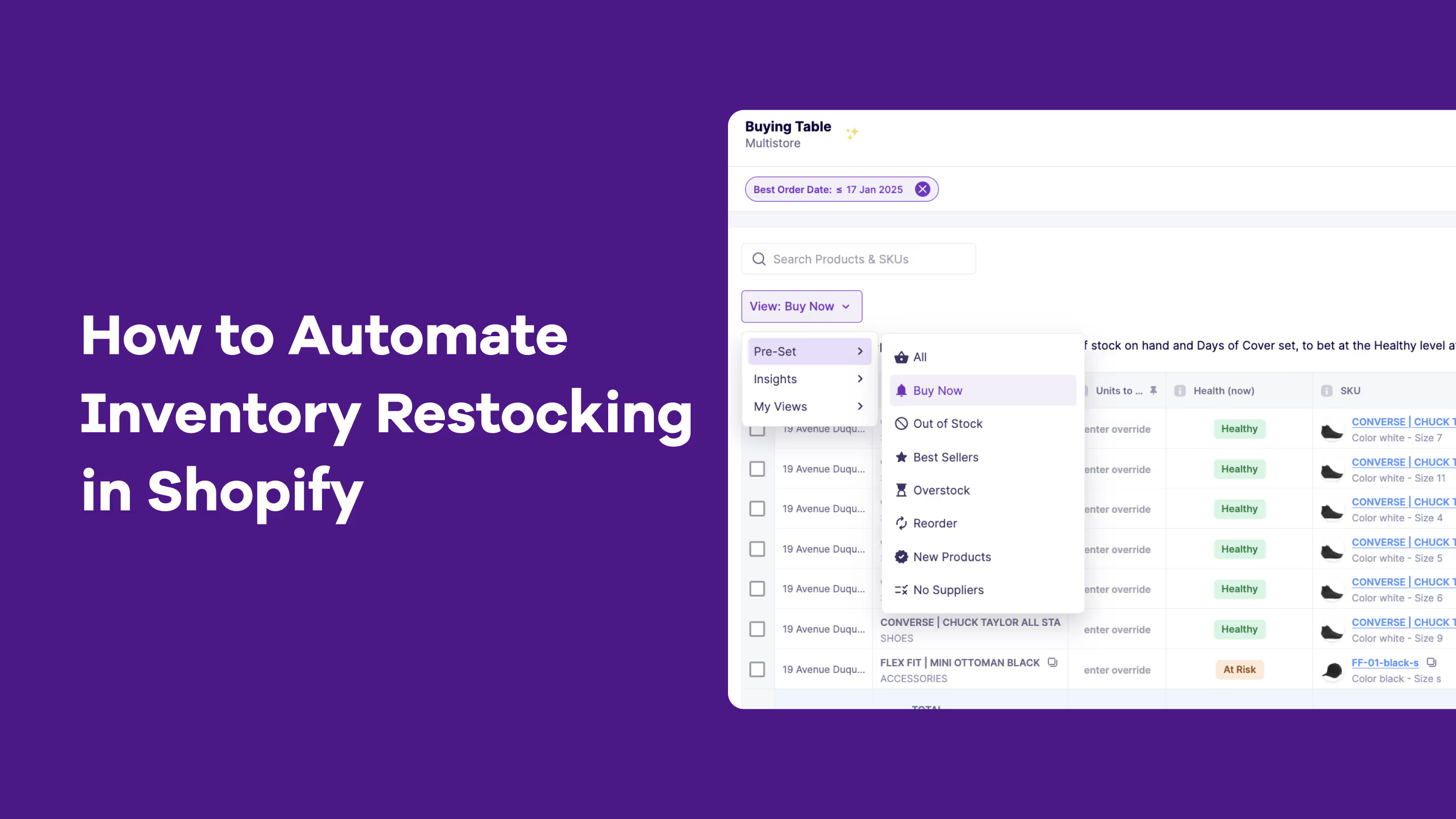
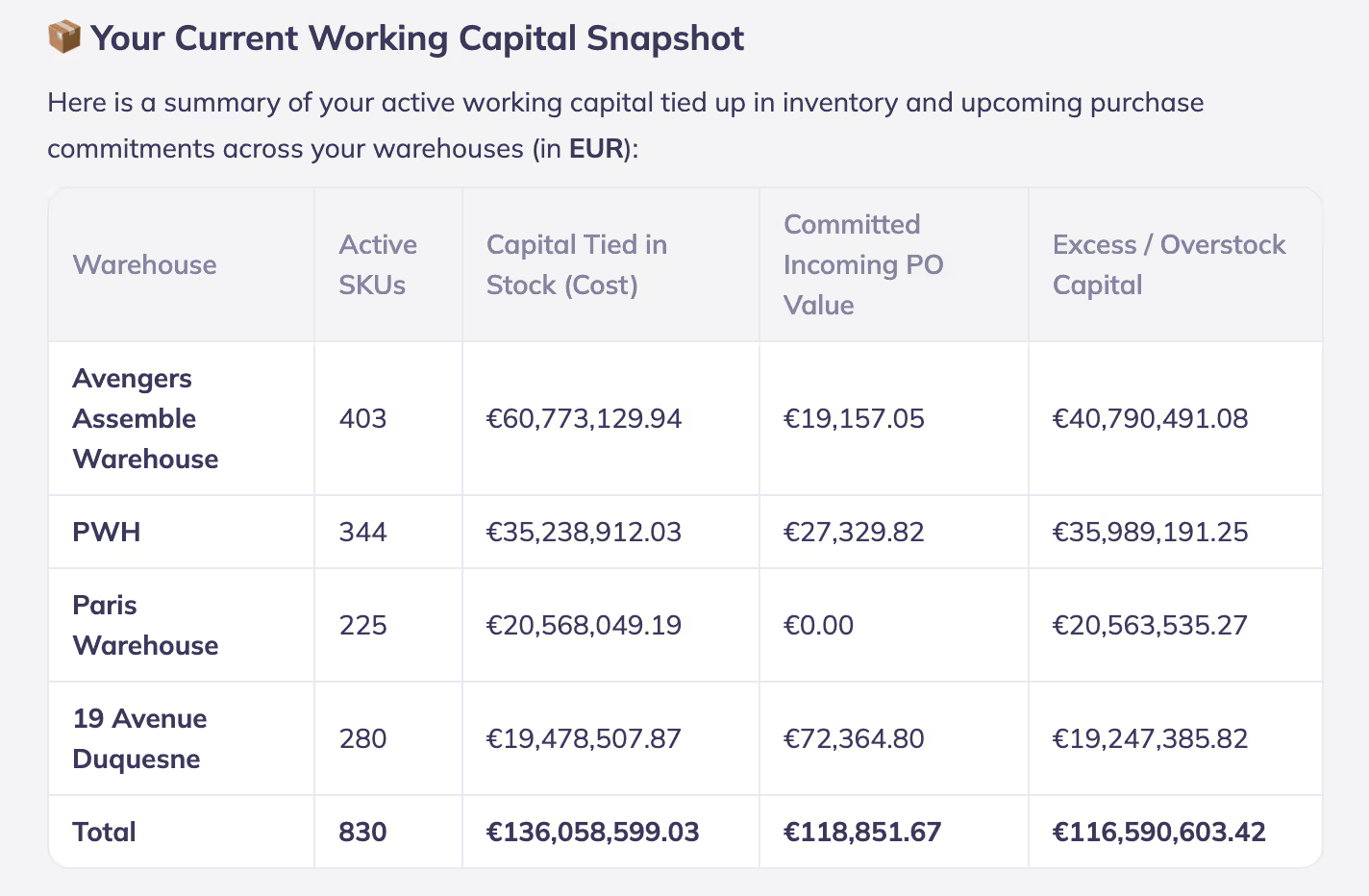
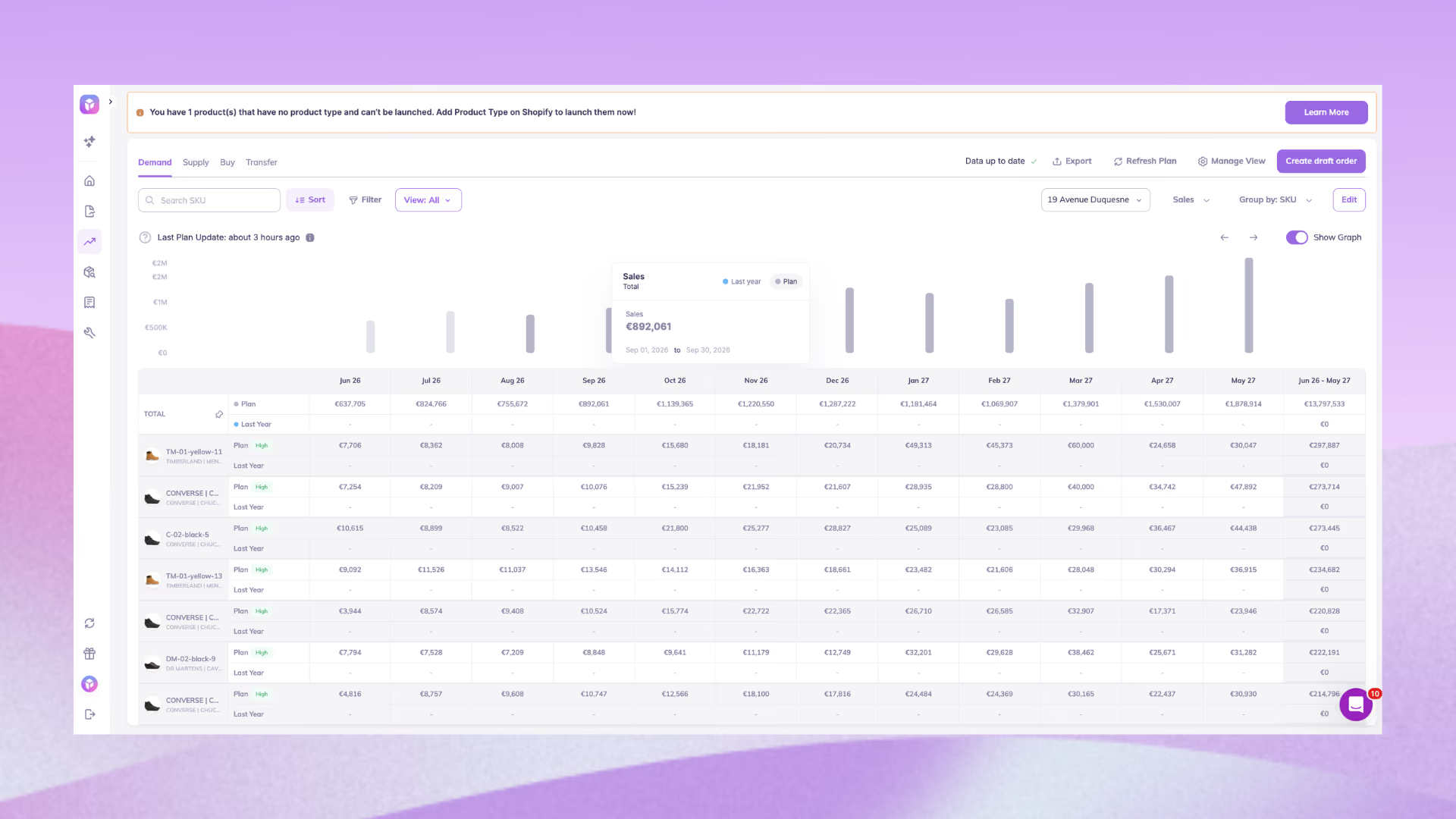
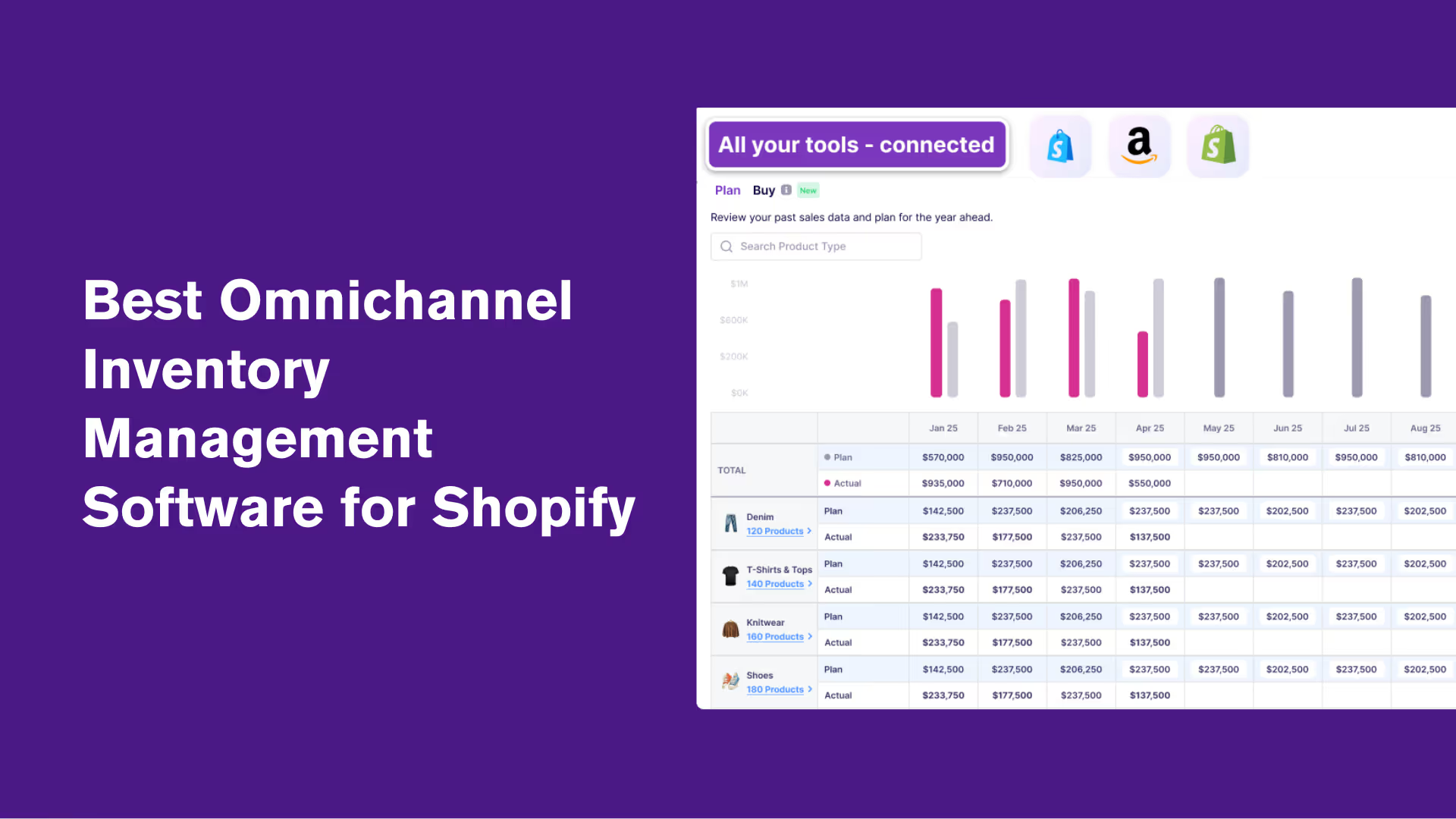
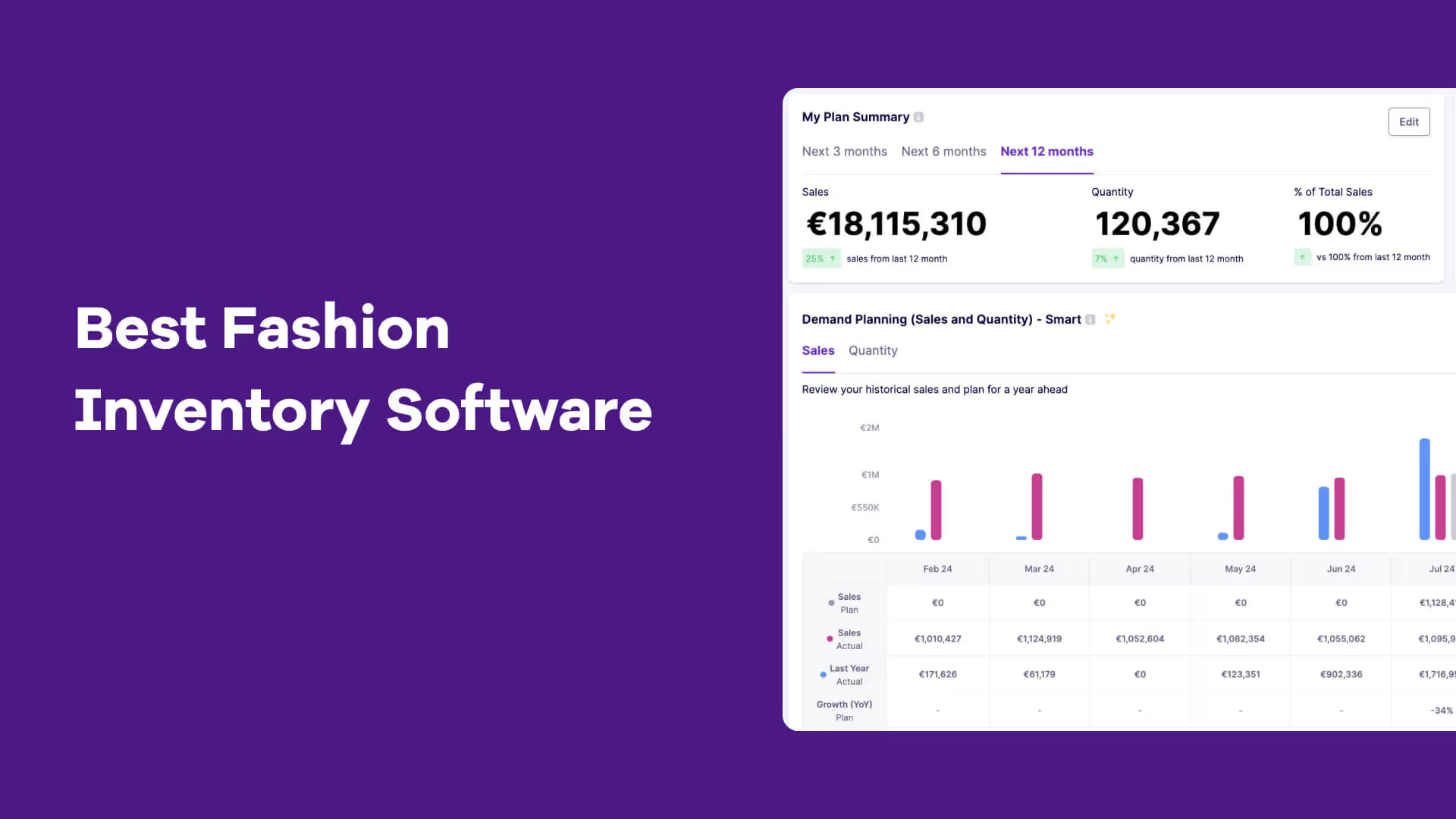
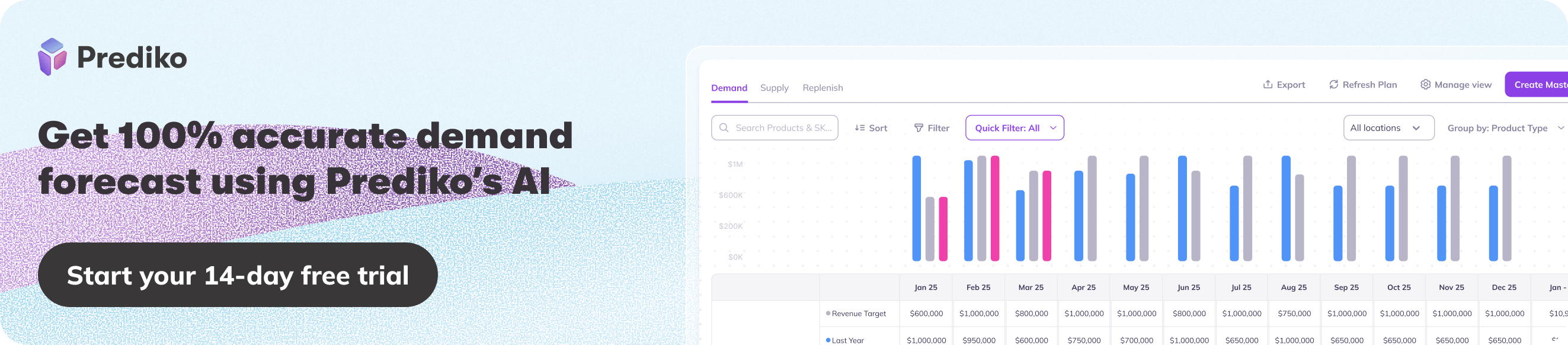
Overall: Best overall for Shopify brands. AI-driven demand forecasting, advanced inventory reporting, and deep Shopify integration.
4.9 ⭐ (250+ Reviews on Shopify Store)
What makes Prediko better than rest of the inventory management apps in the Shopify ecosystem👇
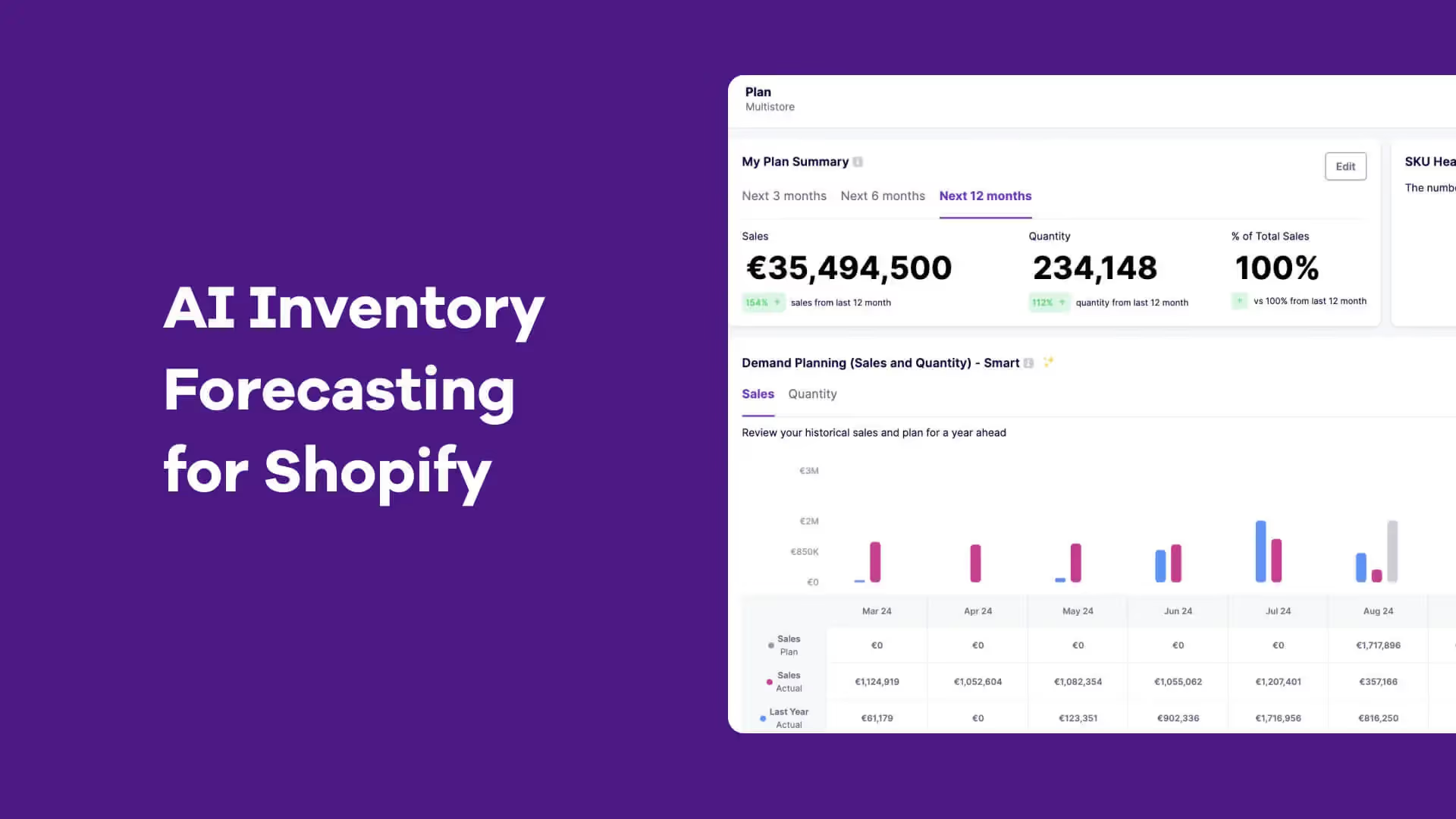
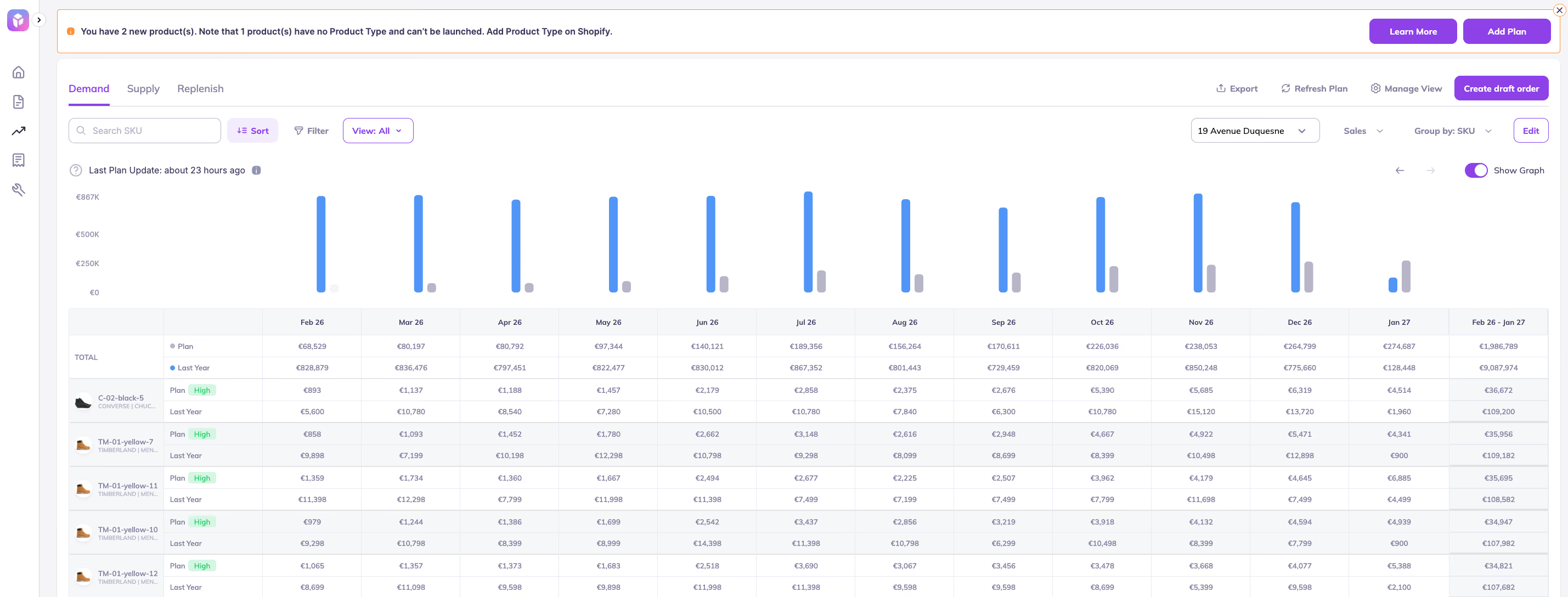
- AI-driven sales forecasting for precise demand planning at SKU, category, and company levels
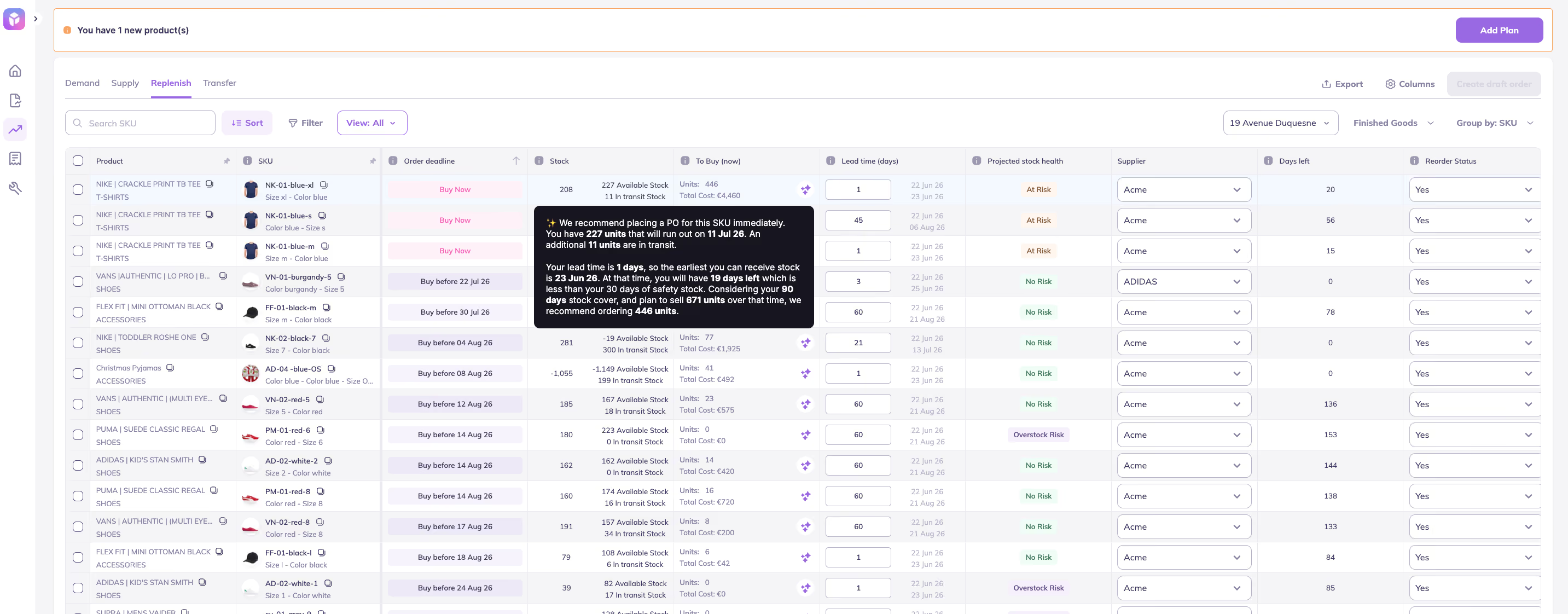
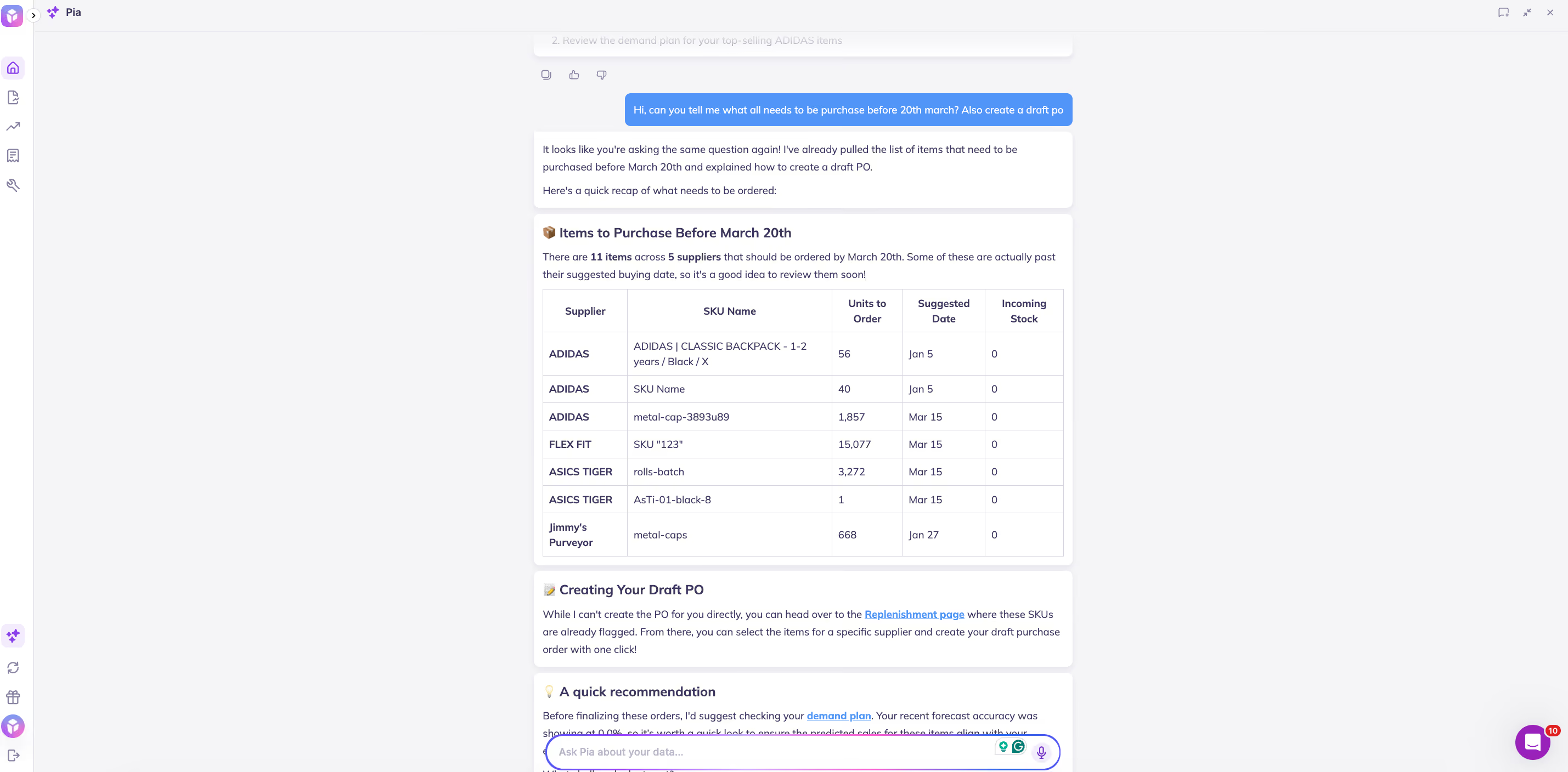
- Smart inventory planning with automated out-of-stock alerts and buying recommendations
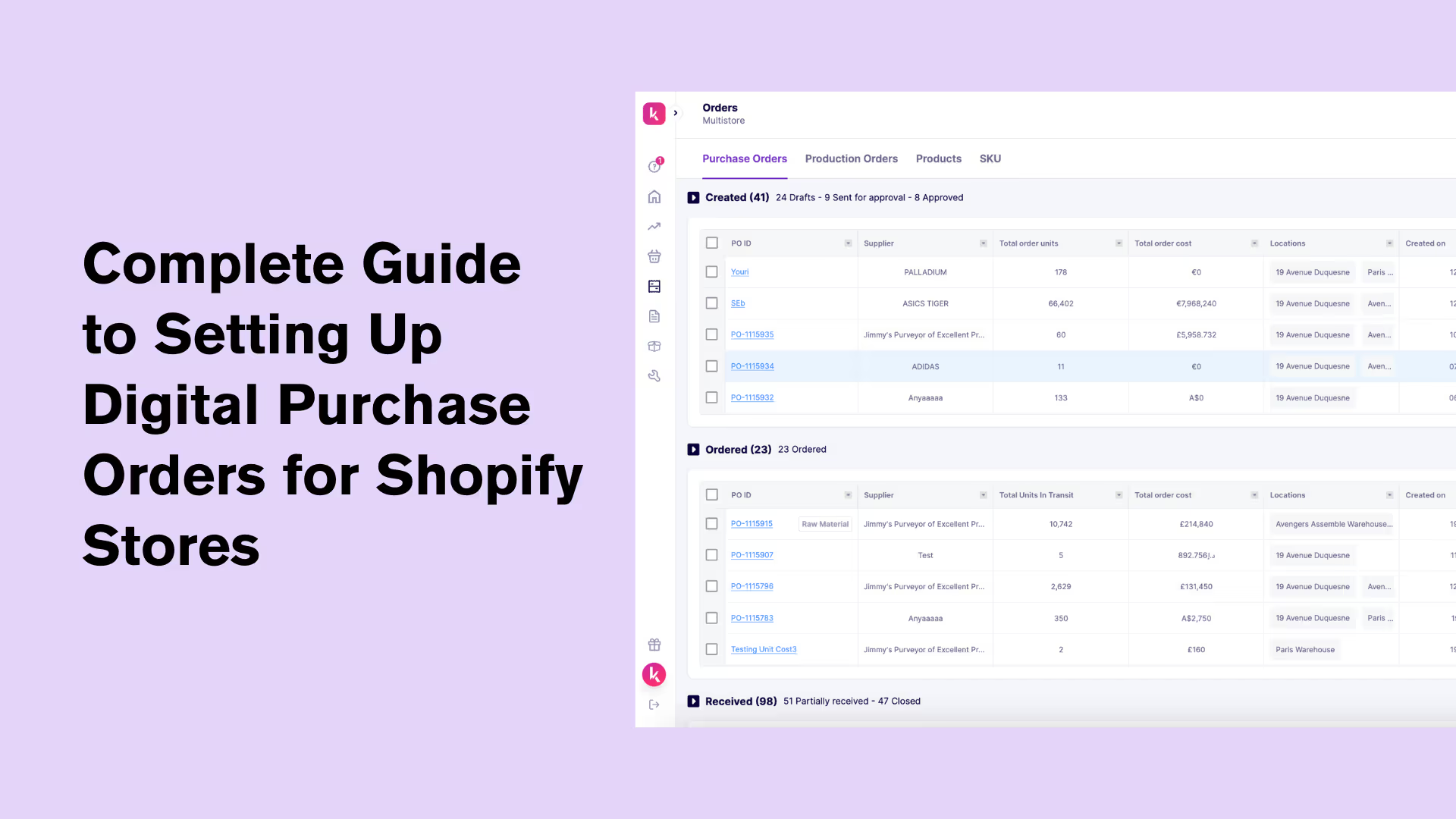
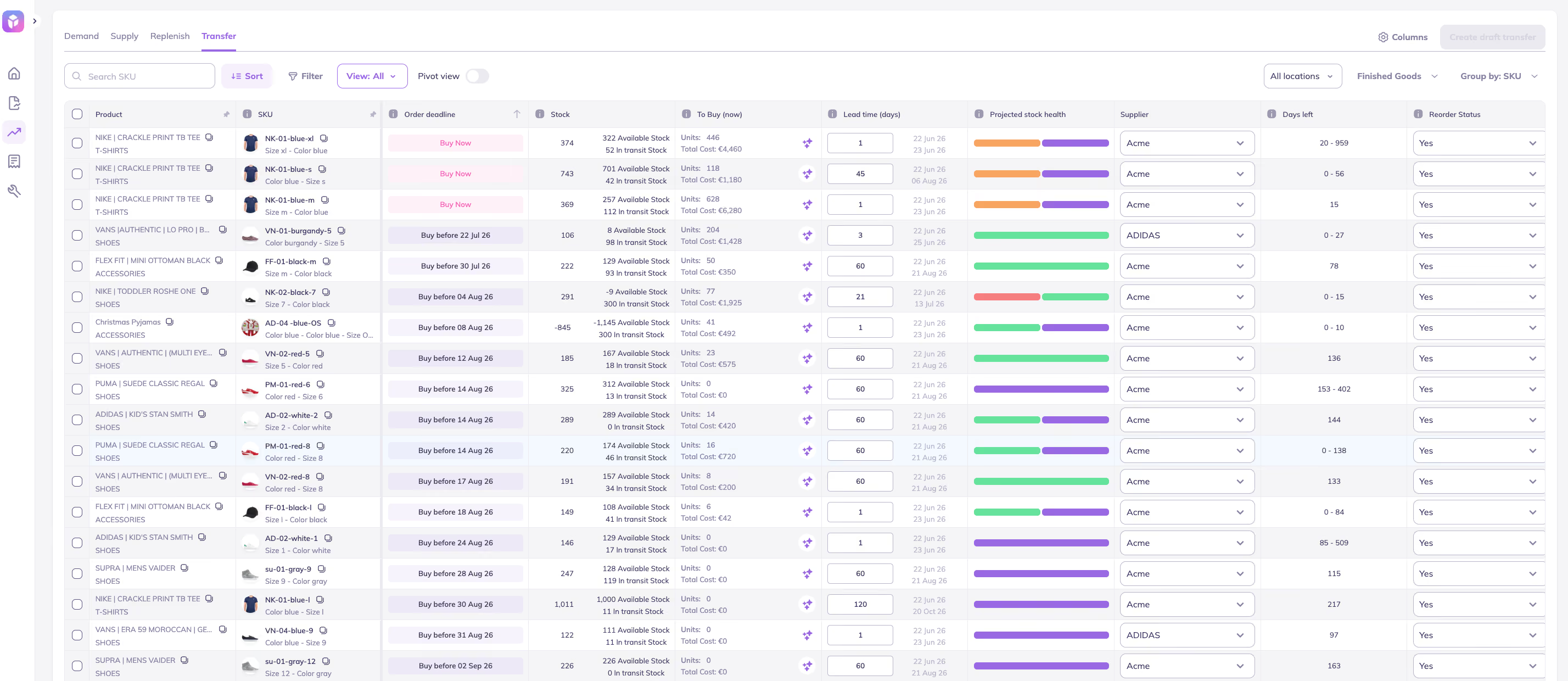
- Streamlined purchase order management for easy creation, tracking, and bulk editing
- 20+ customizable inventory reports with over 100+ customizable filters (CSV or PDF)
- Integrated bill of materials (BOM) and raw material components for finished products.
- Multi-supplier support to assign multiple suppliers to the same SKU, each with its own lead time, pricing, and MOQ
Prediko also has a big advantage over other inventory management apps. We are able to accurately forecast demand for Shopify brands running subscriptions.
Pricing
Plans starting at just $49/Month
Best For
For brands of all sizes especially fashion & apparel, beauty, retail & manufacturing and CPG.
Guide: Learn everything about Shopify Inventory Management
2. syncX: Stock Sync
Overall: Ideal for syncing inventory across multiple sources and formats (CSV, XML, Google Sheets), with automation and ease of use. Stock Sync is an app that can be used for handling inventory from multiple sources.

Key Features & Pros
- This app enables updation of product information and inventory quantities. It also supports transfer of products to your Shopify store.
- Ensures stock accuracy from all inventory sources
- App is compatible with CSV, XML, Google Sheets, and API, making the import and export of inventory data a straightforward process.
Pricing
Free plan available. Paid plans: Starter $7/month, Expert $10/month, Scale $300/month.
Best For
Small brands that are looking to fix sync issues.
3. Cogsy
Overall: Designed to streamline operations, prevent stockouts, and optimize stock levels.
Key Features & Pros
- Real-time reports for all warehousing locations
- Replenishment alerts and purchase orders workflows
- Demand planning for existing and new products

Pricing
$199/month, with a 14-day free trial.
Best For
Multichannel Brands
4. Katana Cloud Inventory (formerly Katana Manufacturing ERP)
Overall: Designed for makers and manufacturers needing production planning and Shopify order syncing with warehouse control.
Oversee & track your Shopify inventory and orders with Katana ERP.

Key Features & Pros
- Import incoming orders from Shopify automatically and maintain synchronisation of fulfilment status and inventory.
- Create a visual production plan. Stay informed about the status of each order in your production timeline.
- Keep track of your inventory and also update inventory with easy sync.
Pricing
Free plan for up to 30 SKUs. The Core plan starts at $299/month, with locations, sales orders and add-ons billed on top.
Best For
Manufactures that need production planning
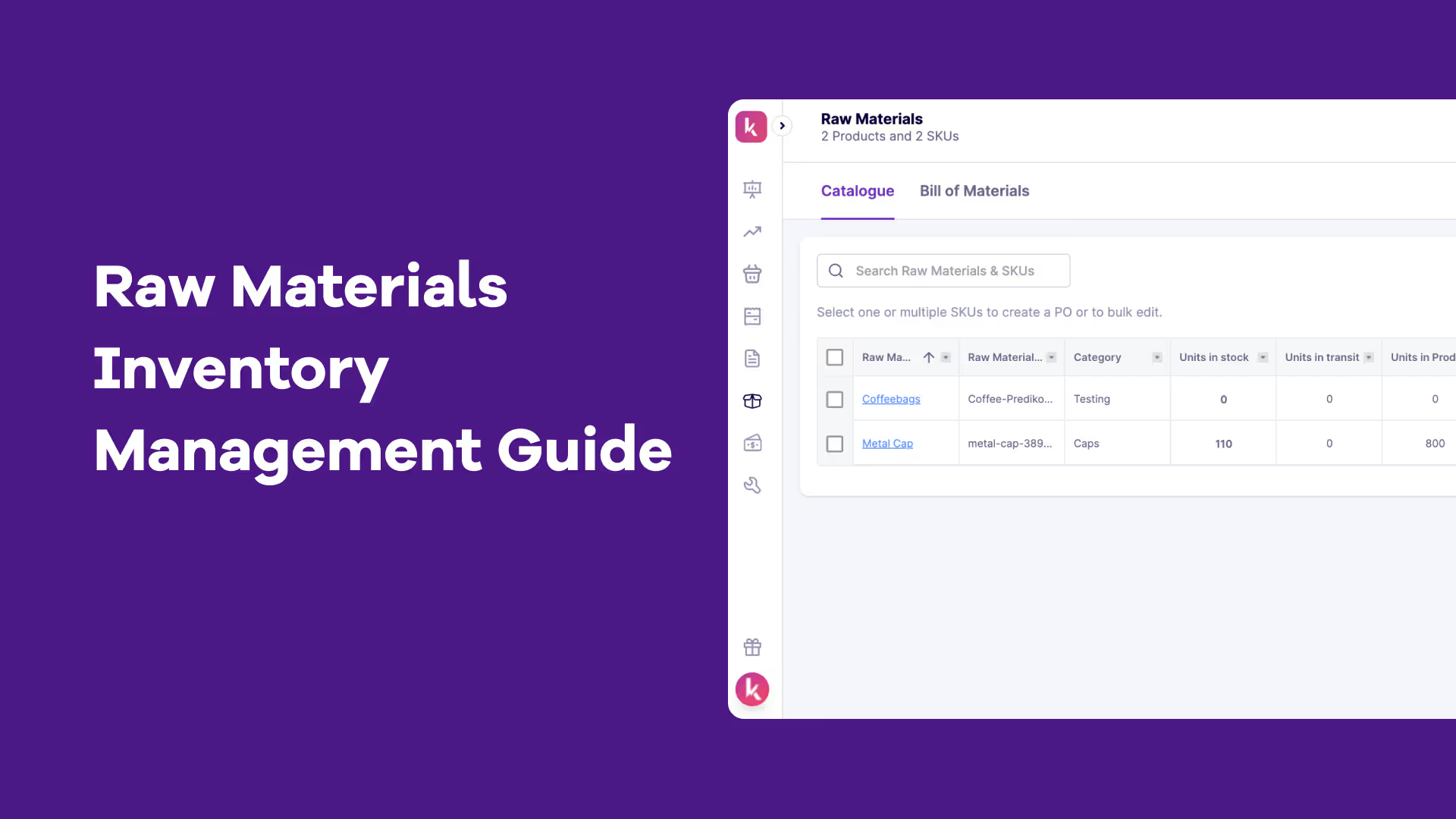
We have also compiled a list of the best raw materials management apps that you can find on Shopify app store
5. Inventory Planner by Sage
Overall: Excellent for forecasting and smart replenishment using sales history, lead times, and vendor data. Inventory Planner is a Shopify forecasting app for eCommerce and multichannel retailers.

Key Features & Pros
- Forecasting and analysis helps merchants to make restocking decisions.
- Sync with Sales: After installation, Inventory Planner syncs with sales history. It uses this data, along with additional information like vendor lead time, to generate forecast.
- Make Purchase Orders and save a lot of time on buying. Share merchant essentials, case sizes, and other provider explicit information.
If you are looking beyond these then there are plenty of great Inventory Planner alternatives.
Pricing
Free to install; pricing is quote-based and scales with your revenue.
Best For
Enterprise Brands
We have also compiled a list of the top purchase order management apps that you can find in the Shopify app ecosystem.
6. SKULabs
Overall: Best for simple inventory environments with barcode-based fulfillment and shipping rate comparisons across carriers.
SKULabs is a Shopify app for managing inventory, warehouse, and orders across multiple channels.

Key Features & Pros
- Ensure consistency in stockroom inventory and maintain it across all sales channels.
- Ensure complete counting of orders by scanning barcodes to check and select stock.
- Streamline shipping process and costs by comparing rates from different carriers.
Pricing
Pricing starts from $299/month
Best For
Small and medium sized brands
7. Fabrikator Inventory Planner
Overall: Optimized for predictive insights and pre-order/backorder management with tailored inventory analytics.
Fabrikator helps you to attain predictions, streamline procurement orders, and manage backorders.

Key Features & Pros
- Make inventory predictions to empower you to make more informed choices.
- Work with out-of-stock products & pre-orders and backorders
- Tailored insights & reports to analyze data and make informed choices.
We have also done an in-depth comparison of Inventory Planner vs Fabrikator
Pricing
Starter $99/month, Expansion $149/month and Growth $199/month (each plus $0.75 per backorder after the first 50), or custom Enterprise pricing.
Best For
Most type of D2C brands.
8. Netsuite (via NetSuite ERP Connector)
Overall: Best for enterprise-level sellers needing multi-location tracking, demand planning, and marketplace integrations.
NetSuite Inventory Management provides access & analysis of inventory across locations and sales channels of a brand.

Key Features & Pros
- Netsuite integrates with eBay and Etsy.
- Get inventory visibility across warehouses, 3PLs, drop shippers
- Make demand-based plans using historical demand, sales forecasts and seasonality
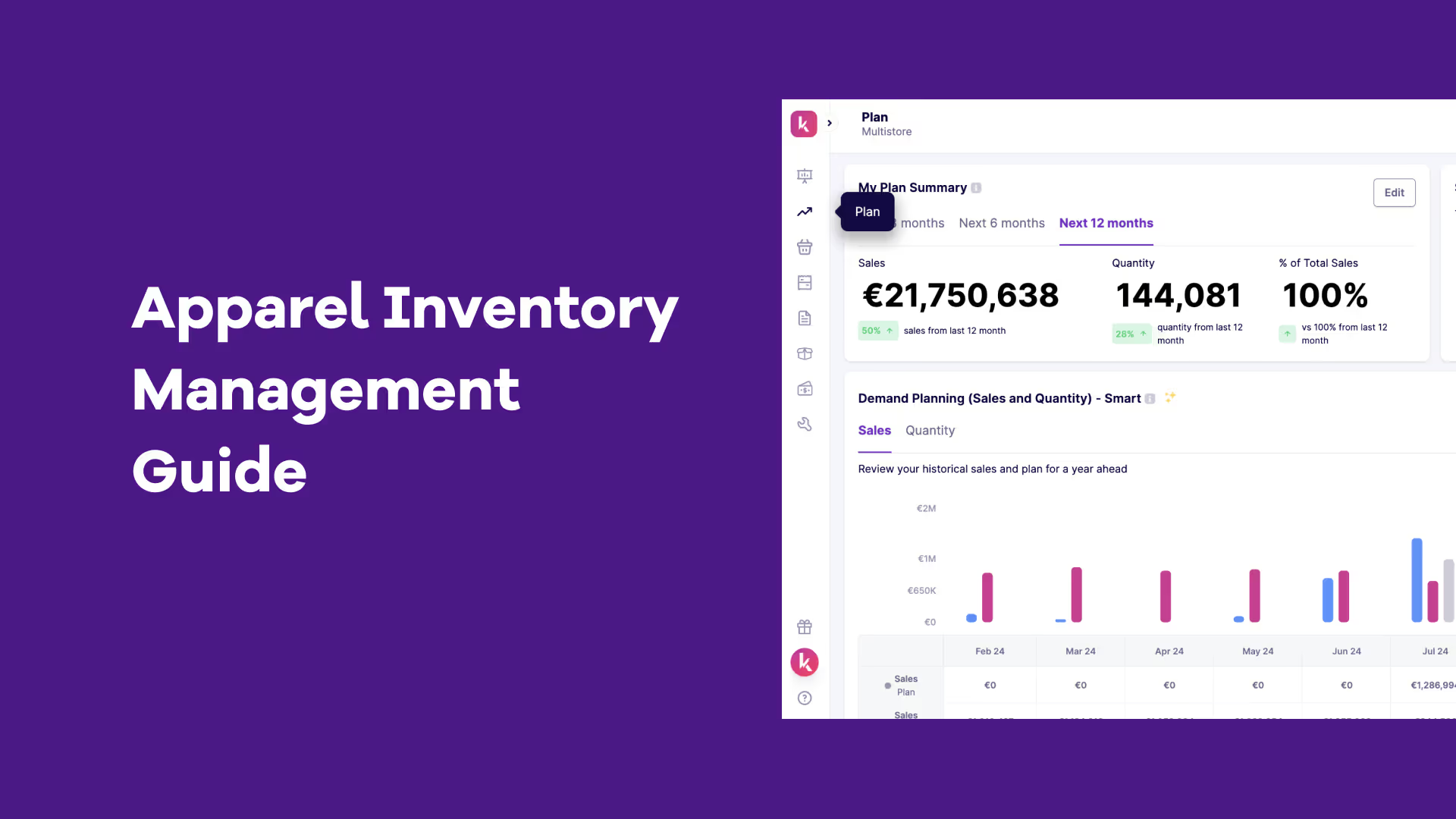
Orcale Netsuite ERP also appears in the list of the top 10 Fashion inventory software for apparel brands.
Using NetSuite with Shopify? See how Shopify NetSuite integration works and what to consider before connecting the two platforms.
Pricing
NetSuite ERP is quote-based. The Shopify connector app, NetSuite ERP Connector, starts at $199.92/month.
Best For
Enterprise Brands
9. Linnworks Inventory Management
Overall: Ideal for centralizing inventory across all sales channels with built-in warehouse management features.
Gain visibility over online sales, as Linnworks unifies the whole process across multiple channels.

Key Features & Pros
- Multi-channel software helps retailers streamline entire online selling
- Consolidate entire inventory operation into one central hub
- Get an integrated warehouse management system
Pricing
Free to install.
Best For
Medium sized to Enterprise brands
10. Cin7 Core
Overall: All-in-one inventory and manufacturing management system with real-time updates for growing Shopify operations.
Cin7 Core gives all brands features to manage manufacturing, inventory management, and automation.

Key Features & Pros
- Comprehensive and complete picture of production expenses and stock levels
- Use real-time updates to streamline inventory
- Manage sales of many channels through a single platform
We have also covered the list of all Cin7 alternatives.
Get an in-depth comparison of Cin7 vs Inventory Planner
Pricing
Standard $349/month, Pro $599/month, Advanced $1,199/month, each with a 14-day free trial.
Best For
Small to medium sized brands.
Do you Need a Separate Inventory Tracking App on Shopify?
Not always. Shopify tracks stock quantities natively, so if you sell a handful of SKUs from one location, its built-in tracking may be enough. You need a dedicated app once you're counting across several locations, scanning barcodes, or want tracking tied to reorder decisions.
Search the Shopify App Store for "inventory tracking" and you'll see 600+ results and many overlap with the inventory management apps above. Here's how to tell what you actually need.
- What Shopify tracks on its own: stock quantities per product and variant (once inventory tracking is turned on), automatic updates as orders come in, manual adjustments, and stock by location.
- Where it falls short: limited forecasting and reporting, and reorder suggestions. Nothing keeps SKU-level reorder rules running for you. Before you add an app, check your setup; it's surprisingly common for inventory not to be tracked on Shopify because of a missed setting.
What to look for in a tracking app:
- Real-time tracking across stores, warehouses, and channels: SKULabs and Prediko cover this
- Multi-source sync from CSV, Google Sheets or supplier feeds: syncX's strength
- Barcode scanning and stocktakes for accurate counts: SKULabs, or Prediko's stocktakes and barcode scanning
- Low-stock alerts before a SKU runs out: Prediko’s AI agent sends alerts on Slack, WhatsApp, and Email
- Tracking tied to forecasting, so stock levels feed reorder decisions: Prediko, Inventory Planner
In short, if tracking is your only problem, a sync or scanning app may do. If you also need to know what to reorder and when, choose an inventory management app that tracks too. Tracking variants in particular? Here's how to automate a Shopify variant inventory tracker.
How to Choose the Right Inventory Management App for Your Store?
To determine which Shopify inventory app is worth the investment, use this “SMART” criteria
- S - Specific needs: Identify exact blockers you are facing and align features.
- M - Multi-channel integration: Opt for software that integrates with Shopify, marketplaces, accounting tools, and shipping platforms
- A - Automation: Look for tools that automate repetitive tasks like replenishment, purchase order creation, forecasting, or inventory counting.
- R - Reporting & analytics: Prioritize platforms that offer reports and insights beyond what Shopify offers
- T - Training & support: Choose software that is backed by excellent customer support and onboarding assistance.