




There are a lot of inventory report Shopify apps in the App store that offer insights into your stock quantities and sales data, enabling Shopify D2C brands to make well-informed decisions on inventory numbers.
When installing the right inventory report apps, here are a couple of features that you should look at: Customizable reports, sales performance analysis, historical data tracking and export options.
At Prediko, we believe that there are a lot of good inventory report apps in the Shopify ecosystem.
However, we have built an inventory app that provides a great experience for Shopify brands when it comes to inventory numbers and KPIs.
Why Inventory Reporting Is Crucial for Shopify Brands
Inventory reporting is what turns raw data into decisions. For Shopify brands, where sales can fluctuate quickly and multiple products move at different speeds, having clear visibility into inventory is essential.
Without proper reporting, teams are often reacting too late: discovering stockouts after they happen or realizing excess inventory only when cash is already tied up. It helps
- Prevent stockouts and lost revenue
- Avoid overstock and improve cash flow
- Understand product performance
- Plan purchasing and replenishment better
- Align teams around the same data
In short, inventory reporting helps make better decisions. Without it, you’re guessing. With it, you can plan, act early, and grow more efficiently.
How We Selected the Best Inventory Reporting Software for Shopify (2026 Criteria)
Different inventory reporting tools vary widely in their capabilities and features. We evaluated tools based on how well they handle real-world complexity, from fast-changing demand to multi-channel operations.
Below is the criteria we used:
1. Shopify-native or seamless integration
The primary requirement was that the software should sync directly with Shopify and reflect real-time data, such as orders, inventory levels, and product changes, without manual effort, ensuring reports are accurate.
2. Real-time and forward-looking visibility
We focused on tools that don’t just report what happened; they also show what’s likely to happen next, including stock risks and future inventory positions.
3. Granular and customizable reporting (SKU-level and beyond)
We looked for apps that allow you to break down data by SKU, product, location, and channel. Additionally, reports should be fully customizable so you can focus on the metrics that matter most, making it easier to identify issues and take precise action.
4. Demand and inventory alignment
The best tools connect reporting with forecasting and supply planning, so insights can directly inform what to order and when.
5. Ease of use and speed
We evaluated whether reports are easy to access, understand, and act on, without requiring heavy setup or manual analysis.
6. Automation and recommendations
Extra weight was given to reporting platforms that go beyond dashboards to provide alerts, insights, or suggested actions, as they reduce manual work and improve decision-making.
7. Support for multi-location and omnichannel operations
Reporting tools that can support multi-warehouse, multi-channel operations and complex fulfillment flows were prioritized, because this becomes essential as brands expand.
8. Collaboration and shareability
We considered how easily teams are able to export, share, or align on reports, whether for internal reviews or supplier coordination.
Comparison of Best Inventory Reporting & Analytics Shopify Apps
Prediko’s AI-powered App for Inventory Reports
- Get insights into different aspects of inventory: Bestseller SKUs, PO management, plan achievement, excess stock management
- Get analytics about performance of your Inventory - Net sales and Net Quantity. See the main KPIs related to your inventory: Average Days of Inventory left, Stock Out, Excess percentage, Inventory retail value.
- Get sales forecast and demand forecast report for product, SKUs or at a store level.
- Get your entire product catalogue divided into inventory status in the form of a Buying Table
What You Can Do with Prediko’s Inventory Reports:
- Stockout Report: Identify which items are out of stock and see the estimated daily revenue loss, so you can take action before missing more sales.
- Overstock Report: Detect products with excess inventory that are tying up capital, and take steps like flash sales to optimize storage.
- Stockout Risk Report: Forecast which products are at risk of running out based on current stock levels and safety stock thresholds.
- Deadstock Report: Highlight items that haven’t sold in over 3 months, helping you decide whether to discount or clear them out.
- ABC Analysis Report: Classify your inventory by sales impact using the 80/20 rule, so you can focus on your most valuable products.
- FIFO-Based COGS Report: Monitor your cost of goods sold using the FIFO method to understand true profit margins by batch pricing.
- Inventory Value Report: View the real-time financial value of your inventory for more accurate budgeting and planning.
- Sell-Through Rate (STR) Report: Track how quickly your inventory is moving across SKUs, products, and categories.
- Custom Report Views: Create personalized reports by filtering and sorting data — and access them anytime.
- Scheduled Reports: Automate report delivery straight to your inbox, eliminating the need for manual exports.
Here is how Prediko works:
Here is a list of the remaining inventory report Shopify apps and software:
1. 506 EasyScan SKU & Barcode
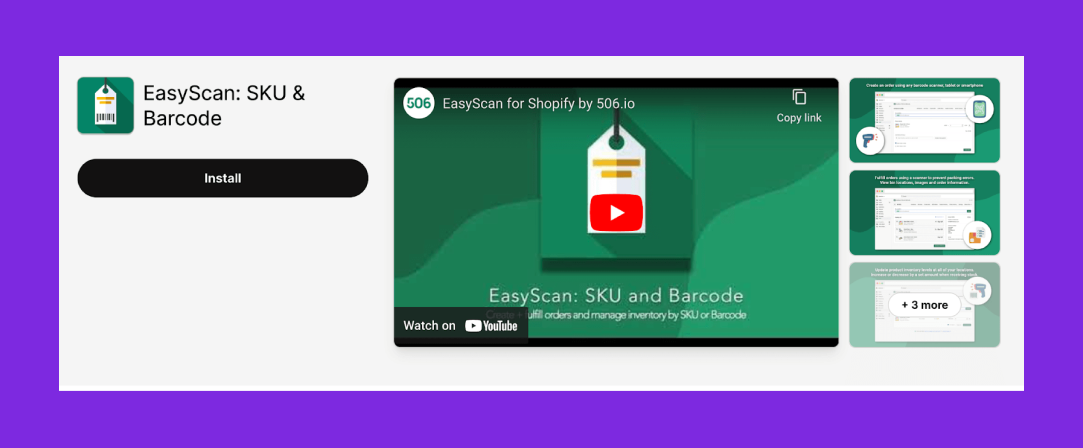
Main features of the Shopify App:
- Barcode scanning
- SKU management
- May require additional hardware like scanner
Pros
- Barcode scanning for warehouse workflows and order processing
- Responsive support and quick help with workflow needs/requests
Cons
- Requests for tighter shipping app / label printing integration to avoid switching tools
- Some users report scan reliability UX issues
Pricing: Plans start at $9.99 per month
Best for: Warehouse or single-channel reporting
Related Read: Essential Guide to Shopify Inventory Reporting
2. Inventory Reports | Mipler
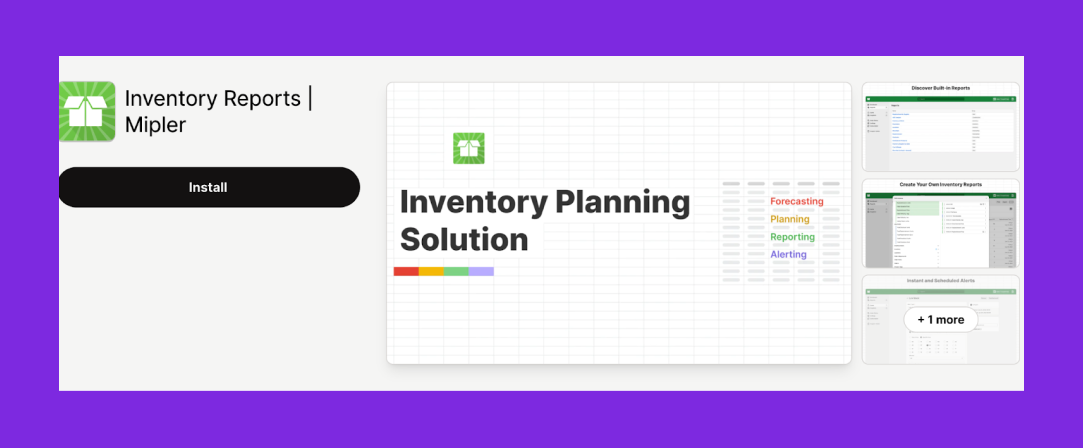
Main features:
- Customizable reports
- Data insights on sales trends
- Can be complex for beginners
Pros
- Daily summaries help keep up with analytics
- Merchants praise flexibility (built-in report library + custom report creation/edits)
Cons
- Some users mention that reports are not mobile friendly
- Can be expensive only for reporting
Pricing: Plans start at $9.99 per month
Best for: Advanced customizable reports and data exports
While many of these apps offer robust reporting features, merchants currently using Shopify’s Stocky app often feel limited when it comes to customization and forecasting depth. If that’s you, this breakdown of Stocky app alternatives might help you find a better fit — especially if you're scaling and need stronger insights.
3. Bee Low Stock Alert & Forecast
Bee Low helps prevent stock outs by alerting store owners before inventory falls below set thresholds and forecasting future inventory needs.
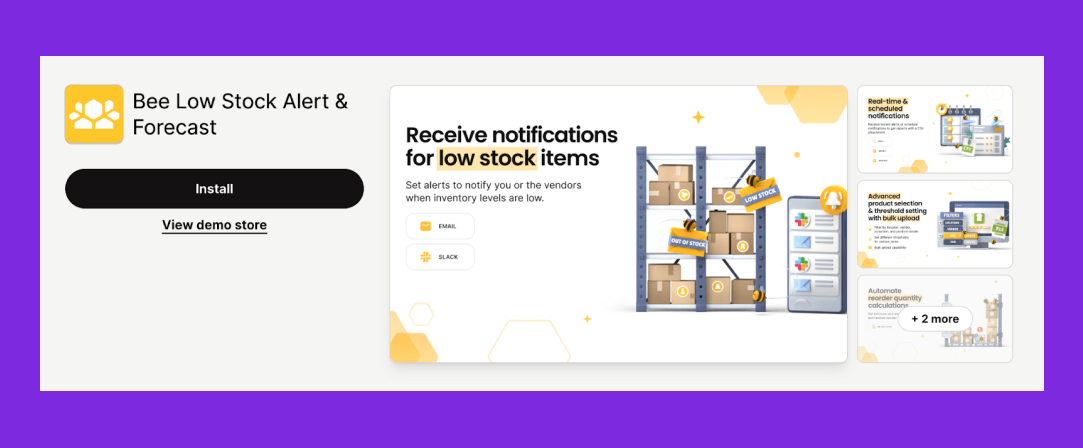
Main features:
- Low stock alerts
- Inventory forecasting
- Learning curve for interpreting forecasts
Pros
- Custom stock thresholds for alerts and restock monitoring
- Responsive support that helps users through setup/changes
Cons
- May not be accurate all the time
- Some mention the UI isn’t always “immediately intuitive” and menus feel non-obvious
Pricing: Plans start at $5.99 per month
Best for: Low stock alerts/reports and basic forecasting
4. AI Inventory Management Report by Assisty
AI Inventory Management Report optimises inventory levels, predicts demand, and automates reporting, ideal for data-driven decision making.
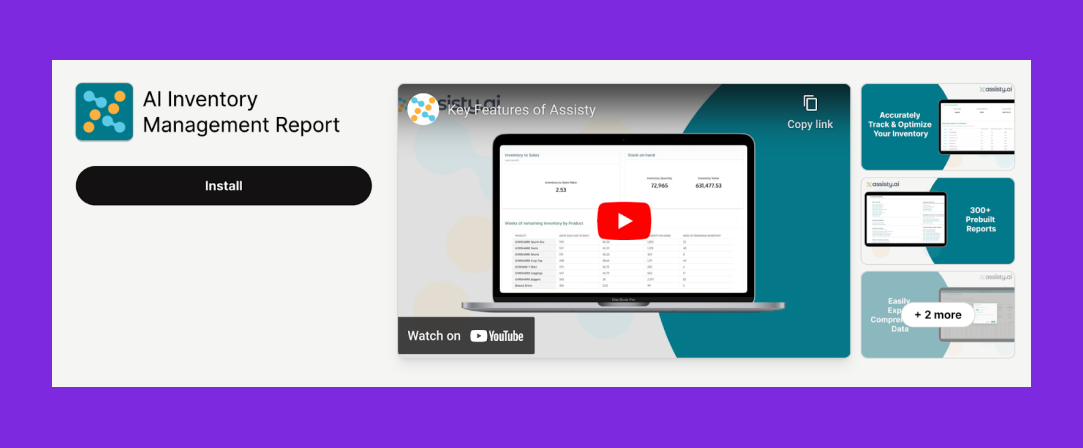
Main features:
- Best-in-class forecasting
- Automated reordering suggestions
- Steep learning curve due to complexity
Pros
- Goes beyond simple inventory tracking
- Demos and onboarding calls mentioned as helpful for setup and report configuration
Cons
- Some feel overwhelmed at first due to the number of reports/features
- Delayed support for some users
Pricing: Plans start at $19 per month
Best for: Automated forecasting reports, but comes with complex UI
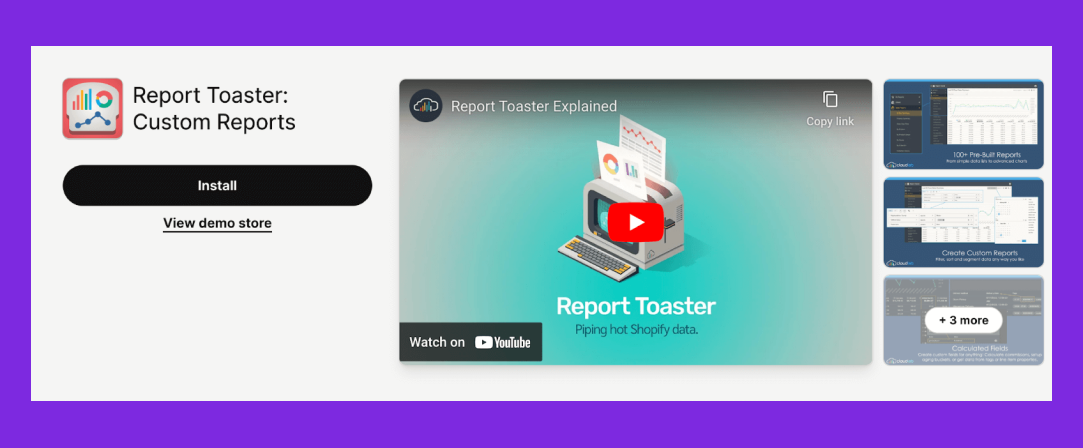
5. Report Toaster: Custom Reports
Report Toaster enables users to create custom reports and dashboards, offering flexibility in data analysis and presentation.
Main features:
- Custom report builder
- Data exports (Excel, PDF)
- Real-time data updates
Pros
- Hands-on report customization and fast support help
- Users appreciate the tool’s speed and reliability
Cons
- Some reports may require higher plans to create
- Generating complex custom reports with large datasets may be slower
Pricing: Plans start at $18 per month
Best for: Flexible report building and real-time dashboards
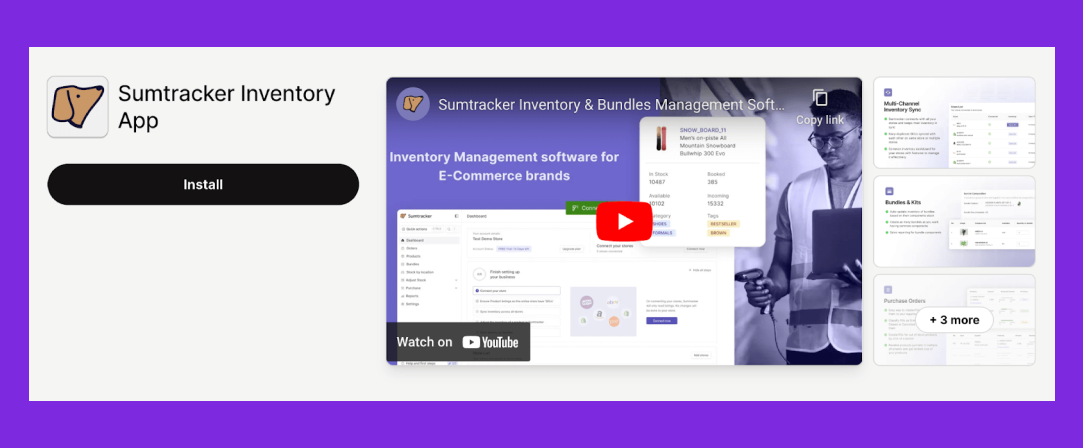
6. Sumtracker Inventory App
Sumtracker manages inventory aspects, from tracking stock to managing orders and shipments, ideal for multi-channel sales.
Main features:
- Multi-channel synchronisation
- Batch and expiry tracking
- Initial setup and learning required for custom reports
Pros
- Frequently praised for bundles/BOM and component tracking
- Supports multi-channel reporting
Cons
- Certain instances of wrong inventory adjustments
- Some reports lack sufficient detail, so multiple reports have to be stitched together
Pricing: Plans start at $49 per month
Best for: Reporting across bundles and multiple sales channels
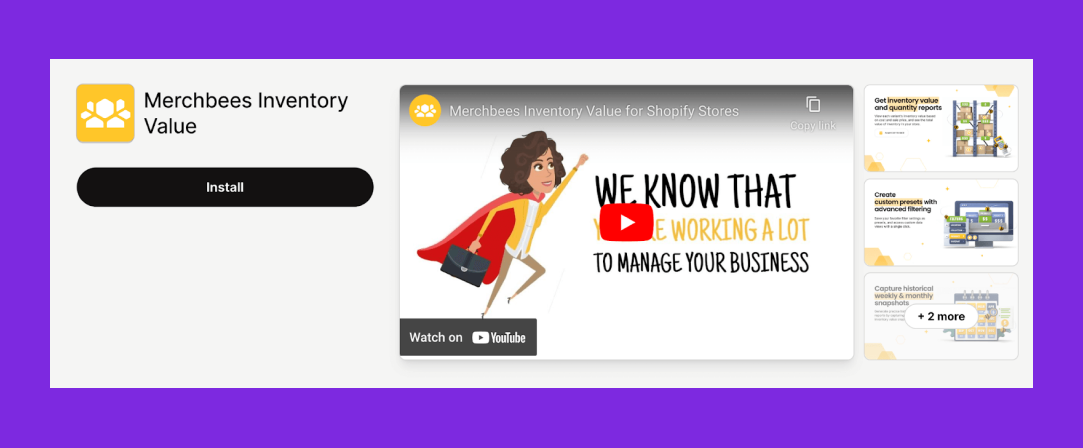
7. Merchbees Inventory Value
Merchbees provides real-time valuation of inventory, crucial for financial planning and analysis.
Main features:
- Real-time inventory valuation
- Cost tracking
- Comprehensive order management
Pros
- User appreciate real-time inventory value snapshots
- Exports described as user-friendly formats for reporting
Cons
- May lack advanced functionality found in other tools
- No way to filter inventory for a certain timeframe
Pricing: Plans start at $4.99 per month
Best for: Real-time inventory valuation and financial reporting
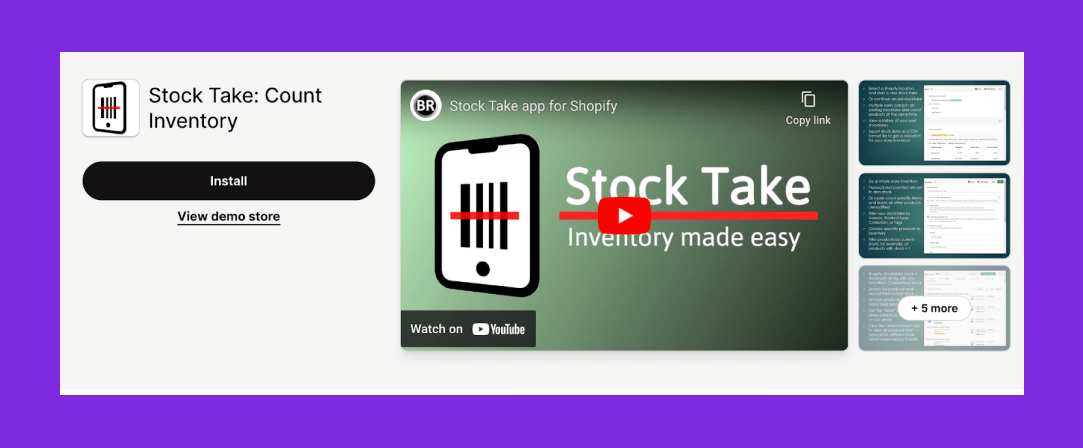
8. BR Stock Take: Count Inventory
Stock Take simplifies the physical verification of inventory, crucial for maintaining accurate stock counts.
Main features:
- Physical stock counting tools
- Data syncing
- Needs integration with accounting software
Pros
- Supports hybrid counting (scanner + manual), described as easy after setup
- Helpful, fast support responses
Cons
- On larger counts it marks items “uncounted” and forces rework
- Initial setup and understanding may be time-consuming
Pricing: Plans start at $15 per month
Best for: Retail stores doing periodic barcode stock counts/reporting
9. IA Easy Reports
This inventory reporting app helps you to customize your products and customer reports.
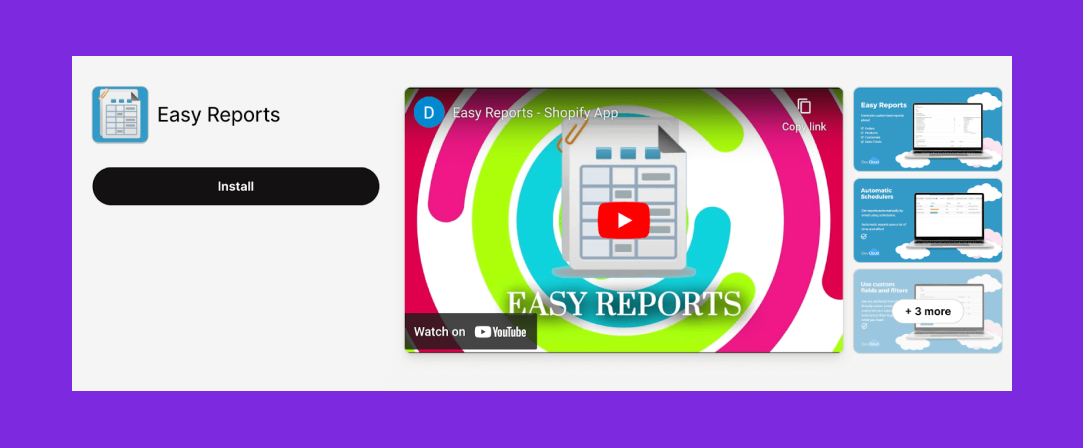
Main features of the Shopify App:
- Tailor reports to meet specific business needs, choosing from a variety of templates or create unique ones
- Allows scheduling of reports to be generated and sent automatically, ensuring data updates.
- May require additional manual input which can be time-consuming.
Pros
- You can schedule reports over long periods
- Easy to build reports with lots of filters/options
Cons
- Sometimes numbers may be slightly off
- Slow/no support response in some cases.
Pricing: Plans start at $4.99 per month
Best for: Simple, template-based custom reports
10. Coupler

Coupler.io helps you automatically sync inventory, sales, and order data into spreadsheets and BI tools to build custom inventory reports and track stock performance across channels.
Main features:
- Shopify connector enables automated data sync
- Pre-built dashboard templates
- AI-powered analytics and insights
Pros
- Supports niche data workflows
- Support team is helpful and provides workarounds
Cons
- Initial setup can still feel overwhelming and complex
- Pricing can become steep when adding multiple data connections
Pricing: Plans start at $32 per month
Best for: Businesses needing data reporting from multiple sources
We understand that selecting the right app for your inventory reports is a long task and that's why at Prediko, we offer a full featured 14-day trial and guided onboarding to create the best inventory reports.










.avif)