




Connecting Shopify to NetSuite means syncing your storefront's orders, inventory, customers, and fulfillment data with NetSuite's ERP so finance, operations, and inventory all run off one source of truth.
Done right, it removes manual data entry between systems. Done wrong, it becomes one of the most expensive and fragile parts of your tech stack.
We explain exactly what a Shopify NetSuite integration does, the three ways to build one, what it costs, and how to decide what type of integration you need.
What a Shopify NetSuite Integration Actually Syncs
NetSuite is Oracle's cloud ERP, used by more than 38,000 customers worldwide.
It handles general ledger, accounts payable/receivable, purchasing, inventory, and order management.
Shopify is the storefront and checkout. An integration moves data between them so the two stay aligned.
A standard integration syncs four data flows:
- Orders (Shopify → NetSuite): Each Shopify sale creates a sales order or invoice in NetSuite for fulfillment, revenue recognition, and accounting.
- Inventory (NetSuite → Shopify): Stock levels in NetSuite push back to Shopify so the storefront shows accurate availability across locations.
- Products / items (NetSuite ↔ Shopify): SKUs, pricing, and item details stay matched between catalogs.
- Customers and fulfillment (bi-directional): Customer records, shipments, and tracking numbers move in both directions.
The goal is a single source of truth. When inventory, orders, and financials live in one system, finance closes the books faster, and ops stops reconciling spreadsheets by hand.
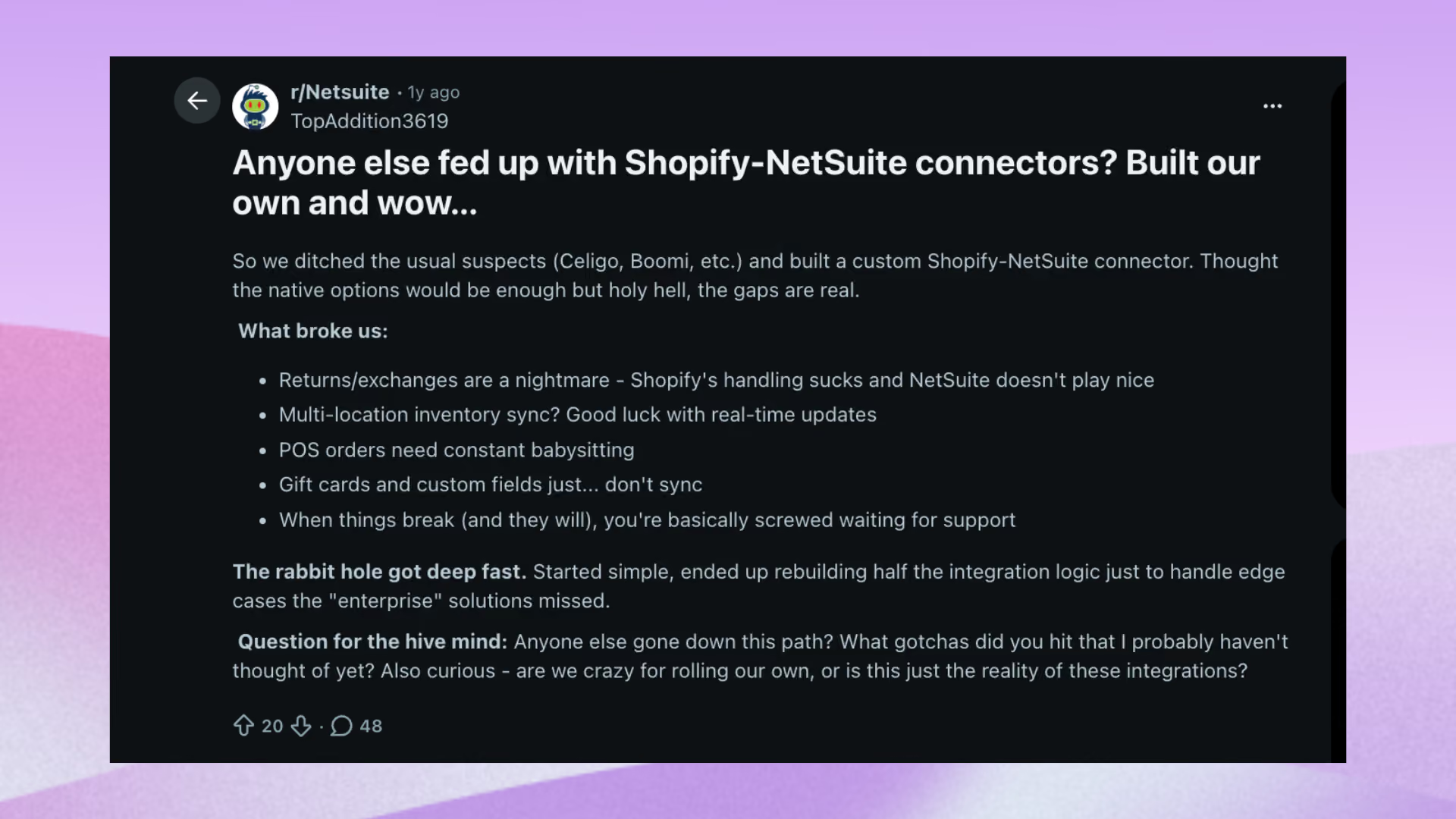
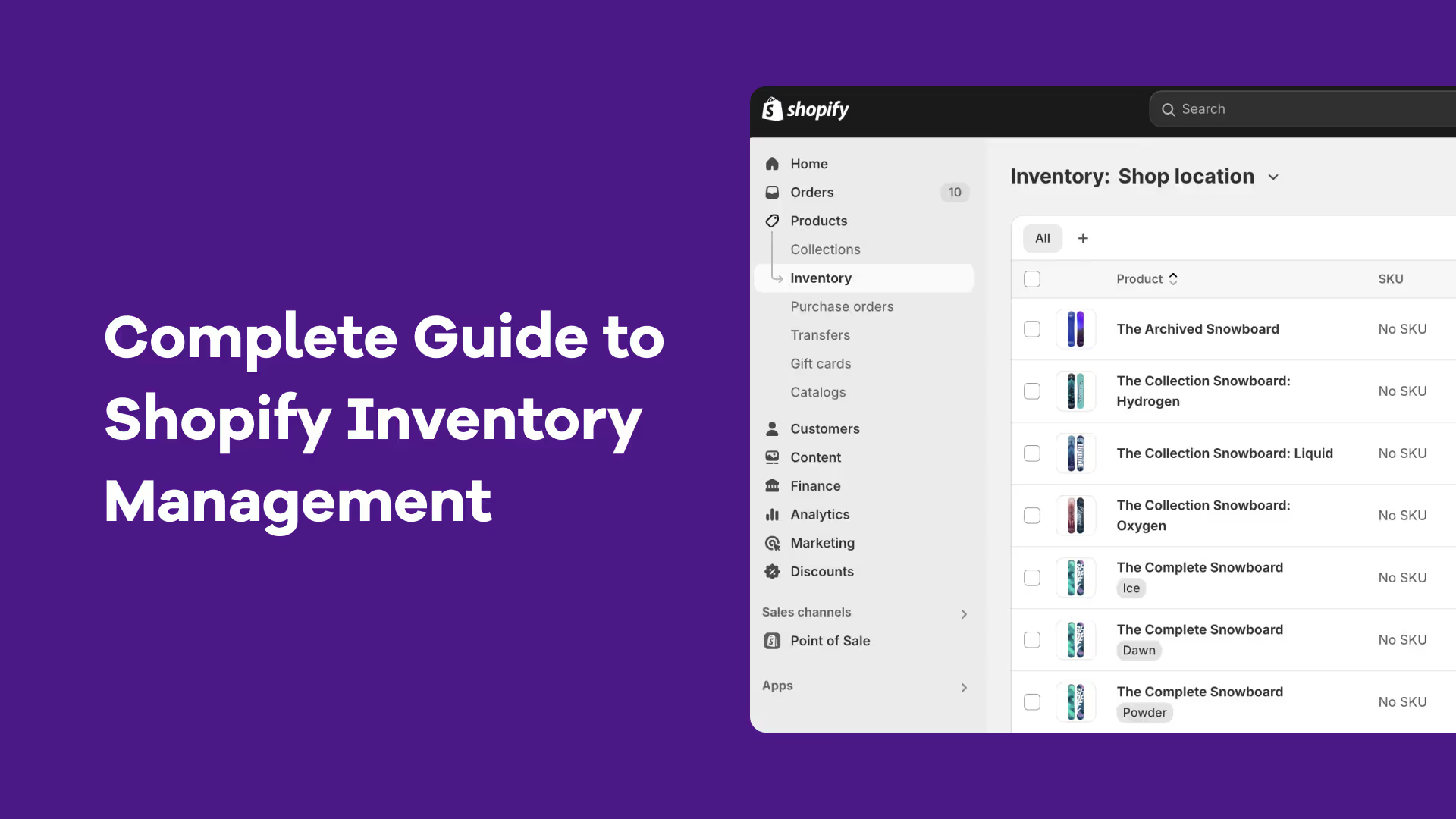
If your inventory data isn't clean before you start, read our Shopify inventory management guide first. A sync is only as accurate as the stock data feeding it.
Why Brands Connect Shopify and NetSuite
The business case for the integration is simply data accuracy at scale. Shopify processed $92.01 billion in gross merchandise volume in Q3 2025 and merchants generated a record $14.6 billion during Black Friday Cyber Monday 2025.
At that volume, manual order entry and disconnected inventory counts break down fast, something we saw firsthand in our BFCM 2025 recap.
The cost of getting inventory wrong is well documented.
IHL Group estimates that global inventory distortion (stockouts + overstocks) costs retailers $1.77 trillion in 2025. An accurate, real-time link between your storefront and your system of record is the foundation for fixing both.
Specific triggers that push brands toward a Shopify NetSuite integration:
- Selling across multiple channels or storefronts and needing one inventory view
- Manufacturing or assembling products that require bill-of-materials (BOM) tracking
- Multi-entity or multi-currency accounting that Shopify can't handle natively
- Audit, compliance, or revenue-recognition requirements that demand ERP-grade financials
- Order volume is high enough that manual entry introduces errors and delays
Three Ways of Shopify NetSuite Integration (and When to Use Each)
Before choosing an approach, decide which system is your source of truth for inventory. That single decision determines how a Shopify NetSuite integration should be wired and which of these three patterns fits.
1. Shopify-first (recommended for Shopify-native merchants)
If Shopify holds your sales and inventory data, the most common approach is to use a prebuilt connector like NetSuite Connector.
These tools sync orders, inventory, customers, fulfillments, and refunds between Shopify and NetSuite with minimal setup.
The alternative is to use a platform that sits between the two systems and adds operational value. Instead of just moving data, tools like Prediko help with forecasting, replenishment, PO management, and inventory planning while keeping Shopify and NetSuite in sync.
Prebuilt connectors are best when you simply need data to flow. A middle-layer platform makes more sense when you want to improve the decisions being made with that data.
- Use when: Shopify already holds accurate, timely sales and inventory for the channels you forecast.
- Advantage: Fastest time-to-value as forecasting and replenishment run immediately, without waiting on an ERP rollout.
- Example: Prediko reads all sales and product data from Shopify, generates demand forecasts and PO recommendations, then pushes POs and receipts to the ERP/WMS for finance and reconciliation.
2. WMS-first (recommended when a WMS is already the operational master)
Choose this if your warehouse management system (e.g., ShipHero, Mintsoft, Picker) is the inventory source.
The planning layer pulls inventory from the WMS and sales from Shopify (or other channels synced into the WMS), generates POs, and the WMS confirms receipts back.
- Use when: Warehouses or 3PLs already publish reliable in-transit and bin-level data that Shopify doesn't hold.
- Advantage: Forecasting runs on warehouse-grade stock accuracy instead of storefront estimates.
- Watch for: Channel sales must be reliably consolidated into the WMS, or the forecast loses the demand signal.
- Example: If a separate WMS runs your warehouse, Prediko integrates natively with systems like Jazz Central so POs and receipts sync there too, while NetSuite stays the financial record. It only pushes new POs out and pulls back item-receipt data (not product or vendor fields) so there's no risk of overwriting dats in NetSuite.
3. ERP-first with middleware (required when the ERP is the single finance/master system)
The ERP, NetSuite, is the source of truth for BOMs, vendor contracts, and financials. Middleware (Zinc or a custom API) routes sales and PO data bidirectionally between the ERP and Shopify.
In short, building the connection directly against Shopify's and NetSuite's APIs. This gives complete control over what data is synced and how, but demands skilled developers and ongoing maintenance.
- Use when: You need ERP-controlled BOMs, cost accounting, and PO-level finance workflows.
- Advantage: Finance keeps full control; every PO and receipt is governed by the ERP's accounting rules.
- Trade-off: Most flexible, highest complexity and the longest setup. This is where the failure-rate bites hardest, as you’re the one fully responsible for maintaining.
What a Shopify NetSuite Integration Costs
Total cost has three parts: the NetSuite license, the integration build, and ongoing maintenance.
- NetSuite licensing is subscription-based and quoted per company. It scales with modules, user count, and transaction volume.
- Integration build ranges from low-cost prebuilt connectors to substantial custom-development budgets, depending on the approach above.
- Maintenance is the line item most teams underestimate: API updates, mapping fixes, and error monitoring are permanent, not one-time.
Budget realistically, because integration projects have a poor track record. Enterprise software research finds 55–75% of ERP implementations fail to meet their objectives
And the average ERP project runs well over 180% above budget and one widely cited analysis found 84% of system-integration projects fail or partially fail.
The failure reasons are consistent: underestimated legacy complexity, weak data quality, inadequate testing, and poor change management and not the software itself.
A De-Risked Implementation Checklist
The data above points to a clear conclusion: most integration failures are structural and preventable. Before you start
- Define success in numbers. Faster fulfilment, fewer stockouts, hours of manual entry eliminated. Pick measurable targets.
- Audit and clean your data first. Mismatched SKUs and dirty records are the most common cause of sync failures. Calculating ending inventory with FIFO is a useful starting point for getting your counts right.
- Map every field and edge case. Bundles, pre-orders, returns, partial fulfillments, and multi-location stock all need explicit rules.
- Test in a sandbox with real order scenarios before touching production.
- Assign an owner for ongoing maintenance. APIs on both sides change; someone must own monitoring and fixes.
- Plan change management. Inadequate training and adoption sink more projects than technical bugs.
Do You Need Full NetSuite or a Lighter Inventory Layer?
NetSuite is the right tool when you genuinely need ERP-grade financials: multi-entity consolidation, complex revenue recognition, audit and compliance requirements, or formal procurement workflows. For those, the integration cost is justified.
But many Shopify brands reach for NetSuite when the real pain is demand forecasting and purchasing, not accounting.
They're trying to stop stockouts, cut dead inventory, and know what to reorder: problems a heavyweight ERP integration addresses slowly and expensively.
If that's the core need, a Shopify-native inventory and demand-planning layer can deliver faster value with far less implementation risk.
Prediko connects directly to Shopify and forecasts demand and supply at the SKU level, factoring in seasonality, sales velocity, and growth, then turns those forecasts into purchase-order recommendations based on lead times and safety stock.
Its replenish tab moves you from forecast to PO in one workflow, with support for multiple warehouses, bundles, and raw-material/BOM planning.
Two patterns are common
- Run both. Keep NetSuite as your financial system of record and add a demand-planning layer on top, so forecasting and purchasing aren't bottlenecked by the ERP.
- Start lighter. If you don't yet need multi-entity accounting, a Shopify-native planning tool may cover the inventory problem you actually have, without a multi-month ERP integration.
Match the approach to your problem. If the bottleneck is financial consolidation and compliance, invest in the NetSuite integration and de-risk it with the checklist above.
If the bottleneck is knowing what to buy and when, solve that first; it's faster, cheaper, and where most of the lost revenue actually hides.
Want to see if Prediko is the right fit? Start a free 14-day trial.










.avif)