




QuickBooks is excellent at doing exactly what it was built to do: keep your books in order. But it wasn't built to run your inventory.
It does some basic level of inventory management but once you’re dealing with multiple locations, BOMs, or planning demand, it falls short quickly.
The fix is a dedicated inventory software compatible with QuickBooks. We reviewed nine of them, covering pricing, how deeply each one actually syncs with QB, which QuickBooks version they support, and which business type each one fits.
*All the information is as of May 2026. Verify on vendor pages before finalizing.*
What QuickBooks Inventory Tracking Actually Does and Does Not Do
QuickBooks Online tracks quantities on hand and calculates the cost of goods sold (COGS). For simple businesses with one location and a tidy catalog, that's genuinely enough.
What it doesn't do is just as important to understand. There's no multi-location inventory tracking, no bin or barcode management, and no BOM for manufactured or assembled products. Reorder alerts are manual, and there's no forecasting or purchase automation built in.
Setting it up is straightforward: enable inventory tracking in settings, create items, assign a starting quantity and unit cost. That works fine at small scale.
The moment you add a second warehouse, a manufacturing step, or more than a few hundred SKUs, the manual reconciliation work compounds fast.
QuickBooks Desktop Enterprise does offer "Advanced Inventory" with bin tracking and multi-location support, but it's expensive, complex to maintain, and increasingly hard to justify as Intuit continues sunsetting Desktop versions.
Best Inventory Software Compatible with QuickBooks: Top Picks Compared
These eight tools cover the full range of QuickBooks-compatible inventory software: from free SMB tools to mid-market platforms with native QB Desktop support. Each is reviewed on integration depth, pricing, and business type fit.
1. Prediko
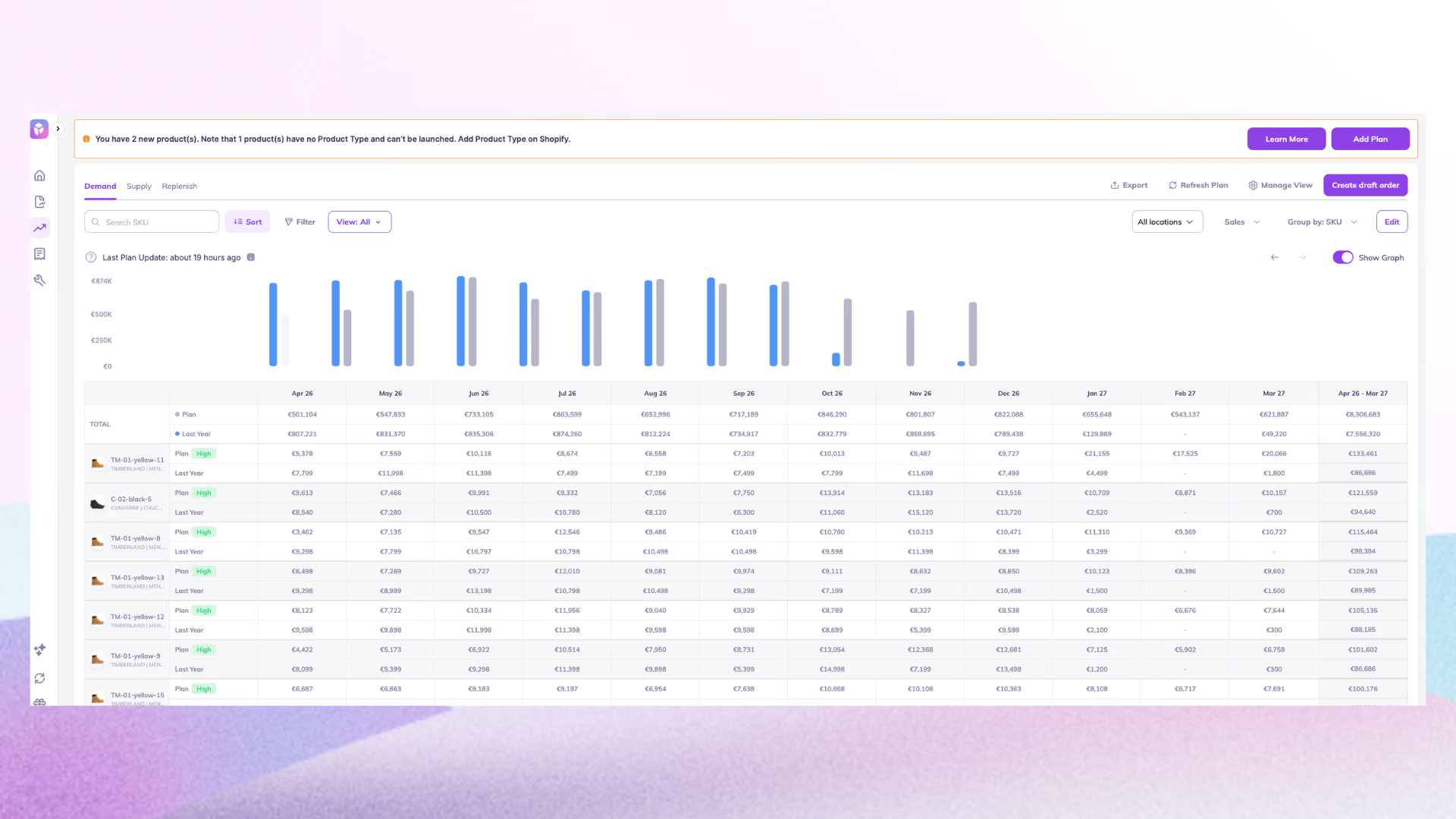
Prediko is the strongest option if you run a Shopify store and use QuickBooks for accounting. It handles the inventory layer that QuickBooks can't manage for ecommerce, then syncs directly back to your books.
It's consistently ranked among the best Shopify inventory management apps, built specifically for D2C brands selling on Shopify.
AI demand forecasting automatically recommends purchase orders, which sync into QuickBooks as bills, cutting out the manual entry between your Shopify operations and your accounting platform.
Key Features
- AI demand forecasting that predicts what to order and when based on sales trends and seasonality
- AI supply planning to look at your annual PO calendar based on your set budget and target
- Automated POs that sync directly into QuickBooks as bills (zero manual entry)
- Pia, an AI inventory agent that flags late POs, stockout risk, and forecast gaps across your catalog
- Inter-location transfer recommendations and multi-store/multi-warehouse tracking
- BOM management via the Raw Materials add-on (+$20/month)
- 100+ integrations with WMS, 3PL, and ecommerce platforms
Pricing: From $49/month (GMV-based: unlimited users, SKUs, and POs on every plan). 14-day free trial. Trusted by 2500+ Shopify merchants. Start a free 14-day trial to see how Prediko handles that stack.
Best for: Shopify D2C brands that want AI-powered inventory management with direct QuickBooks sync.
2. Zoho Inventory
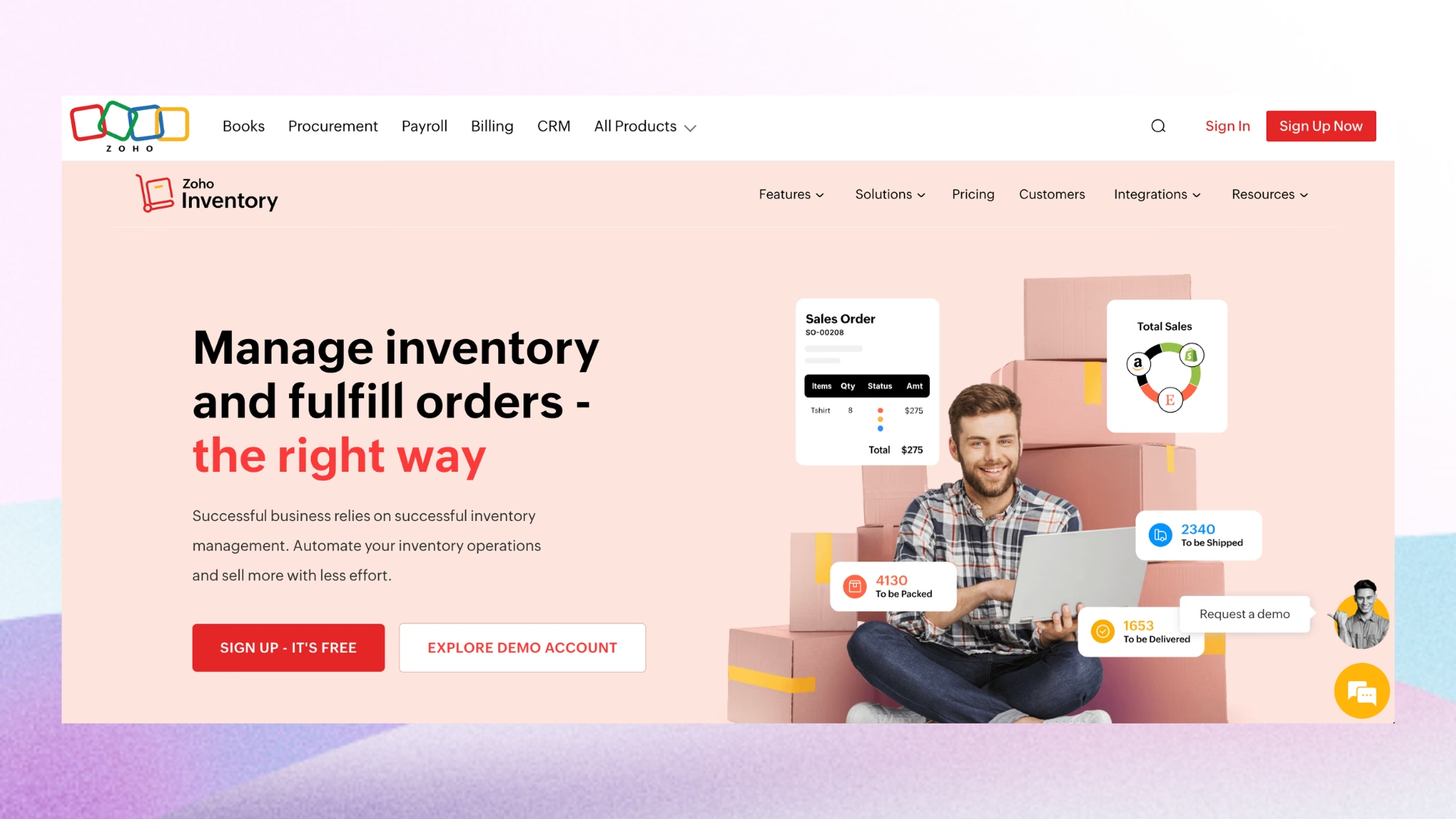
Zoho Inventory is the best value pick for small businesses already using QuickBooks Online.
Its free tier covers 50 orders per month and includes the QuickBooks integration, which makes it a real option for early-stage businesses not ready to pay for inventory software.
It's less suited to manufacturers who need BOM-level COGS tracking.
Key Features
- Multichannel selling across Amazon, Etsy, and Shopify
- Multi-currency support and automated workflows
- Batch and serial number tracking
- Native QuickBooks connector (open API, straightforward setup)
Pricing: Free plan available; paid plans from ~$29/month.
Best for: Budget-conscious SMBs, especially those already using other Zoho products.
3. Cin7 Core
Cin7 Core is built for mid-size brands selling across multiple channels. It offers 700+ integrations, including the native QuickBooks Online API sync that is well-reviewed for reliability.
It covers the full channel stack in one platform, which reduces the number of integration points you need to manage.
Key Features
- Native QuickBooks Online API sync
- Omnichannel selling across retail, wholesale, and ecommerce
- POS, EDI, and 3PL connectivity
- B2B portal for wholesale buyers
- Warehouse management built in
- ForesightAI add-on for demand forecasting
Pricing: From $349/month.
Best for: High-volume multichannel retailers managing retail, wholesale, and ecommerce simultaneously.
Still comparing options? Read our Cin7 alternative guide to see how other platforms compare for Shopify inventory planning, forecasting, PO management, and multi-channel operations.
4. Acctivate
Acctivate is the go-to choice for businesses still running QuickBooks Desktop. It extends QB's functionality without requiring a full platform migration.
Where most modern tools require QuickBooks Online, Acctivate is built specifically to deepen both QB Desktop and QB Online integrations, keeping your QuickBooks company file in sync with the accounting hub throughout.
Key Features:
- Deep native integration with QuickBooks Desktop and QuickBooks Online
- Lot and serial number tracking
- Multi-warehouse management
- Purchasing workflows tied directly to QB
- Designed to extend QB rather than replace it
Pricing: Custom pricing
Best for: Mid-size businesses on QuickBooks Desktop that need advanced inventory without switching accounting platforms.
5. Katana
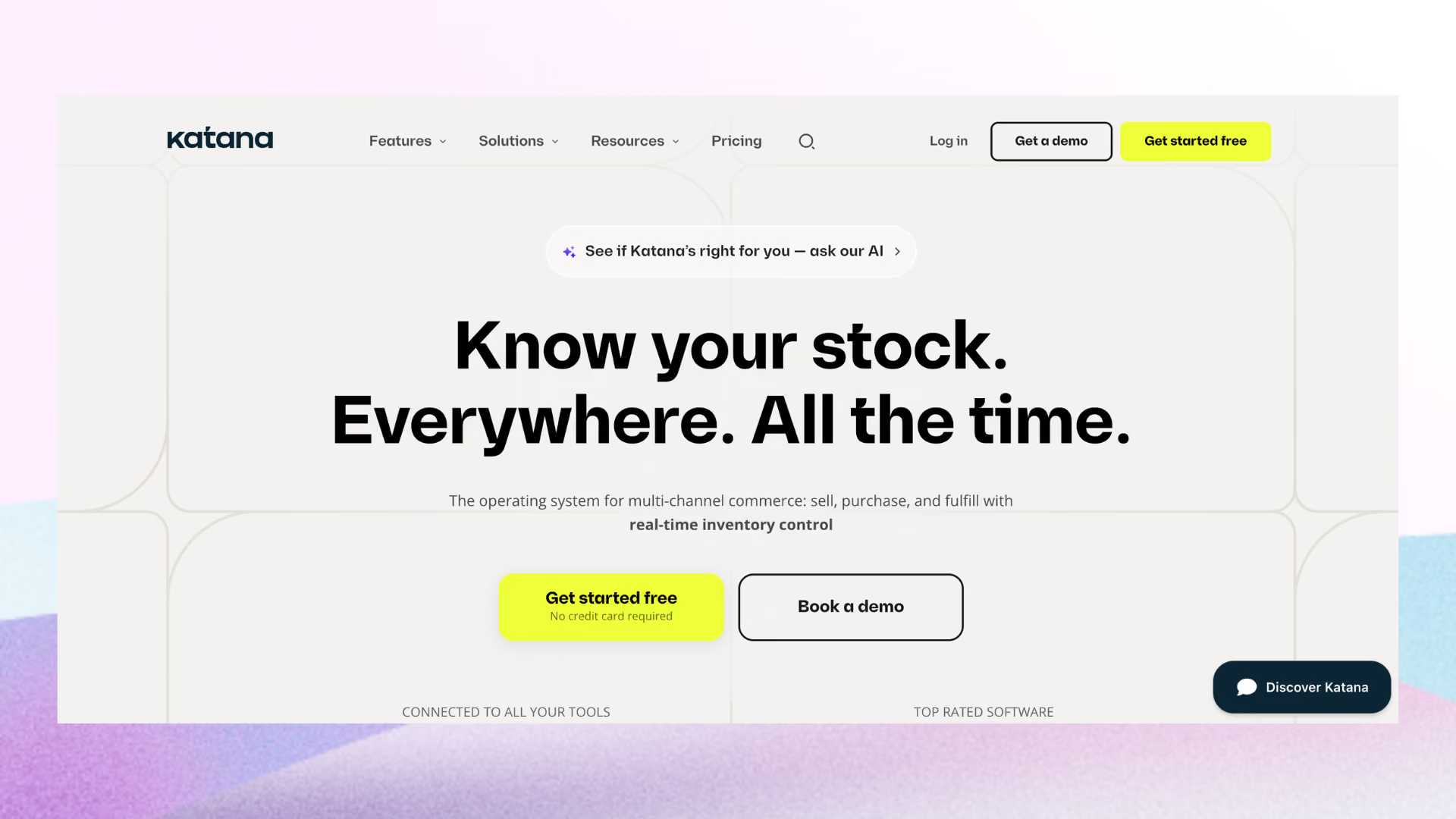
Katana is built for small manufacturers. Its visual production scheduler and multi-level BOM tracking connect manufacturing operations directly to QuickBooks Online.
If you make the products you sell, Katana's UI is cleaner and more approachable. It also syncs with Shopify, making it a practical choice for D2C manufacturers who sell direct.
Key Features
- Visual production scheduling and manufacturing order management
- Multi-level BOM with real-time materials tracking
- Shop floor control and work order management
- Shopify sync for D2C manufacturers
- Native QuickBooks Online integration
Pricing: From $299/month
Best for: D2C manufacturers who need production planning plus QuickBooks Online accounting integration.
6. Fishbowl
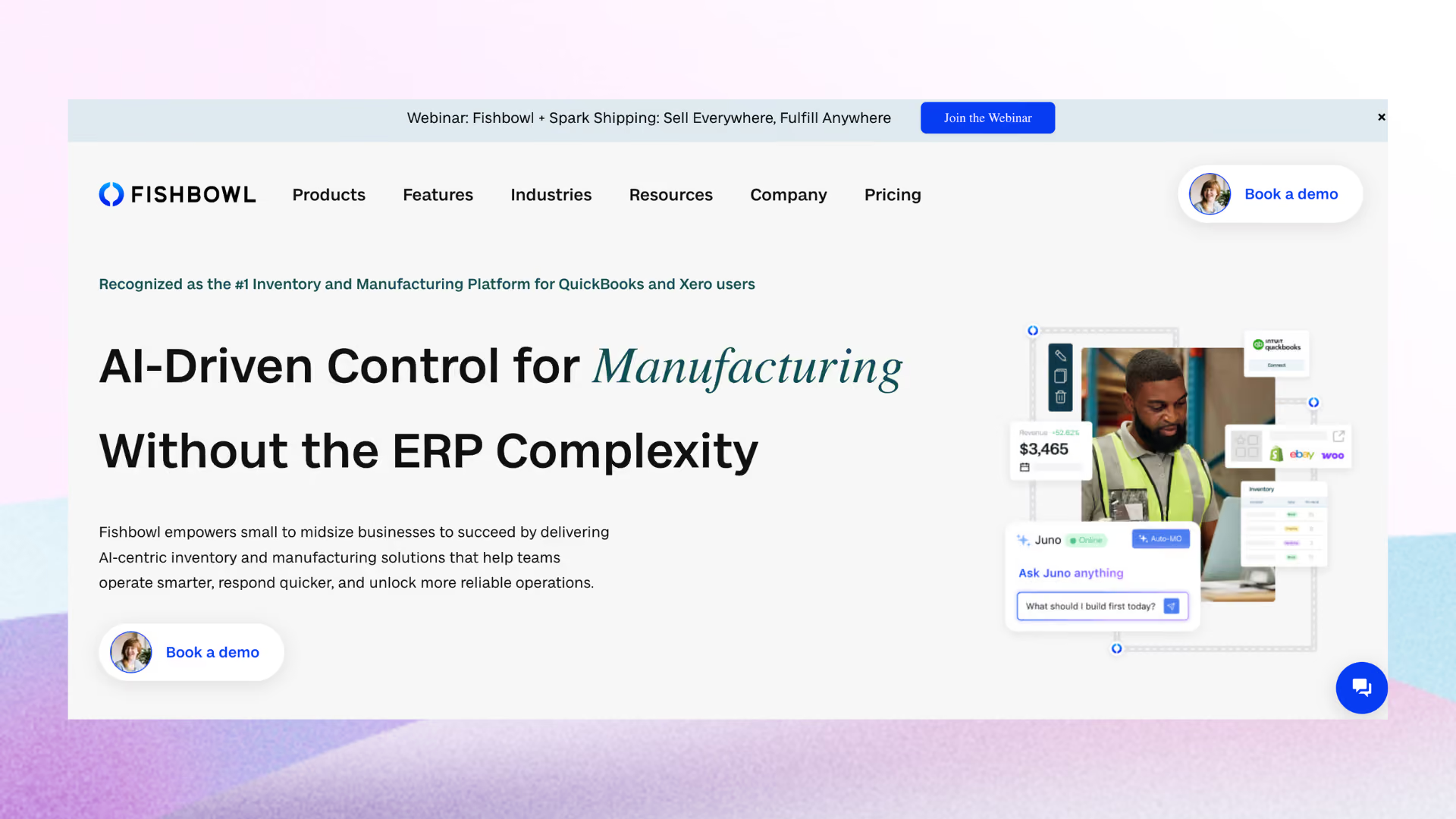
Fishbowl is one of the inventory apps for QuickBooks Online and QuickBooks Desktop both, making it a strong choice for mid-market manufacturers not yet ready to leave Desktop behind.
The QuickBooks Desktop integration is native, not a sync workaround, which is rare among modern inventory tools. The setup investment is higher than most SaaS tools here, so it suits businesses with dedicated IT or ops staff who can own the configuration.
Key Features
- Native integration with QuickBooks Online and QuickBooks Desktop
- MRP and work order management
- Multi-location inventory with barcode scanning
- Landed cost tracking and auto purchasing
- 3PL support and warehouse management
Pricing: From $229/month
Best for: Mid-market manufacturers and distributors on QuickBooks Desktop or Online
7. inFlow Inventory
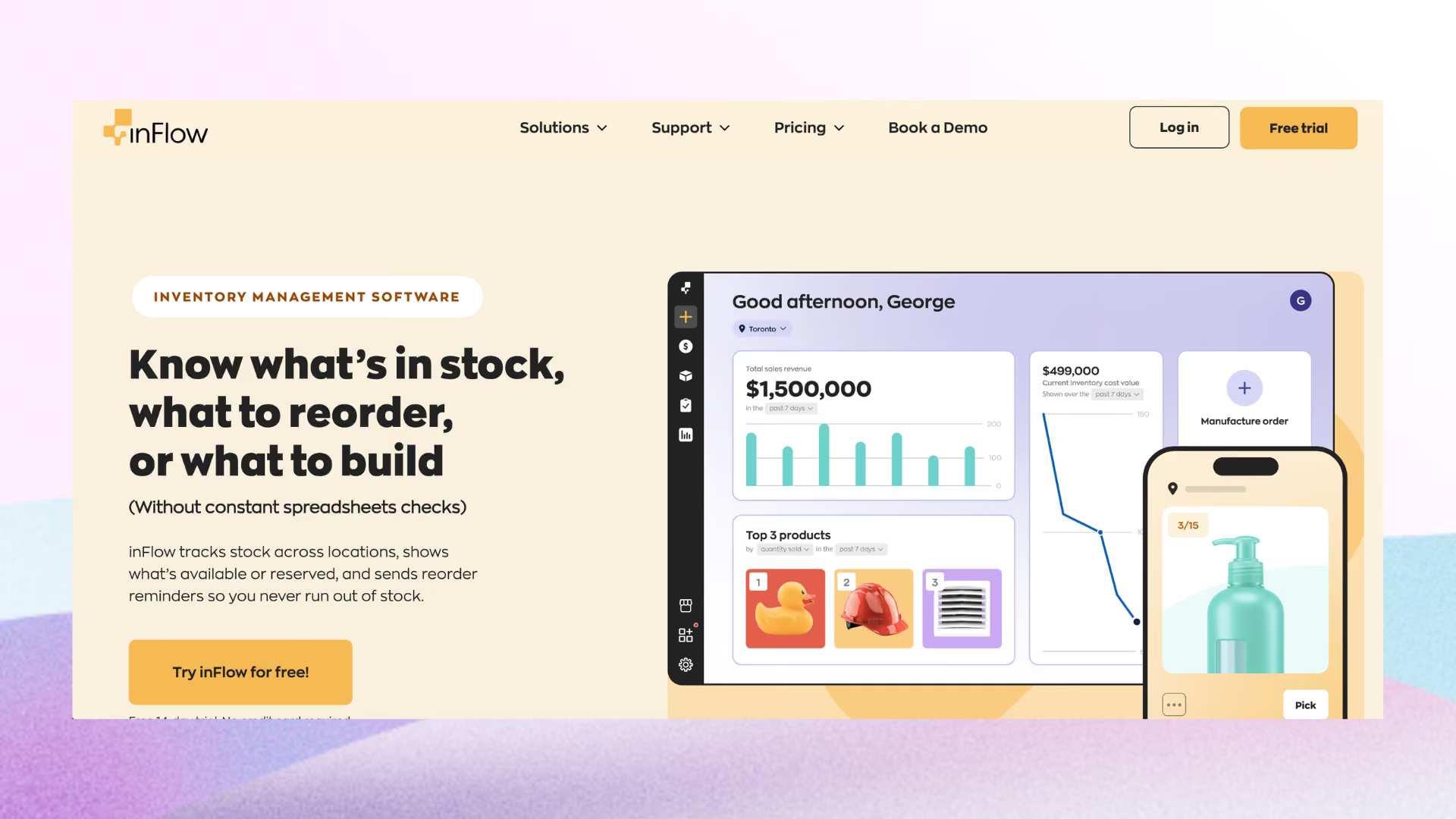
inFlow is designed for small businesses that want a clean, easy-to-use system. It handles inventory, purchase orders, and QuickBooks sync without the complexity of enterprise platforms.
It's a practical choice for wholesalers and businesses with straightforward inventory needs. If you don't need AI forecasting, BOM management, or advanced manufacturing, inFlow gets the job done without the overhead.
Key Features
- Barcode scanning and label printing
- PO management with QuickBooks sync
- B2B showroom portal for wholesale buyers
- Order management and fulfillment tracking
- Simple setup with minimal onboarding friction
Pricing: From $129/month
Best for: Small businesses and wholesalers that want reliable inventory tracking with QuickBooks sync and minimal setup friction.
8. Unleashed Inventory
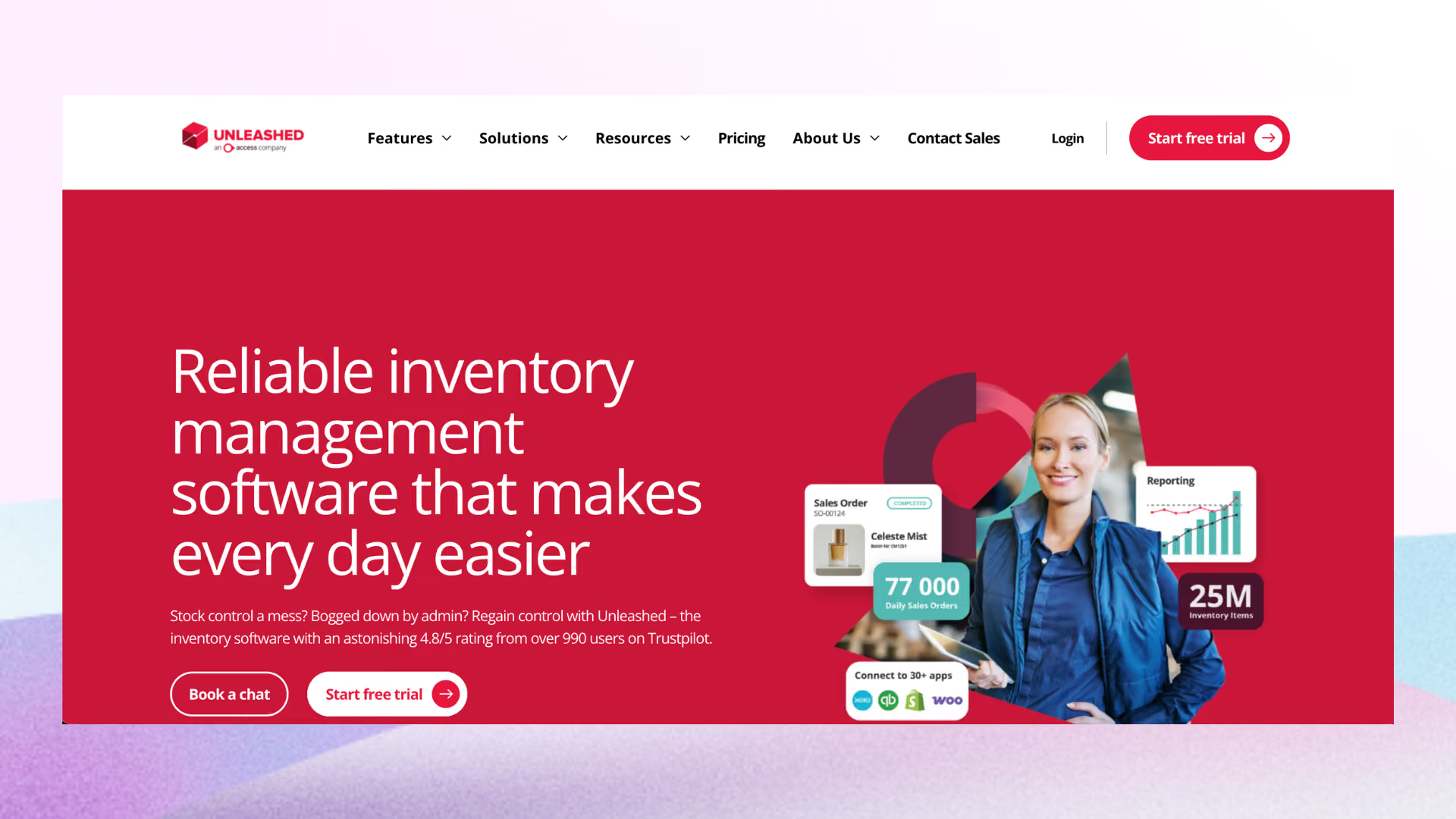
Unleashed is a strong fit for wholesalers and manufacturers that need advanced inventory management and prefer a cloud-native alternative to legacy ERP systems. The QuickBooks Online API integration is native and well-documented.
Key Features
- Real-time inventory tracking with MRP
- Batch and serial number tracking
- Barcode scanning and multi-location management
- BOM and assembly management
- B2B ecommerce portal for wholesale buyers
- Native QuickBooks Online API integration
Pricing: From $399/month
Best for: Manufacturers and wholesalers needing advanced inventory depth without full ERP complexity.
Read More: Unleashed Vs Cin7
9. SOS Inventory
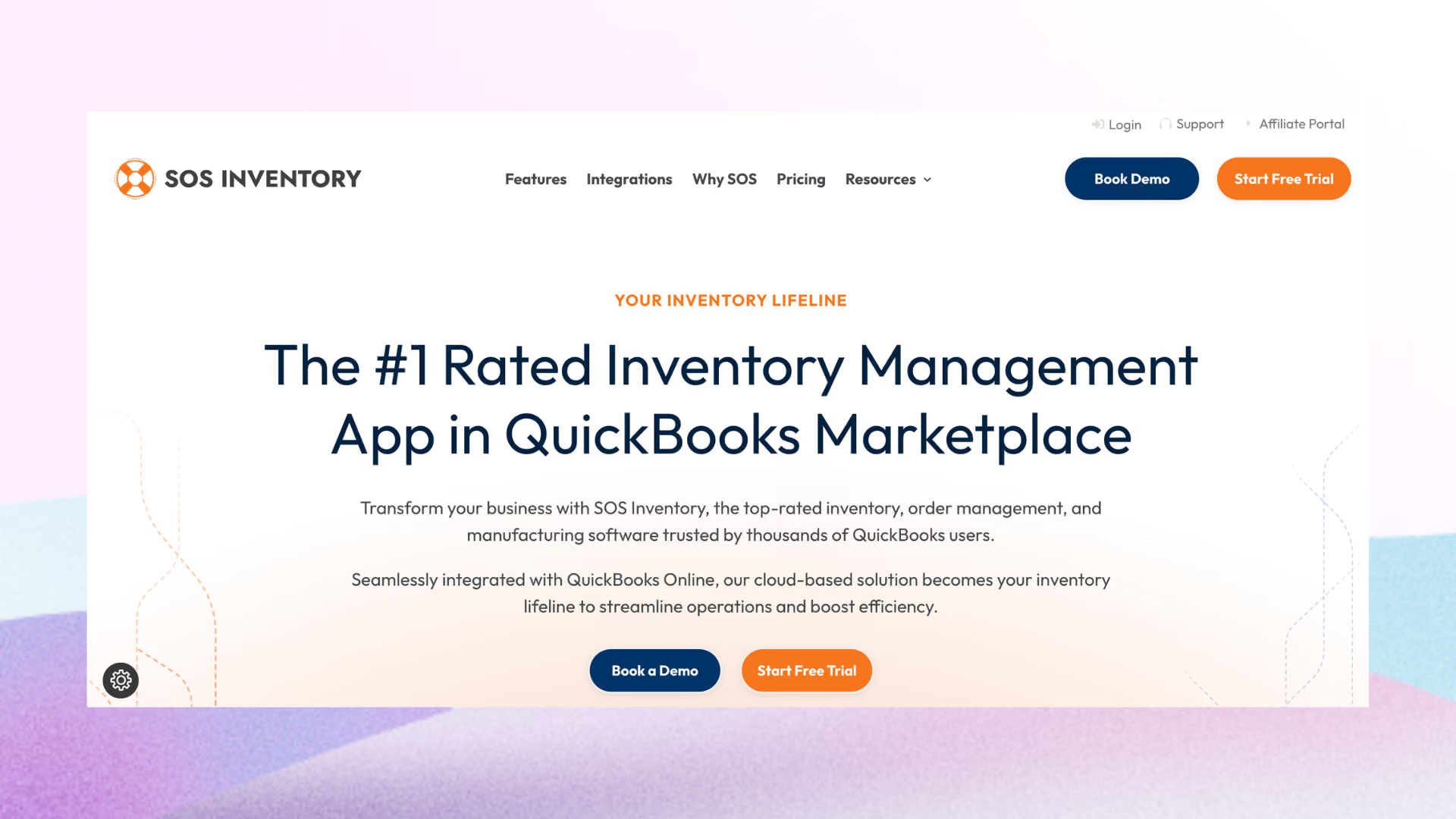
SOS Inventory is one of the inventory management systems that works with QuickBooks Online. It's not just compatible with QB, it's designed around it from the ground up.
Every transaction in SOS syncs automatically with QuickBooks Online, which means your inventory and your books stay aligned without any manual pushing.
Key Features
- Transaction-level QuickBooks Online integration with automatic sync
- Multi-location inventory tracking on specific plans
- Serial and lot number tracking
- Barcode scanning
- Assemblies and manufacturing order management
Pricing: From $69.95/month
Best for: QuickBooks Online users who want deep, native QB integration without adding complexity.
How to Choose Inventory Management Software That Integrates with QuickBooks
Choosing the right inventory software integrated with QuickBooks comes down to five practical factors: QB version, sync depth, use case, onboarding timeline, and integration reliability. Get these right before comparing feature lists.
1. QB version compatibility
Most modern SaaS tools only support QuickBooks Online via API. If you're on QuickBooks Desktop, your options in this list would narrow down.
2. Sync depth
Does the integration push invoices, purchase orders, COGS entries, and adjustments bidirectionally? One-way exports to QB are less useful than you'd think. You still end up doing manual reconciliation.
3. Use case fit
Retail, ecommerce, manufacturing, and wholesale have different inventory requirements. A tool built for manufacturers will be overkill for a Shopify store, and vice versa. So, choose your tool wisely after thorough research into your use case.
4. Onboarding timeline
Some tools go live in days or even hours; others require weeks of implementation. If you're heading into a peak season or you can’t afford downtime, then that difference matters.
5. Sync reliability reviews
Check G2, Capterra, or the Shopify app store specifically for sync bug reports, not just star ratings. A 4.5-star tool with three reviews about duplicate transactions in QuickBooks is a warning sign.
If you're thinking what inventory system works with QuickBooks Online: all nine tools in this article work with QB Online. For QuickBooks Desktop, only Fishbowl and Acctivate offer full native support.
QuickBooks Online vs QuickBooks Desktop Compatibility Differences
Most modern SaaS inventory tools only integrate with QuickBooks Online, not QuickBooks Desktop. The reason is technical: QB Online has a clean, open API that cloud tools connect to directly.
QuickBooks Desktop integrations typically require a local sync manager installed on a Windows machine. It's not cloud-native, harder to maintain, and dependent on someone keeping it running.
The more important point: QuickBooks Desktop is being phased out gradually. Intuit has announced the sunset of several QB Desktop versions and new subscriptions are increasingly restricted.
If you're on QuickBooks Desktop and evaluating inventory software, factor migration to QB Online into your timeline. Doing so opens up significantly more integration options.
For businesses that can't migrate yet, Fishbowl and Acctivate are the two tools in this list with full QB Desktop support. Every other tool in this comparison requires QuickBooks Online.
Inventory Integration Features That Directly Affect Your QuickBooks Data
Not all QuickBooks integrations work the same way. The sync depth is what separates tools that save you hours from ones that just move the reconciliation problem somewhere else.
- Two-way sync: Keeps inventory quantities in your inventory tool and your QB financials aligned automatically. One-way pushes from inventory to QB still require manual adjustments in the other direction.
- Automatic COGS posting: When inventory is consumed or sold, COGS entries should post in QuickBooks without a month-end journal entry. This is where most businesses save the most time.
- PO sync: When purchase orders are received in your inventory tool, they should automatically post as bills in QuickBooks. Prediko does this natively for Shopify merchants.
- Serial and lot number tracking: Most inventory tools track these natively, but the granular data rarely syncs into QuickBooks itself. QB uses the bill or invoice level, not the lot level.
- Sync frequency: Real-time API sync, nightly batch updates, and manual CSV exports are fundamentally different things. Evaluate which type of sync frequency matters to your business.
Modern integrations use QuickBooks' API to push data in real time. Older tools, and some QB Desktop integrations, still rely on a desktop sync agent or periodic CSV export.
Industry-Specific Inventory Software Recommendations for QuickBooks Users
Your industry determines which integration fits, because the inventory requirements of a manufacturer, a wholesale distributor, and a Shopify seller are genuinely different.
- Ecommerce and Shopify sellers: If your primary channel is Shopify and you use QuickBooks only for accounting, Prediko is the most purpose-built option. Zoho Inventory is a solid budget alternative, and Cin7 Core covers brands selling across retail, wholesale, and ecommerce simultaneously.
- Manufacturers: You need BOM, work orders, and production cost tracking that maps cleanly to QuickBooks COGS. Look at Katana (D2C manufacturers, visual production planning), Fishbowl (mid-market, Desktop support), and Cin7 Core (multichannel manufacturers at scale).
- Wholesale distributors: Multi-warehouse, lot tracking, and B2B order workflows are the priority. Unleashed and inFlow are both strong here, with Cin7 Core covering distributors who also sell direct.
- Handmade and small-batch makers: Material cost tracking that flows correctly into QuickBooks COGS is the main requirement. Katana and inFlow both serve this segment.
Hidden Costs of QuickBooks Inventory Integrations
The monthly subscription price is rarely the full cost. These are the line items that show up after the contract is signed.
- Per-user licensing: Cin7 Core and Unleashed charge per user, which compounds quickly as teams grow. A 10-person ops team on a $349 base plan is a different monthly number than it first appears.
- Connector and middleware fees: Some platforms charge separately for the QuickBooks connector, treating it as an add-on rather than a native integration. Confirm what's included before signing up.
- Data migration: Moving historical inventory data from your current system into a new tool sometimes requires professional services. Check with the vendor if they provide onboarding support. If not, budget for this separately from the software cost.
- Staff retraining: Not a line item on any invoice, but a real productivity cost. Most implementations take 2-4 weeks before the team is operating at full speed.
- QuickBooks Online API call limits: QB Online caps API calls per minute. During high-volume periods like BFCM, some integrations throttle or delay sync. Ask vendors how they handle this before committing.
Prediko's pricing works differently: unlimited users, SKUs, and purchase orders on every plan, with costs scaling by revenue rather than headcount. For lean teams with high SKU counts, that structure avoids the per-user compounding problem entirely.
How to Set Up and Test a QuickBooks Inventory Integration
A clean setup prevents duplicate transactions and sync errors that are frustrating to unwind later. Follow these steps in order.
- Run a sandbox connection first. Most tools offer a test environment. Connect it to a QuickBooks trial account or your accountant's sandbox, not your live company file, before authorizing production access.
- Map inventory item categories to QB accounts. Each inventory category in your new tool needs to point to the correct QuickBooks income, COGS, and asset accounts. Mismatches here cause posting errors that compound over time.
- Test a small batch of transactions in both directions. Create a few test purchase orders and sales orders, receive them, and confirm the resulting bills and invoices appear correctly in QuickBooks before enabling full sync.
- Audit opening stock values. Your new tool's opening inventory valuation needs to match the inventory asset balance on your QuickBooks balance sheet from day one. Discrepancies at launch create reconciliation problems that persist for months.
- Document your sync settings. Record which accounts are mapped, what triggers a sync, and how to identify and resolve duplicate transactions. Any team member should be able to follow that documentation if the sync breaks during a critical period.
Frequently Asked Questions
Does QuickBooks have built-in inventory management?
Yes, QuickBooks has basic built-in inventory tracking but it doesn't support multi-location tracking, BOM, barcode scanning, or demand forecasting. QuickBooks Desktop Enterprise adds "Advanced Inventory" with more capabilities but at a high cost and complexity.
What is the best inventory software for QuickBooks Online?
It depends on your business type. Prediko is the strongest choice for Shopify D2C brands that want AI-powered forecasting and automated POs synced as bills into QB.
Can inventory software work with QuickBooks Desktop?
Yes, but options are limited. Fishbowl and Acctivate both support QuickBooks Desktop natively: they're the two tools in this list with full QB Desktop compatibility. Most modern SaaS inventory platforms only integrate with QuickBooks Online via API.
How does inventory software sync with QuickBooks?
Modern integrations use QuickBooks' open API to push data in real time: purchase orders sync as bills, sales sync as invoices, and COGS posts automatically. Older tools, and most QB Desktop integrations, use a local desktop sync agent that runs on a schedule rather than in real time.
Is there free inventory software that integrates with QuickBooks?
Zoho Inventory has a permanently free plan covering 50 orders per month, including the QuickBooks integration. No other tool on this list has a free tier. Several tools offer 14-day free trials, including Prediko.










.avif)