Learn how to fix the most common Shopify inventory issues in our detailed guide.
Read Blog
Growth is every Shopify merchant’s goal, but scaling introduces unique issues that basic features of Shopify alone can’t address. For instance, jewelry brands often require specialized inventory solutions to manage their unique product variants and high-value items
Critical tasks like syncing inventory across sales channels often result in errors and stock imbalances. Tracking product variants becomes more complex as your catalog grows. For merchants juggling multiple sizes, colors, or bundle configurations, a Shopify variant inventory tracker helps simplify stock updates, avoid fulfillment errors, and keep variant-level data aligned across locations.
Add to that the complexities of managing suppliers, handling returns, and forecasting demand.
We share some common Shopify inventory issues, how inventory software can solve them, and a overall list of the top seven software you can choose from.
Common Shopify Inventory Issues
Here are 5 common Shopify inventory issues:
1. Lack of in-built demand forecasting
Shopify’s native features don’t include demand forecasting. This means merchants cannot predict future sales based on past performance, seasonality, or market trends unless they have the bandwidth to do complex calculations manually.
Without accurate forecasts, merchants risk overstocking slow-moving items or running out of popular products, both of which impact revenue and customer satisfaction.
2. No real-time stock visibility across sales channels
Shopify’s inventory dashboard doesn’t record sales done outside Shopify. Items sold through other platforms or offline channels don’t automatically update in Shopify unless manually entered or maintained on a separate spreadsheet.
This puts merchants at serious risk of overselling products they can’t fulfill and damaging customer trust and business reputation.
3. Absence of raw material management
The default Shopify features do not support raw material management for manufacturers. Businesses depend on external tools for ordering and tracking the components needed for production.
This gap disrupts manufacturing processes and causes delays in fulfilling customer orders.
4. Can’t manage purchase orders and suppliers
Shopify doesn’t let you track purchase orders (POs) or manage supplier communications. If you're currently using Shopify's native Stocky app and finding it limited, here are a few Stocky app alternatives worth considering
5. Basic reports and analytics
While Shopify offers some analytics, they are limited to high-level metrics like sales performance. The platform doesn’t provide detailed inventory reports, low-stock alerts, demand forecasting, or profitability tracking, making it harder to make accurate data-backed decisions.
Getting the right Shopify app to tackle these common issues
Various app have popped up to tackle the common inventory issues faced by many Shopify merchants. These apps bridge the gaps in Shopify's native features and add value in the following ways
1. Real-time tracking and visibility
Inventory software gives you instant visibility into stock levels across all your sales channels. When an order is placed, your inventory is automatically updated, so you always have an accurate view of what’s available.
With automated workflows, you can save a number of hours and reduce team workload and scope of error
For instance, when a product's stock drops below a predetermined level (say, 10 units), the tool can automatically generate purchase orders, notify suppliers, and even calculate optimal reorder quantities based on historical sales data.
3. Integration with Shopify and other tools
Scaling businesses often rely on multiple tools and platforms. Inventory software acts as the headquarters or a centralized dashboard, connecting seamlessly with Shopify and other tools like QuickBooks, ShipHero, and marketplaces including Amazon and Walmart.
4. Advanced reporting and granular insights
Tracking granular metrics like top-selling products, gross profit, return rate, and days of cover, help you make timely decisions on inventory levels, pricing, procurements, and promotions.
5. Prevention of stockouts and overstocking
Shopify inventory apps have evolved over time and now use predictive models and AI algorithms to anticipate future inventory based on historical data, seasonal trends, and sales patterns. These apps can predict possible stockouts weeks in advance, recommend ideal inventory levels, and even suggest markdown strategies for slow-moving products.
Such proactiveness helps prevent out-of-stock situations, adjust procurement strategies, reorder accurate inventory levels, and reduce overstocking and unnecessary storage costs.
6. Improved customer satisfaction
By making products available when customers want them, you can reduce out-of-stock instances, minimize shipping delays, and bring in repeat business through reliable service delivery.
Up-to-date stock information also allows you to fulfill orders promptly, avoid negative reviews, and create a hassle-free shopping experience.
We also talked through many of these growing pains — from supplier issues to forecasting gaps — in our episode of the Limited Supply podcast, featuring practical examples from fast-growing brands.
6 Shopify Inventory App That Can Help Solve These Common Issues
No.1 👉 Prediko's AI Inventory Management App
Here is why we are at No.1 👉
We are an inventory OS that lets omni-channel brands plan and order their stock easily. With focus on cutting down repetitive tasks and using AI for smarter decision-making, it unifies demand planning, supply planning, purchase order management, raw materials tracking, and in-depth reporting.
Assisty is an inventory planning and management platform that removes the hassles from your inventory processes. It improves visibility across locations and automates replenishment and reporting, helping Shopify merchants save time and make faster, more informed decisions.
Genie is a collaborative and easy-to-use solution with capabilities to track, plan, order, and analyze inventory. It eliminates the manual spreadsheet processes, gives access to real-time data, and allows you to set up inventory workflows within minutes.
4. Qoblex
Qoblex is an inventory management software that lets you manage multiple aspects of the supply chain including manufacturing, forecasting, inventory, and fulfillment. It also offers a B2B eCommerce platform that can be easily integrated with your existing operations.
5. Inventory Planner
Inventory Planner’s straightforward platform helps you tackle Issues like overstocks, stockouts, forecasting, and data consolidation. It has a support team of former buyers and merchandisers who understand the common merchant challenges and provide expert-led onboarding, training, and support.
6. SKULabs
Lastly, we have SKULabs that brings your retail and wholesale stores, marketplaces, and brick-and-mortar sites into one app. In addition to inventory management, it powers fulfillment workflows with features like barcode scanning, label printing, and access to discounted shipping rates.
Leave Your Inventory Issues Behind with the right Inventory Software
Wondering if it’s time for you to switch to dedicated inventory software? Look for these common issues.
Frequent stockouts or tied-up capital due to overstocking
Difficulty in tracking inventory across multiple locations
Slow or inaccurate order fulfillment processes
Errors in inventory counts or data entry due to their manual nature
Limited visibility into sales trends or stock performance
Over 3000+ Shopify brands trust Prediko to tackle these common inventory issues. Become one of them by taking a free 14-day trial.
5 min
Oct 28, 2026
How to Set Up Automated Inventory Restocking in Shopify?
Automated inventory restocking uses real‑time tracking, demand forecasting and reorder rules to trigger purchase orders, reduce stockouts and overstocks, and keep Shopify stock aligned with sales velocity, supplier lead times and channel‑wide inventory.
Read Blog
To automate inventory restocking in Shopify, start by enabling inventory tracking and connecting a restocking app.
The app uses sales velocity, supplier lead times, and safety stock to monitor inventory, recommend what to reorder, and help create purchase orders before products run out.
Because nothing frustrates a customer more than placing an order, only to find out days later that the product is out of stock. And for Shopify brands managing 100s of SKUs, manually tracking inventory and remembering when to reorder can quickly lead to these mistakes.
That's where automated inventory restocking comes in. In this guide, we'll walk through how to restock inventory in Shopify, automate the process, and choose the right tools to keep your bestsellers available without overstocking.
Why Automate Inventory Restocking?
Manual restocking works when you're small. You count stock, update a spreadsheet and email suppliers when something looks low. Then it starts to crack:
Stockouts cost sales. If a shopper can't buy it from you, they'll buy it from a competitor and may not come back.
Overstocking ties up cash. Extra units mean storage costs and money you can't use elsewhere. For seasonal or perishable products, they can end up as dead stock.
Demand is unpredictable. Trends, promotions and seasons make it hard to guess how much you'll need.
Manual processes don't scale. Spreadsheets get messy as SKUs, channels and suppliers multiply.
Automation fixes this by giving you a real-time view of stock, forecasting demand, triggering reorders on time, and removing manual entry and guesswork.
Manual restocking
Automated restocking
Stock visibility
Periodic counts and spreadsheets
Real-time, across channels and locations
When to reorder
Gut feel or a fixed schedule
Dynamic reorder points from lead time and sales velocity
How much to order
Rough estimates
Forecast-based quantities
Creating POs
Typed up and emailed by hand
Generated from the alert in one click
Scaling to more SKUs
More people, more errors
Same team, same process
Typical result
Stockouts and overstock
Fewer stockouts, less cash tied up
Restocking vs back-in-stock notifications
These get mixed up, but they solve different problems:
Restocking is your side: buying more stock from suppliers.
Back-in-stock notifications are the customer's side: emailing or texting shoppers when a sold-out product returns.
What are The Best Inventory Restocking Apps for Shopify?
1. Prediko's AI Inventory Management App
Prediko is an AI inventory management app that goes beyond restocking. It covers forecasting, purchasing and raw materials too.
Buy Tab: tells you what to buy, when and how much, with low-stock alerts when it's time to restock.
AI demand and supply planning: spreads your revenue target across the next 12 months using sales history, seasonality and growth trends. Also builds a yearly PO calendar.
Insights and analytics: reports on product performance, late or due POs and excess SKUs, plus 100% customizable analytics dashboards for relevant teams.
Purchase order management: create POs from the Buy Tab in one click, track them in real time and contact suppliers from the app or by email.
Raw materials management: manage bills of materials and made-to-order production, and forecast material demand.
Using Prediko, you restock on time, with less cash tied up in slow stock. Start 14-day free trial.
2. Sumtracker
Sumtracker is an inventory management tool ideal for both single-store and multi-store owners. It allows you to sync and restock inventory across platforms like Shopify, Amazon, Walmart, eBay, and Etsy.
The platform also makes managing product bundles easy by automatically updating inventory based on bundle components.
3. Assisty
Assisty is yet another inventory management and planning tool that allows you to keep your inventory in line with actual demand. It delivers precise reorder suggestions based on factors like sales data, vendor lead times, inventory thresholds, and seasonal trends.
The tool offers customizable settings for you to adjust inventory management workflows to your specific needs, from setting reorder points to forecasting demand.
4. BrightStock
BrightStock is a dedicated inventory restocking software that allows you to schedule automatic restocks.
You can search through your SKUs, select the products, and choose restock frequency, whether it's once, every few days, weeks, months, or even years. You can also set the restock quantity as a fixed amount or automatically adjust based on existing stock.
5. Qoblex
Lastly, we have Qoblex, an inventory management software that allows you to connect multiple sales channels to one master inventory, which automatically adjusts according to sales.
The platform alerts you when products fall below reorder points, helping prevent stockouts. With reorder and stock-on-hand reports, you can better plan future purchases and backorders. Qoblex also makes it easy to track and manage bundles and their components.
How Do You Restock Inventory on Shopify (and Automate it)?
Step 1: Turn on inventory tracking in Shopify
Automation starts with accurate counts.
In your Shopify admin, open each product and turn on inventory tracking in its Inventory section.
Enter the quantity you currently have for each variant and location.
If you have several warehouses or stores, set them up as locations first.
Pick an app that integrates with Shopify and fits your complexity (multiple channels, bundles, raw materials). Write a checklist of the features you need now and in a year, then use free trials to test before committing.
If you sell on more than one channel, make sure the app syncs stock across every one of them, so you don't oversell on one and undersell on another.
Step 3: Install the app and set your automation rules
Install from the Shopify App Store, then follow the setup:
Connect your sales channels and import existing inventory
Add suppliers, including lead times and minimum order quantities (MOQs)
Set up warehouse locations
Define reorder points by product type and sales velocity or keep it dynamic if the apps allows
Choose how and where you want to be notified
How to set a reorder point: if you sell 10 units a week and your supplier takes two weeks, you'll sell 20 units before a new order arrives. Set your low-stock alert at 25-30 units to keep a buffer. Fast movers might trigger a restock at 30% of stock remaining; slow movers can wait until 15%.
For seasonal items, build rules from both last season's sales and your forecast for this one. Document every rule so the team knows why it's set that way.
You can use Shopify Flow to set up basic low-stock alerts and notify your team when inventory falls below a certain threshold. However, you'll still need to decide the right reorder point for each SKU, review it regularly, and manage replenishment.
Want to skip building and maintaining these workflows? Prediko does the heavy lifting. Its AI agent Pia monitors stock, sends low-stock alerts and scheduled reports via Slack, WhatsApp, or email, and helps you create POs before you run out.
Step 4: Test and monitor
Run a pilot on 5-10 products for a few weeks. Watch for missed alerts or wrong counts, then expand gradually. Keep auditing as you scale as automation still needs a human checking it, so agree in advance what triggers a manual review.
How do You Optimize Inventory Restocking Over Time?
1. Move from fixed reorder points to demand-based replenishment
A fixed reorder point might work today, but what happens when sales suddenly double or a promotion is coming up?
Instead of relying only on static stock thresholds, use AI demand forecasting to account for sales trends, seasonality, upcoming promotions, and expected demand.
Tools like Prediko use these signals to recommend what to reorder, when, and how much, so you're not constantly adjusting rules by hand.
2. Account for supplier delays and incoming inventory
A low-stock alert doesn't always mean you need to place another order. You might already have enough stock arriving next week.
Your restocking system should consider incoming POs, supplier lead times, and stock already available across locations before recommending another purchase.
Keep supplier lead times and expected delivery dates accurate so your recommendations reflect what's actually coming.
3. Let AI monitor inventory and flag exceptions
Instead of checking dashboards every day, set up automated checks for stockout risks, excess inventory, delayed POs, and products running low on days of cover.
With Prediko's AI agent Pia, you can schedule these checks and get updates directly on Slack, WhatsApp, or email. You can also ask Pia to create purchase orders or generate inventory reports without digging through multiple screens.
The goal isn't to automate every purchase blindly. It's to let AI handle the monitoring and repetitive work while your team focuses on decisions that need human judgment.
Why does automation matter as you scale?
Lower operational overhead. As orders grow, so does time spent on POs, supplier emails and stock checks. Automation absorbs that work, so a team that spent 15 hours a week on inventory can put that time into customers, marketing or growth.
Happier, more loyal customers. Products are in stock when shoppers want them, so orders ship on time and repeat purchases follow.
More SKUs and channels without chaos. When you add product lines, marketplaces or retail stores, restocking stays coordinated across all of them.
How Lori Beds Eliminated Unexpected Stockouts with Prediko
Lori Beds, a Murphy bed brand, needed a more reliable way to forecast demand and plan inventory. With long replenishment cycles, getting purchase quantities or timing wrong could mean running out of stock when customers were ready to buy.
After switching from Inventory Planner to Prediko, the team gained clearer visibility into future demand, incoming inventory, and purchasing needs. AI-powered forecasts and replenishment recommendations helped them plan orders ahead of time instead of reacting when stock was already running low.
The result was zero unexpected stockouts and 90% more reliable supply planning. Read the full story here.
Automate Restocking for Your Shopify Store
Automated restocking takes repetitive work off your plate while cutting stockouts, excess inventory and fulfillment delays. Start with accurate tracking, pick an app that fits, set honest rules and keep reviewing them.
Turn on inventory tracking for each product, then update quantities when new stock arrives: manually, by CSV import, or by receiving a purchase order in an inventory app. To restock on time, set reorder points from your lead times and sales velocity.
Can Shopify restock inventory automatically?
Not on its own. Shopify tracks quantities and now has native purchase orders, and its Sidekick assistant can suggest reorders when you ask, but it doesn't run reorder rules on its own. You need a restocking app for alerts and automated workflows.
How do I get a low-stock alert in Shopify?
Use a Shopify Flow workflow that triggers when inventory drops below a set level and sends an email or logs a row to a sheet, or use an inventory app with built-in low-stock alerts and reports.
What's the difference between a restock alert and a back-in-stock notification?
A restock alert tells you it's time to reorder from your supplier. A back-in-stock notification tells customers that a sold-out product is available again.
How often should I review my reorder points?
Review reorder points whenever demand or supplier lead times change. AI tools like Prediko adjust replenishment recommendations automatically, reducing manual updates.
5 min
Oct 28, 2026
How Inventory Planning and Order-to-Cash Work Together to Strengthen Working Capital
Inventory planning and order-to-cash work together to improve working capital by reducing cash tied up in excess inventory and shortening the time between fulfilling an order and collecting payment. Aligning inventory, purchasing, billing, and receivables data gives operations and finance a clearer view of where cash is stuck.
Read Blog
Inventory planning and order-to-cash are usually managed by different teams, on different systems, with different KPIs.
Operations looks at stock levels and reorder points. Finance looks at invoicing and collections.
In practice, though, both sit on the same working capital cycle, and when they're not aligned, cash gets stuck somewhere in between.
Link Between Inventory Planning and Working Capital
Working capital is often analysed through the cash conversion cycle: how long it takes for cash spent on inventory to come back in as cash collected from customers.
According to the Hackett Group's 2025 US Working Capital Survey, the largest 1,000 US public companies collectively had $1.7 trillion trapped in excess working capital, with receivables and inventory lagging behind payables as the main drag on performance.
A significant share of that is simply unsold inventory. Research puts the figure at roughly 25 to 30 percent of a typical business's working capital tied up in inventory at any given time.
But inventory that's sold doesn't automatically become cash either. If the order-to-cash process is slow or error-prone, revenue can sit in receivables for weeks after the stock has already left the warehouse.
It rarely comes from one major failure. Instead, it builds through small, repeated mismatches: quantities that don’t match shipments, duplicate credit notes, or contract terms missing from invoices.
Four Practical Fixes That Improve Working Capital for eCommerce brands
1. Reconcile shipped-versus-billed weekly
When inventory and billing systems are disconnected, invoices get generated from outdated or incomplete order data, which leads to disputes, short payments, or delayed collections while someone corrects the error after the fact.
Instead of waiting for a customer to flag a mismatch, build a standing weekly check that compares what fulfillment recorded as shipped against what billing actually invoiced.
Catching a mismatch within a week is a five-minute fix. Catching it three months later, after a dispute, takes much longer.
2. Put inventory and receivables on the same dashboard
Tracking inventory and receivables together gives a clearer picture of where cash sits at any point in time, rather than treating stock levels and outstanding invoices as two separate reports read by two separate teams.
If operations and finance are still working from different spreadsheets, start with one shared view.
Pair that with receivables ageing, and it becomes much easier to see where working capital is tied up, whether that's in excess stock or unpaid invoices.
Even a basic combined view makes it obvious where cash is stuck.
3. Apply the same "ageing" discipline to stock and to accounts
Apply the same logic that flags slow-moving inventory to slow-paying accounts. Set a standard cadence, monthly is usually enough, to review both lists side by side.
This should cover which SKUs have been sitting too long, and which accounts have been overdue too long. Use that combined view to decide what to reorder and who to chase first.
4. Forecast demand and cash from the same data
Finance teams forecasting cash flow and operations teams forecasting demand often look at the same information - how much is being sold, what needs to be bought, and how much cash those decisions will require.
If those forecasts are built from separate extracts, taken at different times, they will drift apart.
That gives operations a clearer view of what needs to be bought while giving finance better visibility into the cash those inventory decisions will require.
The goal is simple: both teams should be planning from the same underlying data, even if they use it differently.
How AI Helps Optimise Inventory and Cash Flow
Applied to specific, well-defined tasks, AI has shown measurable results across both sides of this equation.
On the inventory side, McKinsey research on operations forecasting found that AI-driven demand forecasting can reduce errors by 20–50% and cut lost sales from stockouts by up to 65%.
On the finance side, AI can catch mismatches between orders and invoices before billing, prioritise collections by payment risk, and spot ageing receivables patterns that finance teams might otherwise miss.
Deloitte's most recent Working Capital Roundup notes that while the overall cash conversion cycle improved modestly in 2025, days sales outstanding kept rising as collections pressures persisted, which is exactly the kind of gap AI-assisted monitoring is being used to close.
The common thread is that AI works best on specific problems, such as forecasting demand for a SKU or flagging invoices that don’t match the original order. Used this way, it helps planning and finance teams make better decisions rather than replacing their judgement.
Three Habits Worth Building Into Your Purchase Order-to-Payment Journey
Keep inventory and order data in sync so what's recorded as shipped matches what's billed. This is often the single biggest fix available, and it's largely a process fix, not a technology one.
Agree on shared metrics between operations and finance, such as days inventory outstanding alongside days sales outstanding, so both teams are looking at the same cash picture instead of two separate reports that quietly disagree.
Build in regular reconciliation between fulfilment records and invoicing, rather than only catching mismatches when a customer disputes a bill.
Cash tied up in unsold stock and cash delayed in collections both come from the same root cause. A gap between what operations knows about the business and what finance is acting on.
Closing that gap, with better shared data and, where appropriate, targeted use of AI, is one of the more direct ways organisations can free up working capital without changing how much they sell.
5 min
Oct 28, 2026
How to Create Digital Purchase Orders in Shopify (+Tools You Can Use)
Do you want to replace traditional purchase orders? This post explains how to set up digital purchase orders in Shopify quickly with the right tools.
Read Blog
Creating a digital purchase order in Shopify is simple. You can use Shopify's native purchase order features or an app like Prediko to select suppliers, add products, set quantities and costs, and share POs digitally.
AI-powered tools take it further by recommending what to order, when, and how much based on demand forecasts, supplier lead times, and inventory levels.
But creating a PO is only part of the process. When orders get buried in inboxes, supplier confirmations are delayed, or teams lose track of incoming stock, even small mistakes can lead to stockouts and lost sales.
This guide covers how to create and manage digital purchase orders in Shopify, the best tools to use, and how AI can make purchasing faster and more accurate.
What is a Digital Purchase Order?
A digital purchase order (DPO) is an electronic version of a standard purchase order. It lists what you're ordering from a supplier, how much it costs and when it's due. It's created, shared and stored entirely online.
With digital POs, teams create, approve and send orders instantly. All the data sits in one place, so it's easier to track status, manage supplier communication and avoid errors or duplicates.
They're especially useful for Shopify stores managing many SKUs, frequent supplier orders or seasonal demand swings.
How do Paper, Digital and AI-Generated Purchase Orders Compare?
Paper or spreadsheet PO
Digital PO
AI-generated PO
How it's created
Typed up by hand
From a template with saved product and supplier data
Recommended automatically from sales, stock and lead times
What to order
You decide
You decide
Suggested per SKU
Error checks
Manual review
Consistent fields
Automatic checks on SKUs, prices, quantities and MOQs
Tracking
Email threads and folders
Status from draft to received
Status plus alerts on late or due POs
Time per PO
Hours
Minutes
One click to review and approve
Best for
A handful of SKUs
Growing catalogs
Brands with many SKUs and suppliers
What are the Benefits of Digital Purchase Orders for Shopify Brands?
1. Faster, more efficient ordering
Manual POs mean filling out forms, chasing approvals and tracking email threads. Digital POs use pre-set templates, route to the right approver and track in real time from one place.
Working with several vendors? Send POs in batches. Reordering often? Reuse saved drafts. Tie it to your inventory purchasing workflow so the right products are ordered at the right time.
One wrong SKU, quantity or outdated price can mean a missed delivery or overstock, especially in fashion, where POs carry many sizes and colours.
Digital POs pull product, pricing and vendor data from saved records, so there's nothing to type twice. If supplier terms change, they update everywhere.
3. Better tracking
Every digital PO has a status: drafted, submitted, approved, received or paid, and an activity log.
Anyone can check where an order stands without pinging suppliers or other teams.
4. Cost control
When POs are manual, spending often goes unseen until it reaches accounting. Digital POs tie each order to a forecast or budget, flag over-limit orders automatically and catch duplicates before they're approved.
How Do You Set Up Digital Purchase Orders in Shopify?
Shopify now has native purchase orders in the admin. Here's how to create one:
In your Shopify admin, go to Products → Purchase orders and click Create purchase order.
Choose a supplier, or create one with contact details, currency and payment terms, then pick the destination location.
Add products by search, barcode scan or CSV, and enter the quantity and cost per item.
Add payment terms, a reference number, the estimated arrival date and any supplier notes.
Click Save as draft, then Mark as ordered once the supplier confirms. Export the PO as a PDF to send to your supplier.
When the stock ships, create a transfer from the PO to track the shipment and receive inventory.
A dedicated PO app takes this a step further. Instead of manually checking what needs to be reordered, you get automatically updated buying recommendations based on demand forecasts, supplier lead times, and minimum order quantities (MOQs), even across hundreds of SKUs and multiple suppliers.
With Prediko, for example, you can create purchase orders directly from the Buying Tab or Orders page, or import existing POs to manage everything in one place.
What to look for in a digital PO system
Direct Shopify integration - product, inventory and vendor data pulled straight from Shopify, so POs match real-time stock.
Customizable PO templates - your logo, payment terms, warehouse addresses and currencies, for suppliers with strict requirements.
Automated reorder logic - POs triggered by stock thresholds or forecast demand, to avoid overordering and stockouts.
Multi-supplier support - one SKU from several vendors, each with its own lead time and cost.
Receiving and reconciliation - ordered vs received, partial deliveries and backorders, with mismatches flagged.
Clean data to start from - audit your SKU and supplier data before you automate; inconsistent SKU formats or outdated supplier details lead to wrong POs.
A pilot option - start with a few suppliers or SKUs, check the POs are right, then expand.
What are the best digital PO apps for Shopify?
1. Prediko
Prediko connects to your store and combines PO management with demand forecasting and restock alerts, so every PO is backed by data.
1-click PO creation from AI demand plans and real-time stock levels
Restock alerts based on sales trends and lead times
Edit quantities, suppliers and costs before sending
Multi-supplier SKUs and warehouse-level planning
Barcode scanning for stocktakes
Agentic workflows for PO creation and management (Pia)
2. Auto Purchase Orders
Creates and emails POs automatically when inventory hits minimum levels.
Custom reorder points per SKU
Automatic PO generation and emailing
PO status tracking: open, sent, received
CSV and PDF export
3. Ultimate Purchase Orders
For teams that prefer building POs manually, with full control over content and branding.
Manual POs with product and vendor info
Custom terms, delivery notes and due dates
Branded PDF export or email
Received quantities recorded by item
4. Mimoran Purchase Orders
For B2B or wholesale flows with several suppliers.
Auto-split orders by supplier
PO layout customized per vendor
Internal SKUs mapped to supplier codes
Audit logs for PO activity
5. Full Shelf Purchase Orders
For fast-growing stores reordering often across large catalogs.
How Do You Create a Digital Purchase Order in Prediko, Step by Step?
There are three ways: from the Buy Tab, from the Orders page, or by importing POs.
1. Open the Buy Tab dashboard. You’ll see every SKU with its stock level, days left, supplier and lead time.
2. Select the SKUs to reorder with the checkboxes, then click “Create draft order”.
3. Edit PO details. Adjust “Units to Order” or keep the recommendation. If you’ve set MOQs, Prediko flags items below the minimum and lets you scale them up.
4. Customize columns. Use “Columns” to show fields like landed cost, estimated delivery or SKU notes.
5. Add notes and warehouses. Add internal notes and tracking info, or split the order with “Distribute by Warehouse”, then click “Create Draft Order”. The draft appears under Orders, where you can edit landed costs and add shipping, tax or other costs.
6. Share the PO. Click “Share” to download it as a PDF or Excel file, or email it to your supplier.
From the Orders page
Go to Orders, click “Create Draft Order” and search for the SKUs or products you need. From there, it’s the same as steps 3–6 above.
By importing a PO
Go to Settings → Import → Purchase Orders and follow the on-screen instructions to upload your file.
How is AI Changing Digital Purchase Orders?
Digital POs speed up the paperwork. AI decides what goes on the paper.
An AI purchase order is a PO the system recommends and pre-fills for you: which SKUs, how many units and when, based on real-time stock, sales trends, supplier lead times and MOQs.
Here's what changes:
From rules to recommendations. Rule-based automation fires when stock hits a threshold you set. AI looks at sales velocity, seasonality, incoming POs and lead times to decide what to order and how much, before a shortage or overstock happens.
Built-in checks before anything is sent. SKUs, quantities, prices, MOQs and delivery timelines are validated automatically. Anything that looks off is surfaced for a quick human review instead of slipping through.
Supplier-aware orders. The system knows each supplier's MOQs, case packs and lead times, so POs match how your supply chain actually works.
You stay in control. Approve, adjust or regenerate a PO in one click. AI drafts; you decide.
In Prediko, AI-generated purchase orders come from live sales, stock levels, lead times and safety stock rules. You can create one in a click from the Buying Table, or ask Pia, Prediko's AI inventory agent, to draft it. The result is POs in seconds instead of hours, and fewer wrong orders reaching suppliers.
Hours saved: minutes per PO today × POs per month × the share of that time automation removes.
Error costs avoided: the average cost of a PO error (wrong SKUs, price mismatches, receiving delays, reconciliation time) × how many fewer errors you expect.
Software cost: subscription, onboarding and training time.
Example: you raise 40 POs a month and save 45 minutes on each, that is, 30 hours. At $30 an hour, that's $900. Avoiding three $150 errors adds $450. Subtract a $199 subscription and you're $1,151 a month ahead. Swap in your own numbers.
Start Creating Digital Purchase Orders with Prediko
Manually tracking inventory, emailing suppliers and juggling spreadsheets leaves too much room for delays and stockouts. You need a PO workflow that moves as fast as your inventory does.
Prediko connects to your Shopify store, suggests what to order, when and how much, and lets you create the PO in one click - from the Buy Tab, the Orders page or an import. Its AI algorithm also handles demand forecasting, MOQ checks, lead time tracking and multi-supplier SKUs.
Yes. Shopify has native purchase orders in the admin for recording supplier orders and receiving stock. Its Sidekick assistant can assist when you ask. Brands with many SKUs add a PO app for continuous, forecast-based recommendations.
How can I automate the creation of purchase orders?
Use a digital PO system like Prediko that triggers purchase orders from stock levels, sales data and forecasts, or lets you import existing POs.
What does AI do in a purchase order process?
AI recommends which SKUs to reorder, how many units and when, based on real-time stock, demand patterns, lead times and MOQs. It pre-fills the PO and flags anything that looks wrong for review.
What are the benefits of digital purchase order software?
It speeds up procurement, reduces errors and gives your team real-time visibility into every order.
How long does it take to set up AI purchase orders?
With a Shopify-native tool like Prediko, most brands are up and running within a few hours, because product, stock and supplier data sync from your store.
Replenishment Planning for Shopify: Best Practices, Challenges, and Tools
Learn how to do replenishment planning for your Shopify store. Understand the basics, key components, challenges, and tools you can use.
Read Blog
Replenishment planning is the process of deciding when to reorder inventory and how much to buy based on demand forecasts, sales velocity, supplier lead times, and safety stock. The goal is to prevent stockouts without tying up cash in excess inventory.
Imagine your influencer campaign goes live on Tuesday. By Thursday, your bestseller is sold out, and the next shipment is three weeks away.
That's what happens when inventory planning can't keep up with demand.
This guide covers the inventory replenishment process, different replenishment methods, and best practices to keep the right products in stock at the right time.
What is Replenishment Planning?
Replenishment planning is the process of deciding when and how much stock to reorder so supply matches expected demand, without running out or overstocking.
These are the terms you'll see throughout:
Reorder point (ROP): the stock level that triggers a new order.
Lead time: the time from placing an order to receiving it, including internal processing.
Order quantity: how much you order once the reorder point is hit, often set with EOQ (economic order quantity).
Safety stock: extra stock that buffers against demand spikes or supplier delays.
Service level: the percentage of demand you can fill without a stockout.
Lot size: the units ordered in one batch, fixed or variable depending on supplier rules.
Reorder point formula
Reorder Point = (Average Daily Usage × Lead Time) + Safety Stock
Example: you sell 20 units a day, your supplier takes 15 days, and you hold 100 units of safety stock. Your reorder point is (20 × 15) + 100 = 400 units.
One warning before you plan anything: your inventory data has to be accurate. If the system says 200 units but only 160 are on the shelf, every order goes in late.
How is Replenishment Planning Different From Demand Planning and Procurement?
Demand planning
Replenishment planning
Procurement
Question it answers
What will customers buy?
When and how much should we reorder?
Who do we buy from and on what terms?
Type of decision
Forecast
Tactical
Strategic
Main inputs
Sales history, seasonality, promotions
Forecast, stock levels, lead times, safety stock
Supplier options, pricing, contracts
Output
Demand forecast
Reorder points and purchase orders
Supplier agreements
In short, demand planning predicts the need, replenishment planning times the order, and procurement decides where it comes from. Dedicated inventory planning software connects the first two in one workflow.
What is the Inventory Replenishment Process, Step by Step?
Check what you actually have. Count on-hand, committed, in-transit and on-order stock
Forecast demand. Use sales history, seasonality and upcoming promotions to estimate what each SKU will sell over the lead time.
Set reorder points and safety stock. Use the reorder point formula above, per SKU, and size safety stock to the supplier's reliability.
Raise the purchase order. When a SKU hits its reorder point, order the quantity that covers your target days of cover, adjusted for supplier MOQs.
Receive the stock and update your records. Check delivered quantities against the PO, note shortages or damage, and update inventory so the next reorder starts from accurate numbers.
Review performance. Track fill rate, stockouts and forecast accuracy, then adjust reorder points and lead times for the next cycle.
This loop repeats every cycle. The tighter you run steps 1, 5 and 6, the less safety stock you need.
Why Do You Need a Replenishment Process?
Cash flow. Every unit on a shelf is money that can't work anywhere else. A replenishment process ties orders to actual sales, so cash isn't locked up longer than it needs to be.
Customer loyalty. When a regular finds their go-to product out of stock, they don't always wait. They buy elsewhere and some don't come back.
Cost control. Get it wrong in either direction and you pay:
Stockouts mean missed revenue, delayed orders and rushed restocks that cost more than planned.
What are the Key Components of Replenishment Planning?
1. Demand forecasting
You need a realistic baseline for what customers will order. It doesn't have to be perfect but has to be honest.
Historical averages work when demand is steady.
Moving averages, exponential smoothing or ARIMA catch trends and seasonal shifts.
Demand planning tools like Prediko combine statistical forecasting with AI and real-time inputs such as promotions and seasonality.
2. Real-time inventory visibility
Forecasting tells you what's needed; inventory visibility tells you what's available right now: on hand, allocated, on order and in transit.
Regular cycle counts keep the data honest. A warehouse that counts weekly is far less likely to place an order based on stock that isn't there. If you manufacture, track raw materials as well as finished goods.
3. Lead time and safety stock
There's always a gap between ordering and receiving. Lead time is that gap; safety stock covers it when demand spikes or a supplier runs late.
Track actual delivery times, not promised ones. If a supplier says 10 days but usually takes 15, plan for 15. Here's how to choose reliable suppliers.
Which Replenishment Method Should You Use?
The right method depends on how steady demand is, how flexible your suppliers are, and whether you're replenishing finished goods, raw materials or both.
Method
What triggers an order
Best for
Watch out for
Reorder point
Stock falls to a set level
Variable or seasonal demand where timing matters
Reorder points go stale if you don't update them
Min/max
Stock falls below a minimum; you order up to a maximum
Steady demand with planned order cycles
Static levels don't adjust to demand shifts
Periodic
A fixed schedule, weekly or monthly
Brands that don't track stock daily; stable bulk products
Demand spikes between reviews cause stockouts
Continuous
Real-time monitoring triggers an order at a threshold
Fast-moving D2C bestsellers
Needs live, accurate data
Just-in-time (JIT)
Order only right before it's needed
Predictable demand, short lead times
No buffer if a supplier slips
Kanban
A visual signal: an empty bin or card
Production and raw materials
Needs a stable, responsive supply chain
Supplier MOQs sit on top of whichever method you choose. Let the method decide what to reorder, then adjust the quantity to meet the minimum.
A few common pairings:
FMCG brands - continuous replenishment with tight reorder points, because shelf life is short.
D2C brands on Shopify - reorder point or continuous replenishment for bestsellers, min/max for steady long-tail SKUs.
Seasonal brands - temporary reorder rules built from a seasonal demand forecast, then a clean sell-through after the peak.
How Do You Measure Replenishment Performance?
Fill rate
The share of orders fulfilled immediately from stock.
Fill Rate = (Orders Fulfilled from Stock ÷ Total Orders) × 100
A low fill rate means you're reordering too late or too little.
Stockout Rate
How often SKUs are unavailable when there's demand.
Stockout Rate = (SKUs Out of Stock ÷ Total SKUs) × 100
Inventory Turnover
How often you sell and replace inventory in a period.
Inventory Turnover = Cost of Goods Sold (COGS) ÷ Average Inventory Value
Average inventory = (beginning inventory + ending inventory) ÷ 2.
How close forecast demand was to actual sales, tracked by SKU or category over time. Here's the forecast accuracy formula to use.
What are The Best Practices For Replenishment Planning?
1. Plan from real-time data
Yesterday's numbers make today's orders wrong. Connect your store, POS, warehouse and supplier data in one place, set alerts for low stock and late shipments, and adjust POs as demand moves.
2. Plan across departments
Sales knows when demand will spike. Marketing has the promotion calendar. Procurement hears about supplier delays first. Finance sets the budget.
Put all four inputs into the plan, or it drifts away from what's actually happening.
3. Share forecasts with suppliers
Don't just send POs. Share your demand forecast so suppliers can plan production, and check in monthly or biweekly for critical items.
Talk to them before seasonal peaks so both sides can adjust shipping windows. Suppliers who trust you send early warnings.
4. Let the forecast drive purchasing
Build forecasts that include seasonality, campaigns and growth targets, then turn them into a buying plan by SKU. Fast movers may need weekly planning rather than monthly.
What are the Biggest Replenishment Challenges in 2026?
1. Supply chain disruption and trade uncertainty
Tariff changes, geopolitical tension and suppliers moving production all shift lead times and costs. It gets hard to know when stock will arrive and what it will cost.
The fix: work with suppliers in more than one region where you can, and plan in scenarios - what if lead times double, or tariffs rise 10%? Compare the actual lead time on every delivery with what's set in your system, and update the mismatches. Add buffer time for suppliers who are regularly late.
2. Balancing cash flow with availability
Buying early protects against shortages but ties up cash. Buying late protects cash but risks stockouts. Finance wants lean inventory; operations wants stock on hand.
The fix: tie reorder cycles to real-time demand instead of a fixed calendar, and agree with finance in advance which SKUs get priority for cash and which for availability.
3. Overreliance on historical data
Trends now rise and fade faster than last year's sales can predict. And when a system reorders from long-run averages, a one-off spike keeps triggering orders after demand is gone.
The fix: blend history with current signals, including recent sales velocity, social trends, upcoming campaigns and shorten your forecast cycle. Flag any SKU that hasn't sold in 30-60 days for a manual review before it's reordered.
4. Labor shortages and operational delays
Stock can arrive on time and still sit in a container because there aren't enough people to unload and receive it.
The fix: plan with operational lead time, not just transit time. Add days for unloading, receiving and putaway.
What Tools Help With Replenishment Planning?
There are three levels: spreadsheets, Shopify's built-in tools, and dedicated replenishment software. Which one fits depends on how many SKUs, suppliers and locations you're juggling.
Tool type
What it does well
Where it falls short
Best for
Spreadsheets (Excel, Google Sheets)
Free and flexible; fine while the catalog is small
Manual updates, no live stock, version conflicts; breaks with bundles and multiple locations
A small catalog with one or two suppliers
Shopify's built-in tools
Native purchase orders, Shopify Flow for low-stock alerts, and Sidekick for reorder suggestions when you ask
No reorder points that run per SKU on their own; limited forecasting
Simpler stores getting started
Dedicated replenishment software
Forecasts, reorder points, lead times, MOQs and purchase orders in one workflow
Monthly cost and setup time
Growing brands with many SKUs, suppliers or locations
If you're at the software stage, these are the tools Shopify brands most often compare:
Prediko - AI demand & supply planning and replenishment built for Shopify, including raw materials
Inventory Planner - forecasting and buying recommendations for mid-market brands
Fabrikator - purchase order automation, backorders and pre-orders
Assisty - forecasting across multiple stores and locations
How Does Prediko Help With Replenishment Planning?
Prediko connects to your Shopify store and turns your forecast into a buying plan: what to reorder, how much, and when.
AI Demand Planning and Supply Planning forecasts 12 months ahead from sales history, seasonality, growth trends and your revenue targets, broken down month by month. You also get a PO calendar for the upcoming year.
TheBuying Tab shows each SKU's days of cover, reorder date and recommended quantity, and tags it Healthy, At Risk, Stockout or Excess - for finished goods and raw materials.
Reports and Alerts flag late POs, SKUs at risk of stockouts and excess stock, so you catch problems before they cost you.
Purchase Order Management lets you create, share and track POs, and leave notes for suppliers in one place.
100+ integrations with WMS, 3PLs and other tools give you one view of inventory.
AI Inventory Agent and Automations: Ask Pia to create draft POs, check stockout risks, or monitor delayed deliveries. Set up alerts and recurring tasks and Pia delivers updates through Slack, WhatsApp, or email.
Smart Inventory Transfers: Get recommendations on moving inventory between stores and warehouses based on stock needs, instead of purchasing more when another location already has excess stock.
The result is fewer stockouts and less cash stuck in slow stock.
Make Replenishment Proactive
Most inventory problems start when replenishment is reactive: you wait for stock to run low, then scramble. A clear process, the right method per SKU and a few honest metrics turn that into a plan you run ahead of time.
It's a repeating loop: check stock including in-transit units, forecast demand, set reorder points and safety stock, raise a purchase order when a SKU hits its reorder point, receive the stock and update records, then review performance and adjust.
What's the difference between replenishment and procurement?
Replenishment decides when and how much to reorder to keep stock at the right level. Procurement decides which suppliers to buy from and negotiates the terms.
How does replenishment planning improve inventory management?
It keeps enough stock to meet demand without overordering, so you avoid stockouts and don't tie up cash in excess inventory.
What are the key steps in creating a replenishment plan?
Analyze demand patterns, review current stock, factor in supplier lead times, then set reorder points and safety stock that you revisit regularly.
How do you calculate safety stock?
Safety stock = (maximum daily usage × maximum lead time) − (average daily usage × average lead time). It's the buffer that protects you when demand spikes or a supplier is late.
What tools help with replenishment planning?
Inventory management and demand forecasting software, such as Prediko, brings sales, stock and supplier data together so you can plan restocks accurately.
Why is replenishment planning important for Shopify brands?
Shopify brands deal with fast-changing demand, several sales channels and limited storage. A replenishment plan keeps bestsellers in stock, stops slow movers from piling up and protects cash flow.
5 min
Oct 27, 2026
Best Inventory Replenishment Tools & Software [2026]
The best inventory replenishment software for Shopify combines real‑time tracking, demand forecasting, automated purchase orders and multi‑location support, with top tools like Prediko, Genie, Fabrikator, SKULabs, Inventory Planner and others to keep stock balanced and sales flowing.
Read Blog
Inventory replenishment software helps ecommerce brands forecast demand, automate purchasing, and prevent stockouts. As you scale, manual planning gets harder across more SKUs, warehouses, suppliers and sales channels.
In this guide, we compare the best inventory replenishment tools for Shopify brands and show you how to set up automatic replenishment so it actually runs smart.
How Did We Pick the Best Inventory Replenishment Tools?
Prediko built this list, so here's exactly how we judged every tool, including our own.
Forecasting accuracy - does it use sales history, seasonality and trends, not just averages?
Automation - reorder calculations, PO generation, restock alerts and inventory monitoring.
Shopify compatibility - native integration and real-time inventory sync.
Integrations - ERP, WMS, accounting, 3PL and POS connections.
Pricing transparency - does cost scale reasonably with your size?
Merchant reviews - onboarding, reliability, support and day-to-day usability.
We list cons for every tool, Prediko included. This guide was first published in April 2026 and last updated in October 2026. Pricing changes often, so check each vendor's page before you buy.
Inventory Replenishment Software Comparison Table
Tool
Best for
Key features
Starting price
Prediko
Shopify brands needing demand forecasts, stockout alerts and purchase recommendations
AI demand planning, replenishment recommendations, POs, raw materials and inventory agents
$49/month
Fabrikator
Shopify merchants focused on restock alerts and purchase orders
Demand forecasting, PO generation, sales-based alerts
$99/month
SKULabs
Multichannel sellers prioritizing warehouse picking, packing and shipping
Barcode workflows, mobile app, bulk PO creation
$299/month
Assisty
Multi-store brands managing demand and stock transfers
Businesses combining wholesale, ecommerce and inventory operations
Inventory and order management, supplier purchasing, cost tracking and integrations
$349/month
Katana
Manufacturers tracking components, production and finished goods
Bills of materials, production scheduling, material purchasing and inventory tracking
Available on request
What are the 7 best inventory replenishment tools?
No. 1 👉 Prediko's AI Inventory Replenishment App
TL;DR: Built for fast-growing Shopify brands. Prediko combines AI forecasting with native Shopify integration to predict demand, automate purchase orders and keep stock healthy in one place.
Prediko brings real-time tracking, forecasting and Shopify integration together, so you can manage inventory across locations, sync stock levels, set up alerts and manage POs without switching tools.
"Prediko’s advanced analytics and reporting tools empowered us to predict demand patterns accurately, optimizing stock replenishment and reducing stockouts. Collectively, these factors have led to enhanced efficiency, optimized inventory levels, improved customer satisfaction, and cost savings." - Alix Beckstrand, Kate Hewko
Shopify App Store Rating: 4.9/5 (250+ Reviews on Shopify Store)
Key features
AI demand planning: forecasts demand from sales history, seasonality and growth trends, and tracks actual sales against your revenue plan, so you can adjust before a launch or sale event, not after.
Insights and analytics: flags overdue POs and SKUs at risk of stockouts or excess, with daily or weekly reports sent to your inbox.
Predictive Buying Table: shows weekly sales, days of cover, ideal reorder dates and lead times per SKU, with a health bar and 100+ filters by SKU, category or product.
Raw material management: tracks the components behind finished goods, so production doesn't stall on a missing material.
Pros
Agent-based replenishment
Handles variants and bundles across channels
Raw material replenishment for brands that manufacture
Responsive support team
Cons
Integrations with some WMS and 3PLs are still in development
Pricing: Starter $49/month, Growth $199/month, Enterprise $349/month. Plans are based on revenue. Every plan gets the same core capabilities.
Best for: fast-growing Shopify brands, D2C operators, large SKU catalogs, brands that want AI forecasting.
2. Fabrikator
TL;DR: Good for demand forecasts, backorder management and restock alerts, so you can make purchasing decisions from one dashboard.
Fabrikator is an inventory planner for Shopify stores covering forecasting, replenishment, backorders and purchase orders.
Key features
Demand forecasts from historical sales
PO creation and sharing with suppliers from the platform
Restock alerts when stock runs low
Pros
Backorder and pre-order automation
Automated PO creation.
Cons
Costs can add up for backorder-heavy businesses
Some merchants report onboarding friction
Pricing: Starts at $99/month and scales up to $1,999/month
TL;DR: Suits hybrid D2C and B2B businesses that want inventory and cost tracking in one system.
Cin7 is both an inventory and order management platform that helps businesses manage stock, purchasing, warehousing, and sales across multiple channels. It offers ERP-like capabilities, including manufacturing, POS, and accounting integrations.
Key features
Full view of production costs and stock status
Live inventory updates
Pros
Unifies inventory, orders and channel data
Built-in barcode scanning
Cons
Some advanced inventory, forecasting and automation capabilities require higher tiers or paid add-ons
Check Shopify connector coverage and implementation needs before committing
Pricing: Cin7 Core starts at $349/month, Pro at $599/month and Advanced at $1,199/month, excluding taxes; some forecasting and automation features cost extra.
TL;DR: For brands that manage manufacturing and inventory together, with real-time visibility into stock, production schedules and orders.
Katana brings sales, production and accounting into one platform, and sends financial data to QuickBooks and Xero.
Key features
Shop floor control
Production schedules, costs and stock levels
Real-time inventory across locations, B2B and B2C
Forecasts from historical data
Pros
Manufacturing-native replenishment
Dedicated onboarding specialist
Cons
Reviews mention missing features
Some users report QuickBooks and Shopify integration issues
Pricing: Available on request
Best for: manufacturers, brands managing raw materials, production-focused operations.
Which Inventory Replenishment Software Is Best for Your Business?
Business type
Recommended tool
Shopify D2C brand
Prediko
Warehouse-heavy operations
SKULabs
Manufacturing business
Katana
Multi-location or bundle-heavy inventory
Assisty
Financial inventory planning
Inventory Planner
B2B + D2C hybrid operations
Cin7 Core
Purchase order automation
Fabrikator
When Do Spreadsheets Stop Working For Replenishment?
Spreadsheets can work for a small catalog. But as SKUs, warehouses and suppliers grow, manual updates can miss shifting demand and reorder dates, putting bestsellers at risk of stockouts.
The common signs
Stockouts are creeping up
Your SKU count keeps growing
You've added a second warehouse or location
Bundles or kits make the math messy
You're building purchase orders by hand
Supplier lead times keep shifting
Stock counts don't match across channels
If several of these problems recur, compare replenishment software against the time, stockouts and excess inventory your manual process is costing you.
What Features Should Inventory Replenishment Software Have?
Real-time inventory tracking: Live syncing across channels and stores stops overselling and gives every reorder decision current numbers.
Demand forecasting: Forecasts based on sales history and seasonality tell you what you'll need and when accurately.
Multi-location support: If you run several warehouses or stores, you need stock visibility by location.
Purchase order automation: POs generated from reorder suggestions cut manual work and missed reorder dates.
Inventory health reporting: The best tools flag slow movers, overstock risk, stockout risk and the carrying cost of excess stock.
Integration flexibility: Look for clean connections to your ecommerce, accounting, warehouse and logistics tools.
Common Inventory Replenishment Automation Mistakes and How to Avoid Them
Most replenishment problems come from the process. And automation doesn't fix bad inputs; it just repeats them faster. Some of the common mistakes include.
Mistake
What happens
The fix
Setting reorder points once and forgetting them
Demand shifts, the reorder point doesn't, and you order the wrong amount at the wrong time
Review reorder points monthly or automate it for high-volume SKUs and track weekly sales averages.
One rule for the whole catalog
Automation is too cautious for some SKUs and too aggressive for others
Group SKUs by behaviour: steady, seasonal, promotional, unpredictable and give each group its own logic. Your software should be able to do this.
Reordering after demand drops
Seasonal or one-off spikes keep triggering orders customers no longer want
Tie rules to current sales velocity and flag any SKU with no sales in 30-60 days for manual review.
Ignoring in-transit stock
A second PO goes out while the first is still on the water
Make sure your system counts on-hand, in-transit and on-order stock, or pause reorders for SKUs with an open PO
Fixed lead times
A supplier quietly goes from 5 to 9 days and stockouts start despite automation
Update lead times from actual deliveries, at the supplier or product level
Letting MOQs drive the reorder
You hit the minimum by over-buying slow sellers
Let automation decide what to reorder; handle MOQs at the PO approval step
Running on stale data
Stock sells out by noon, but a daily sync doesn't see it until tomorrow
Check the platform's sync frequency and whether it accounts for orders, returns and incoming stock
Relying on spreadsheets
Manual tracking misses changes and creates version conflicts
Use one shared source of current inventory, demand and open purchase-order data
How to Set Up Automatic Stock Replenishment on Shopify?
Shopify offers inventory tracking and purchase-order workflows, but automatically calculating reorder points, supplier-aware recommendations and ongoing replenishment alerts typically requires an app.
Here's the setup, start to finish.
Step 1: Install a replenishment app
Pick an app that syncs with your catalog, sales history and inventory levels, including in-transit units. Once connected, it should show days left before stockout, the best reorder date, and a recommended quantity per SKU, so you don't have to do manual calculations.
Step 2: Configure your inputs
Enter lead times per supplier or product, your days of cover (how many days of sales you want in stock), safety stock levels and warehouse locations. These inputs drive every reorder suggestion that follows.
Step 3: Set up dynamic low-stock alerts
Static reorder points don't change unless you change them. Dynamic ones recalculate from sales velocity, incoming POs and supplier lead times, so you're warned based on when stock will actually run out.
Example: A Shopify brand sells 20 units a day, its supplier takes 10 days to deliver, and it holds 50 units as safety stock. Reorder point = (20 × 10) + 50 = 250 units.
That means it should reorder when its inventory position (on-hand plus incoming stock minus backorders) falls to 250 units. A replenishment tool can recalculate the threshold when demand or lead times change.
Step 4: Create POs straight from the alert
When a SKU is flagged, review the recommended quantity and raise the PO from the same screen. Supplier details, costs and expected delivery dates should fill in automatically.
Step 5: Monitor and refine
If a supplier slows down or a product suddenly takes off, update lead times or coverage days. New reorder suggestions should follow from the updated numbers.
In Prediko, this whole loop runs from the Buy Tab: each SKU is tagged Healthy, At Risk, Stockout or Overstock, and you can select every "Buy Now" SKU and create a pre-filled PO in one click. The result is fewer missed reorder dates and less time in spreadsheets.
Replenishment gets ignored until it causes a stockout, a missed sale or a long afternoon in spreadsheets. As your catalog grows and supplier timelines move, manual tracking falls behind.
The right tool doesn't just place reorders. It shows you purchase orders, demand trends and supplier performance in one place, so you're planning 10 steps ahead instead of firefighting.
Prediko is built to do exactly that for Shopify brands. Start your 14-day free trial and see how it fits your replenishment workflow.
Frequently asked questions
What is inventory replenishment software?
Inventory replenishment software tracks stock levels and tells you when and how much to reorder, based on sales velocity, supplier lead times and safety stock. Most tools can also generate the purchase order.
How does inventory replenishment work?
It compares sales data, current stock and supplier lead times to calculate reorder points, then generates purchase orders when stock hits them. It can run manually or automatically.
Can Shopify automate stock replenishment on its own?
No. Shopify tracks inventory but doesn't calculate reorder points, track lead times or suggest what to order. You need a replenishment app connected to your store.
What is the best inventory replenishment software for Shopify?
Look for a tool that integrates directly with Shopify, forecasts demand and automates purchase orders for a growing catalog. Prediko is built for this; Fabrikator and Inventory Planner are other Shopify options.
Which replenishment tools support multichannel ecommerce?
Multichannel support varies by vendor and plan. Before choosing, confirm which marketplaces, warehouses, WMS tools and inventory data flows each integration supports.
How can automatic replenishment go wrong?
It fails when its inputs are wrong. Outdated lead times, stale sales data or safety stock that no longer fits will trigger orders too early or too late, causing overstock or stockouts.
How do AI tools improve replenishment?
AI analyzes demand patterns, seasonality and supply constraints continuously, so forecasts and reorder timing adjust as conditions change instead of waiting for a manual review
Thank you! Your submission has been received!
Oops! Something went wrong while submitting the form.
Explore Articles
5 min
Oct 27, 2026
How to Prepare Your Shopify Inventory for Agentic Commerce
Agentic commerce is changing Shopify growth. Learn how to make your inventory readable, accurate, and ready for AI shopping channels.
Read Blog
5 min
Oct 27, 2026
How to Prepare Your Shopify Inventory for Agentic Commerce
Agentic commerce is changing Shopify growth. Learn how to make your inventory readable, accurate, and ready for AI shopping channels.
Read Blog
5 min
Oct 27, 2026
Raw Materials Inventory Management Complete Guide
Raw materials inventory management ensures components and supplies are tracked, forecasted and controlled to avoid stockouts and excess, improve production efficiency and reduce cost, with real‑time data, demand forecasting and supplier oversight for Shopify brands.
Read Blog
5 min
Oct 27, 2026
Raw Materials Inventory Management Complete Guide
Raw materials inventory management ensures components and supplies are tracked, forecasted and controlled to avoid stockouts and excess, improve production efficiency and reduce cost, with real‑time data, demand forecasting and supplier oversight for Shopify brands.
Read Blog
5 min
Oct 27, 2026
We Narrowed 1000 to 10 Best Shopify Inventory Management Apps
Shopify App Store has 1000+ inventory management apps. See which one makes it to No.1 of our best apps list.
Read Blog
5 min
Oct 27, 2026
We Narrowed 1000 to 10 Best Shopify Inventory Management Apps
Shopify App Store has 1000+ inventory management apps. See which one makes it to No.1 of our best apps list.
Read Blog
5 min
Oct 26, 2026
Top 10 Inventory Reporting and Analytics Apps for Shopify [2026]
Get the list of the best inventory reporting and analytics apps available on the Shopify App store.
Read Blog
5 min
Oct 26, 2026
Top 10 Inventory Reporting and Analytics Apps for Shopify [2026]
Get the list of the best inventory reporting and analytics apps available on the Shopify App store.
Read Blog
5 min
Oct 23, 2026
8 Best Shopify AI Agents in 2026 for Shopify & D2C Brands
Learn how AI agents can increase productivity and your Shopify sales. Detailed review of Prediko, Gorgias, Allo, Wisepops, and more.
Read Blog
5 min
Oct 23, 2026
8 Best Shopify AI Agents in 2026 for Shopify & D2C Brands
Learn how AI agents can increase productivity and your Shopify sales. Detailed review of Prediko, Gorgias, Allo, Wisepops, and more.
Read Blog
5 min
Oct 23, 2026
Shopify Variant Limit: Smart Workarounds to Manage Your Inventory
Tired of the Shopify variant limit? Learn five smart hacks to work around it in this article and manage complex SKUs with ease.
Read Blog
5 min
Oct 23, 2026
Shopify Variant Limit: Smart Workarounds to Manage Your Inventory
Tired of the Shopify variant limit? Learn five smart hacks to work around it in this article and manage complex SKUs with ease.
Stop losing customers due to stockouts. Learn how safety stock prevents lost sales, mitigates supply chain delays, and ensures quick exchanges.
Read Blog
5 min
Oct 23, 2026
How to Set Up Shopify Pre-Orders: Step-by-Step Guide
Learn how to set up Shopify pre-orders and sell products even before they arrive in this step-by-step guide.
Read Blog
5 min
Oct 23, 2026
How to Set Up Shopify Pre-Orders: Step-by-Step Guide
Learn how to set up Shopify pre-orders and sell products even before they arrive in this step-by-step guide.
Read Blog
5 min
Oct 23, 2026
How to Send Orders to Suppliers on Shopify?
Streamline the process of sending orders to suppliers on Shopify efficiently with practical steps and tips.
Read Blog
5 min
Oct 23, 2026
How to Send Orders to Suppliers on Shopify?
Streamline the process of sending orders to suppliers on Shopify efficiently with practical steps and tips.
Read Blog
5 min
Oct 23, 2026
How Fast-Growing Brands Use Prediko to Stay in Control
See how scaling D2C Shopify brands use Prediko to manage rapid growth with ease. We delve into real use cases with real results in this post.
Read Blog
5 min
Oct 23, 2026
How Fast-Growing Brands Use Prediko to Stay in Control
See how scaling D2C Shopify brands use Prediko to manage rapid growth with ease. We delve into real use cases with real results in this post.
Read Blog
5 min
Oct 23, 2026
How to Set Up and Manage Shopify Multiple Storefronts [2026]
Learn how to set up and manage Shopify multiple storefronts. Find out the benefits, challenges, and smart strategies to scale your store.
Read Blog
5 min
Oct 23, 2026
How to Set Up and Manage Shopify Multiple Storefronts [2026]
Learn how to set up and manage Shopify multiple storefronts. Find out the benefits, challenges, and smart strategies to scale your store.
Read Blog
5 min
Oct 23, 2026
Shopify Plus Inventory Management Guide from Prediko
A detailed and comprehensive guide to Shopify Plus inventory management.
Read Blog
5 min
Oct 23, 2026
Shopify Plus Inventory Management Guide from Prediko
A detailed and comprehensive guide to Shopify Plus inventory management.
Read Blog
5 min
Oct 22, 2026
4 Types of Forecasting Every D2C eCommerce Brand Invest Into
Get details about 4 main types of eCommerce forecasting and how they work.
Read Blog
5 min
Oct 22, 2026
4 Types of Forecasting Every D2C eCommerce Brand Invest Into
Get details about 4 main types of eCommerce forecasting and how they work.
Read Blog
5 min
Oct 22, 2026
AI Inventory Forecasting for Shopify: How To Predict Excess Stock and Stock Outs Accurately?
AI inventory forecasting for Shopify uses machine learning models to predict demand based on past sales, seasonality, and market trends. It helps reduce stockouts, avoid overstocking, and automate purchase decisions.
Read Blog
5 min
Oct 22, 2026
AI Inventory Forecasting for Shopify: How To Predict Excess Stock and Stock Outs Accurately?
AI inventory forecasting for Shopify uses machine learning models to predict demand based on past sales, seasonality, and market trends. It helps reduce stockouts, avoid overstocking, and automate purchase decisions.
Read Blog
5 min
Oct 22, 2026
Amazon Inventory Forecasting Tools: A Practical Comparison Guide [2026]
Get a complete list of the best Amazon inventory forecasting tools to help sellers plan demand, avoid stockouts, and reorder smarter.
Read Blog
5 min
Oct 22, 2026
Amazon Inventory Forecasting Tools: A Practical Comparison Guide [2026]
Get a complete list of the best Amazon inventory forecasting tools to help sellers plan demand, avoid stockouts, and reorder smarter.
Read Blog
5 min
Oct 22, 2026
eCommerce Inventory Forecasting - The Right Approach for 2026
eCommerce inventory forecasting uses historical sales, real-time trends, and AI insights to predict future demand, helping brands reduce stockouts, overstock, and holding costs.
Read Blog
5 min
Oct 22, 2026
eCommerce Inventory Forecasting - The Right Approach for 2026
eCommerce inventory forecasting uses historical sales, real-time trends, and AI insights to predict future demand, helping brands reduce stockouts, overstock, and holding costs.
Read Blog
5 min
Oct 21, 2026
Top 9 Inventory Software Compatible with QuickBooks [2026]
Find the best inventory software compatible with QuickBooks in 2026. We compare features, pricing, and sync capabilities for scaling brands
Read Blog
5 min
Oct 21, 2026
Top 9 Inventory Software Compatible with QuickBooks [2026]
Find the best inventory software compatible with QuickBooks in 2026. We compare features, pricing, and sync capabilities for scaling brands
Read Blog
5 min
Oct 20, 2026
13 Best Inventory Forecasting Software Tools for 2026
Looking for the best inventory forecasting software in 2026? Here’s a ranked list vetted by experts covering features, pricing, and top picks for Shopify and multi-channel sellers & platforms.
Read Blog
5 min
Oct 20, 2026
13 Best Inventory Forecasting Software Tools for 2026
Looking for the best inventory forecasting software in 2026? Here’s a ranked list vetted by experts covering features, pricing, and top picks for Shopify and multi-channel sellers & platforms.
Read Blog
5 min
Oct 19, 2026
What Is Overstock Inventory and How to Manage It Effectively [2026]
Overstock inventory ties up cash and drains profit. Learn why it happens, what it’s costing you, and how to avoid it with practical strategies.
Read Blog
5 min
Oct 19, 2026
What Is Overstock Inventory and How to Manage It Effectively [2026]
Overstock inventory ties up cash and drains profit. Learn why it happens, what it’s costing you, and how to avoid it with practical strategies.
Read Blog
5 min
Oct 19, 2026
Inventory Planner Forecasting: How It Compares to Prediko
Relying on Inventory Planner forecasting? See how Prediko’s AI forecasting compares for Shopify brands seeking speed, automation, and accuracy.
Read Blog
5 min
Oct 19, 2026
Inventory Planner Forecasting: How It Compares to Prediko
Relying on Inventory Planner forecasting? See how Prediko’s AI forecasting compares for Shopify brands seeking speed, automation, and accuracy.
Read Blog
5 min
Oct 15, 2026
8 Best Inventory Optimization Software for Shopify Brands
Stockouts and overstock are both expensive. Here are the 8 best inventory optimization software for Shopify brands that help you get the balance right.
Read Blog
5 min
Oct 15, 2026
8 Best Inventory Optimization Software for Shopify Brands
Stockouts and overstock are both expensive. Here are the 8 best inventory optimization software for Shopify brands that help you get the balance right.
Read Blog
5 min
Oct 15, 2026
8 Best Raw Material Inventory Management Software for Shopify (2026)
Top Shopify raw materials management apps help brands track and sync inventory, create bills of materials, manage production orders and prevent stock issues, with solutions like Prediko, Materials Inventory, Craftybase and others suited to varied workflows.
Read Blog
5 min
Oct 15, 2026
8 Best Raw Material Inventory Management Software for Shopify (2026)
Top Shopify raw materials management apps help brands track and sync inventory, create bills of materials, manage production orders and prevent stock issues, with solutions like Prediko, Materials Inventory, Craftybase and others suited to varied workflows.
Read Blog
5 min
Oct 15, 2026
Apparel Inventory Management: Complete Guide for Brands
Learn everything to know about Apparel Inventory management including free excel templates and tools.
Read Blog
5 min
Oct 15, 2026
Apparel Inventory Management: Complete Guide for Brands
Learn everything to know about Apparel Inventory management including free excel templates and tools.
Read Blog
5 min
Oct 14, 2026
Top 9 Inventory Sync Shopify Apps for 2026
Get the list of the best Inventory sync apps on the Shopify App store.
Read Blog
5 min
Oct 14, 2026
Top 9 Inventory Sync Shopify Apps for 2026
Get the list of the best Inventory sync apps on the Shopify App store.
Read Blog
5 min
Oct 14, 2026
Improve Inventory Ticket Response Times by 50% | Why your customer support team needs Gorgias & Prediko ahead of Holiday Season
Improve inventory ticket response time by 50% using Gorgias x Prediko ahead of the Holiday Season.
Read Blog
5 min
Oct 14, 2026
Improve Inventory Ticket Response Times by 50% | Why your customer support team needs Gorgias & Prediko ahead of Holiday Season
Improve inventory ticket response time by 50% using Gorgias x Prediko ahead of the Holiday Season.
Read Blog
5 min
Oct 12, 2026
AI Agents for Inventory Management: Use Cases, Features & Deployment
With endless SKUs, channels, and data, managing inventory is tough. See how inventory AI agents make data-driven decisions and execute actions for you.
Read Blog
5 min
Oct 12, 2026
AI Agents for Inventory Management: Use Cases, Features & Deployment
With endless SKUs, channels, and data, managing inventory is tough. See how inventory AI agents make data-driven decisions and execute actions for you.
Read Blog
5 min
Oct 9, 2026
Peak Season Fulfilment Readiness Checklist for Shopify Brands
Prepare for peak season with this Shopify fulfillment checklist covering demand planning, inventory, shipping, and operations to avoid delays and stockouts.
Read Blog
5 min
Oct 9, 2026
Peak Season Fulfilment Readiness Checklist for Shopify Brands
Prepare for peak season with this Shopify fulfillment checklist covering demand planning, inventory, shipping, and operations to avoid delays and stockouts.
Read Blog
5 min
Oct 9, 2026
All You Need to Know About Shopify Inventory Sync
Shopify doesn’t natively sync inventory across channels, so tools like Prediko bring real‑time, unified stock visibility to multiple sales platforms, reducing overselling, stockouts and manual updates while supporting forecasting, replenishment and smarter inventory decisions.
Read Blog
5 min
Oct 9, 2026
All You Need to Know About Shopify Inventory Sync
Shopify doesn’t natively sync inventory across channels, so tools like Prediko bring real‑time, unified stock visibility to multiple sales platforms, reducing overselling, stockouts and manual updates while supporting forecasting, replenishment and smarter inventory decisions.
Read Blog
5 min
Oct 1, 2026
Best Purchase Order Management Shopify Apps. Learn Why Prediko is No.1
Get the list of the best purchase order management apps on the Shopify App store.
Read Blog
5 min
Oct 1, 2026
Best Purchase Order Management Shopify Apps. Learn Why Prediko is No.1
Get the list of the best purchase order management apps on the Shopify App store.
Read Blog
5 min
Oct 1, 2026
7 Best Omnichannel Inventory Management Software for Shopify [2026]
Multi Location Inventory Management App | Why Prediko Comes at No.1
Top multi location Shopify inventory management apps unify stock across storefronts with real‑time dashboards, SKU forecasting, consolidated warehouses and sync tools like Prediko, Syncio or Kark to reduce errors, scale operations and improve fulfilment.
Read Blog
5 min
Oct 1, 2026
Multi Location Inventory Management App | Why Prediko Comes at No.1
Top multi location Shopify inventory management apps unify stock across storefronts with real‑time dashboards, SKU forecasting, consolidated warehouses and sync tools like Prediko, Syncio or Kark to reduce errors, scale operations and improve fulfilment.
Get the list of the best Inventory tracking apps for your Shopify store.
Read Blog
5 min
Oct 1, 2026
Best Inventory Accounting Apps on Shopify | Why Prediko Wins
Get the list of the best inventory accounting apps for D2C & B2B businesses on Shopify
Read Blog
5 min
Oct 1, 2026
Best Inventory Accounting Apps on Shopify | Why Prediko Wins
Get the list of the best inventory accounting apps for D2C & B2B businesses on Shopify
Read Blog
5 min
Oct 1, 2026
8 Best Shopify Back-in-Stock Apps: Features, Pricing and More
Do you want to stop losing sales when products sell out? Get all details about the 8 best Shopify back-in-stock apps to help you alert customers.
Read Blog
5 min
Oct 1, 2026
8 Best Shopify Back-in-Stock Apps: Features, Pricing and More
Do you want to stop losing sales when products sell out? Get all details about the 8 best Shopify back-in-stock apps to help you alert customers.
Read Blog
5 min
Oct 1, 2026
Top 6 Apparel Order Management Software for 2026 [+Feature Checklist]
Managing an apparel business is tough. Make it easy by choosing the right apparel order management software. Learn more in this guide.
Read Blog
5 min
Oct 1, 2026
Top 6 Apparel Order Management Software for 2026 [+Feature Checklist]
Managing an apparel business is tough. Make it easy by choosing the right apparel order management software. Learn more in this guide.
Read Blog
5 min
Oct 1, 2026
Best Apparel Inventory Management Tools for Fashion & Clothing Brands
Get the list of the best apparel inventory management tools for your clothing store on Shopify in 2026.
Read Blog
5 min
Oct 1, 2026
Best Apparel Inventory Management Tools for Fashion & Clothing Brands
Get the list of the best apparel inventory management tools for your clothing store on Shopify in 2026.
Read Blog
5 min
Oct 1, 2026
What Is AI SKU Optimization? A Guide for Shopify Brands
AI SKU optimisation uses machine learning to forecast demand, automate replenishment, and balance stock at the SKU level, turning real-time Shopify data into smarter purchasing, fewer stockouts, less excess inventory, and healthier cash flow.
Read Blog
5 min
Oct 1, 2026
What Is AI SKU Optimization? A Guide for Shopify Brands
AI SKU optimisation uses machine learning to forecast demand, automate replenishment, and balance stock at the SKU level, turning real-time Shopify data into smarter purchasing, fewer stockouts, less excess inventory, and healthier cash flow.
Read Blog
5 min
Oct 1, 2026
Top 10 Shopify AI Integrations You Need in 2026
Prediko and other top Shopify AI integrations help brands automate inventory forecasting, purchase orders, customer support, marketing, and merchandising with real-time data, customizable workflows, and AI-powered actions that keep stores efficient and scalable in 2026.
Read Blog
5 min
Oct 1, 2026
Top 10 Shopify AI Integrations You Need in 2026
Prediko and other top Shopify AI integrations help brands automate inventory forecasting, purchase orders, customer support, marketing, and merchandising with real-time data, customizable workflows, and AI-powered actions that keep stores efficient and scalable in 2026.
Read Blog
5 min
Oct 1, 2026
10 Best Fashion Inventory Management Software for 2026
The best fashion inventory software helps apparel brands manage size, colour and seasonal stock with real‑time tracking, AI‑driven forecasting, automated purchase orders and multi‑channel sync, with tools like Prediko, Shopify POS, Lightspeed, FishBowl and Zoho boosting accuracy and efficiency.
Read Blog
5 min
Oct 1, 2026
10 Best Fashion Inventory Management Software for 2026
The best fashion inventory software helps apparel brands manage size, colour and seasonal stock with real‑time tracking, AI‑driven forecasting, automated purchase orders and multi‑channel sync, with tools like Prediko, Shopify POS, Lightspeed, FishBowl and Zoho boosting accuracy and efficiency.
Read Blog
5 min
Oct 1, 2026
Shopify Inventory API : How It Works, Use Cases & Limitations
Learn how to integrate and optimize inventory workflows using Shopify Inventory API, and where specialized apps can fill the gaps in your tech stack.
Read Blog
5 min
Oct 1, 2026
Shopify Inventory API : How It Works, Use Cases & Limitations
Learn how to integrate and optimize inventory workflows using Shopify Inventory API, and where specialized apps can fill the gaps in your tech stack.
Read Blog
5 min
Sep 30, 2026
6 Best Jewelry Inventory Software for 2026
Jewellery inventory software gives real‑time stock visibility, automated reordering, multi‑channel sync and granular tracking to prevent costly errors, speed fulfilment and manage high‑value pieces, with top tools offering AI forecasting, PO tools and supplier oversight.
Read Blog
5 min
Sep 30, 2026
6 Best Jewelry Inventory Software for 2026
Jewellery inventory software gives real‑time stock visibility, automated reordering, multi‑channel sync and granular tracking to prevent costly errors, speed fulfilment and manage high‑value pieces, with top tools offering AI forecasting, PO tools and supplier oversight.
Read Blog
5 min
Sep 28, 2026
AI Stock Replenishment Agents: How They Work & Best Tools
Learn how AI stock replenishment agents work, their key benefits, common pitfalls to avoid, and the best tools for Shopify and retail brands.
Read Blog
5 min
Sep 28, 2026
AI Stock Replenishment Agents: How They Work & Best Tools
Learn how AI stock replenishment agents work, their key benefits, common pitfalls to avoid, and the best tools for Shopify and retail brands.
This is part 2 of a two part blog series based on the webinar we did with the team behind Limited Supply Podcast.
Read Blog
5 min
Sep 28, 2026
Limited Supply Podcast Episodes With Most Pressing Inventory Management Questions
Get insights on inventory-specific queries discussed in different episodes of the Limited Supply Podcast by Nik Sharma and Moiz Ali.
Read Blog
5 min
Sep 28, 2026
Limited Supply Podcast Episodes With Most Pressing Inventory Management Questions
Get insights on inventory-specific queries discussed in different episodes of the Limited Supply Podcast by Nik Sharma and Moiz Ali.
Read Blog
5 min
Sep 28, 2026
Limited Supply Slack Channel + Community Webinar Part 1 - How to Deal with Suppliers?
This is part 1 of a two part blog series based on the webinar we did with the team behind Limited Supply Podcast.
Read Blog
5 min
Sep 28, 2026
Limited Supply Slack Channel + Community Webinar Part 1 - How to Deal with Suppliers?
This is part 1 of a two part blog series based on the webinar we did with the team behind Limited Supply Podcast.
Read Blog
5 min
Sep 22, 2026
The New Shopify POS Transfer Workflow Explained (No More Stocky)
Shopify POS now handles inventory transfers natively. Learn how to move stock between locations faster without Stocky.
Read Blog
5 min
Sep 22, 2026
The New Shopify POS Transfer Workflow Explained (No More Stocky)
Shopify POS now handles inventory transfers natively. Learn how to move stock between locations faster without Stocky.
Read Blog
5 min
Sep 22, 2026
Can Shopify Be Used as a POS System? All You Need to Know
Yes, Shopify works as a POS system, but in-person selling surfaces inventory gaps fast. Here's what Shopify POS covers and where you'll need more.
Read Blog
5 min
Sep 22, 2026
Can Shopify Be Used as a POS System? All You Need to Know
Yes, Shopify works as a POS system, but in-person selling surfaces inventory gaps fast. Here's what Shopify POS covers and where you'll need more.
Read Blog
5 min
Sep 22, 2026
Demand Planning for Shopify POS: A Practical 2026 Guide
Learn how to do demand planning for Shopify POS. Forecast across every store, avoid oversells, and migrate off Stocky before the August 2026 shutdown.
Read Blog
5 min
Sep 22, 2026
Demand Planning for Shopify POS: A Practical 2026 Guide
Learn how to do demand planning for Shopify POS. Forecast across every store, avoid oversells, and migrate off Stocky before the August 2026 shutdown.
Read Blog
5 min
Sep 22, 2026
How to Calculate Forecast Accuracy Formula in Excel [Step-by-Step]
Forecast accuracy measures how close predicted demand is to actual sales using error metrics like MAPE, MAE or bias, with the core accuracy formula expressed as (1 − |Actual − Forecast| / Actual) × 100 % to show prediction precision.
Read Blog
5 min
Sep 22, 2026
How to Calculate Forecast Accuracy Formula in Excel [Step-by-Step]
Forecast accuracy measures how close predicted demand is to actual sales using error metrics like MAPE, MAE or bias, with the core accuracy formula expressed as (1 − |Actual − Forecast| / Actual) × 100 % to show prediction precision.
Read Blog
5 min
Sep 22, 2026
5 Best Inventory Tracking Sheets for Shopify Stores [Free Download]
Inventory tracking spreadsheets give Shopify brands structured templates to monitor stock, raw materials, planning, purchase orders and warehouses manually, with formulas for reorder points and trends — though they require frequent updates and can struggle as complexity grows.
Read Blog
5 min
Sep 22, 2026
5 Best Inventory Tracking Sheets for Shopify Stores [Free Download]
Inventory tracking spreadsheets give Shopify brands structured templates to monitor stock, raw materials, planning, purchase orders and warehouses manually, with formulas for reorder points and trends — though they require frequent updates and can struggle as complexity grows.








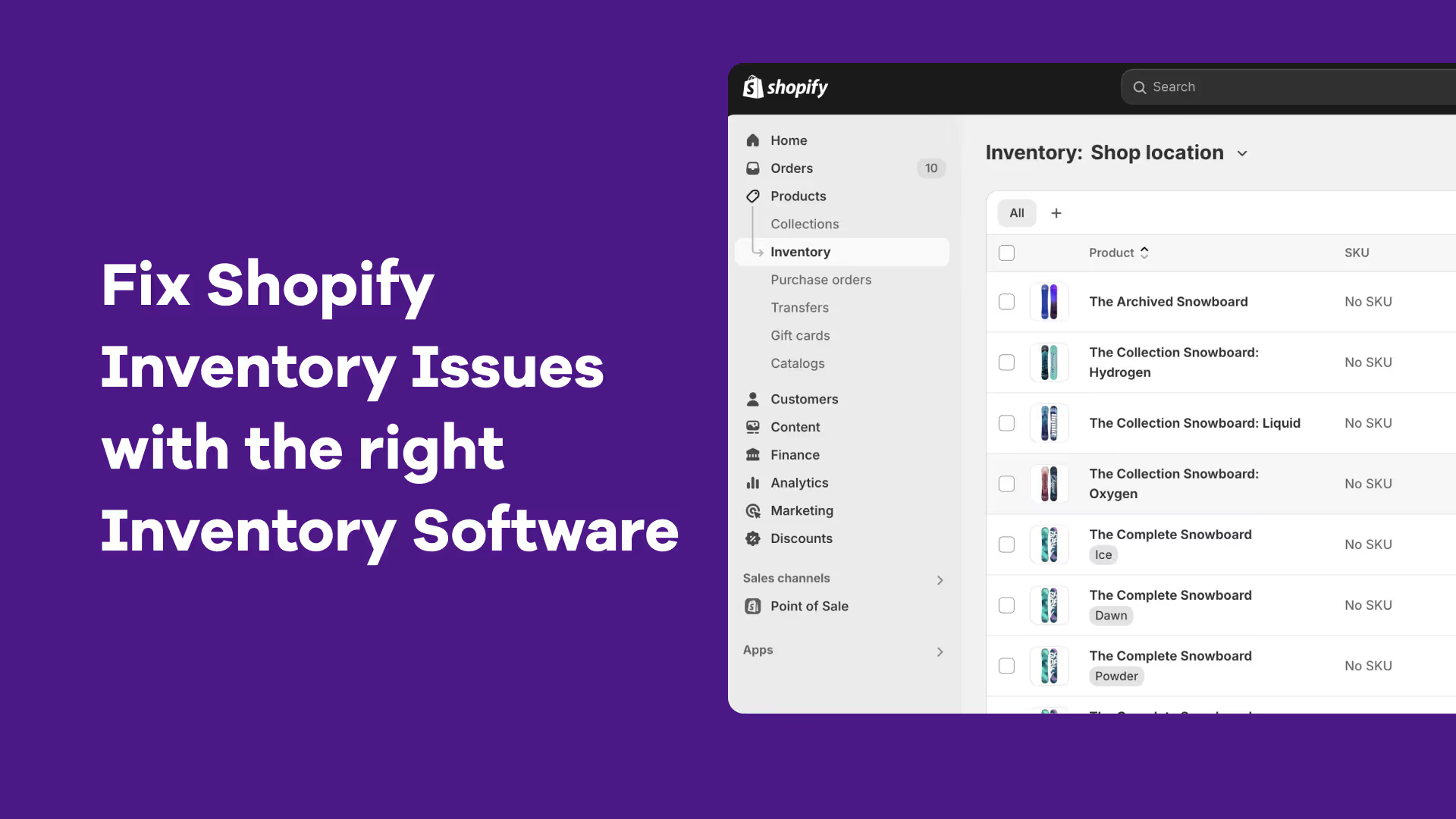


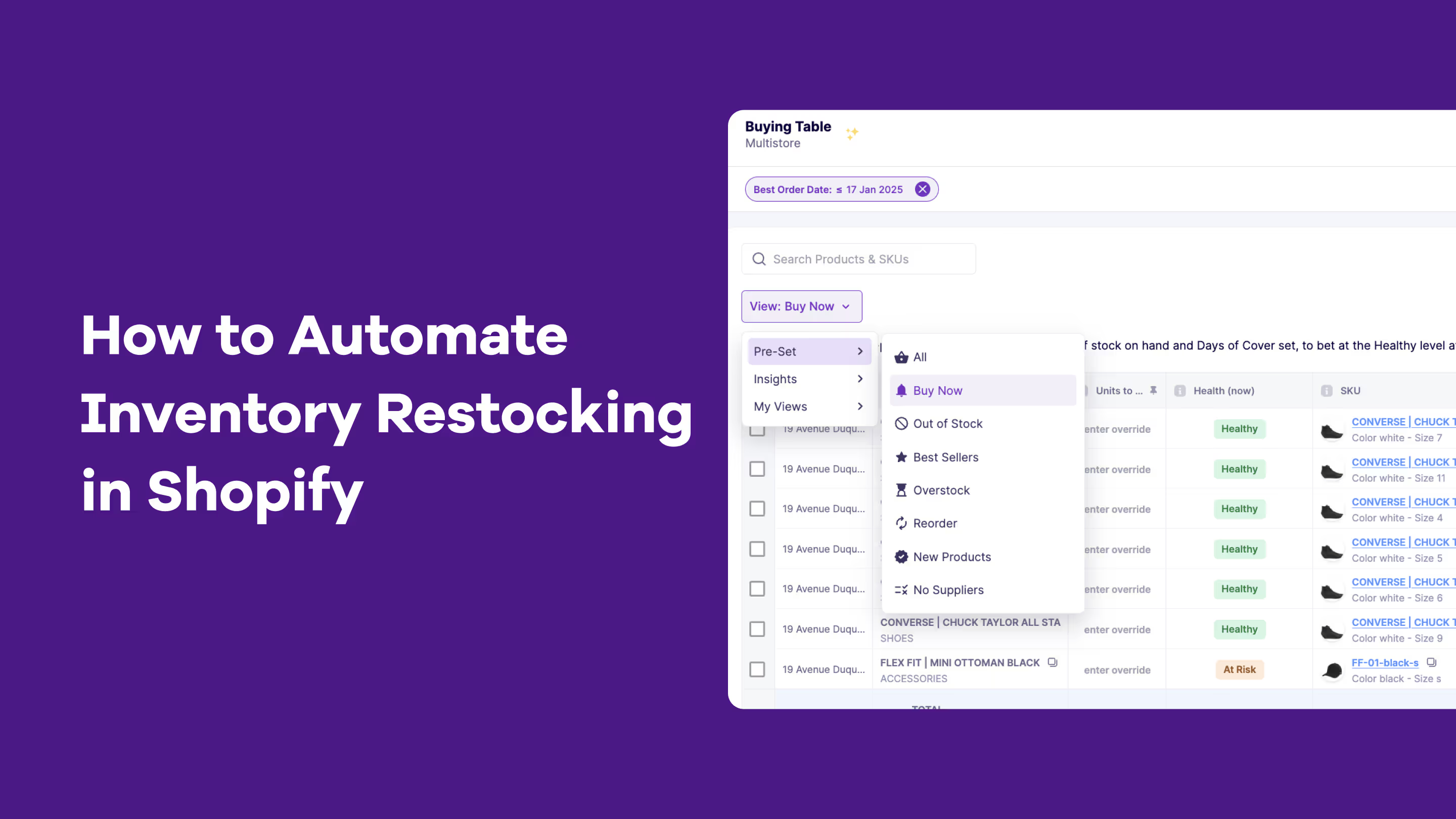
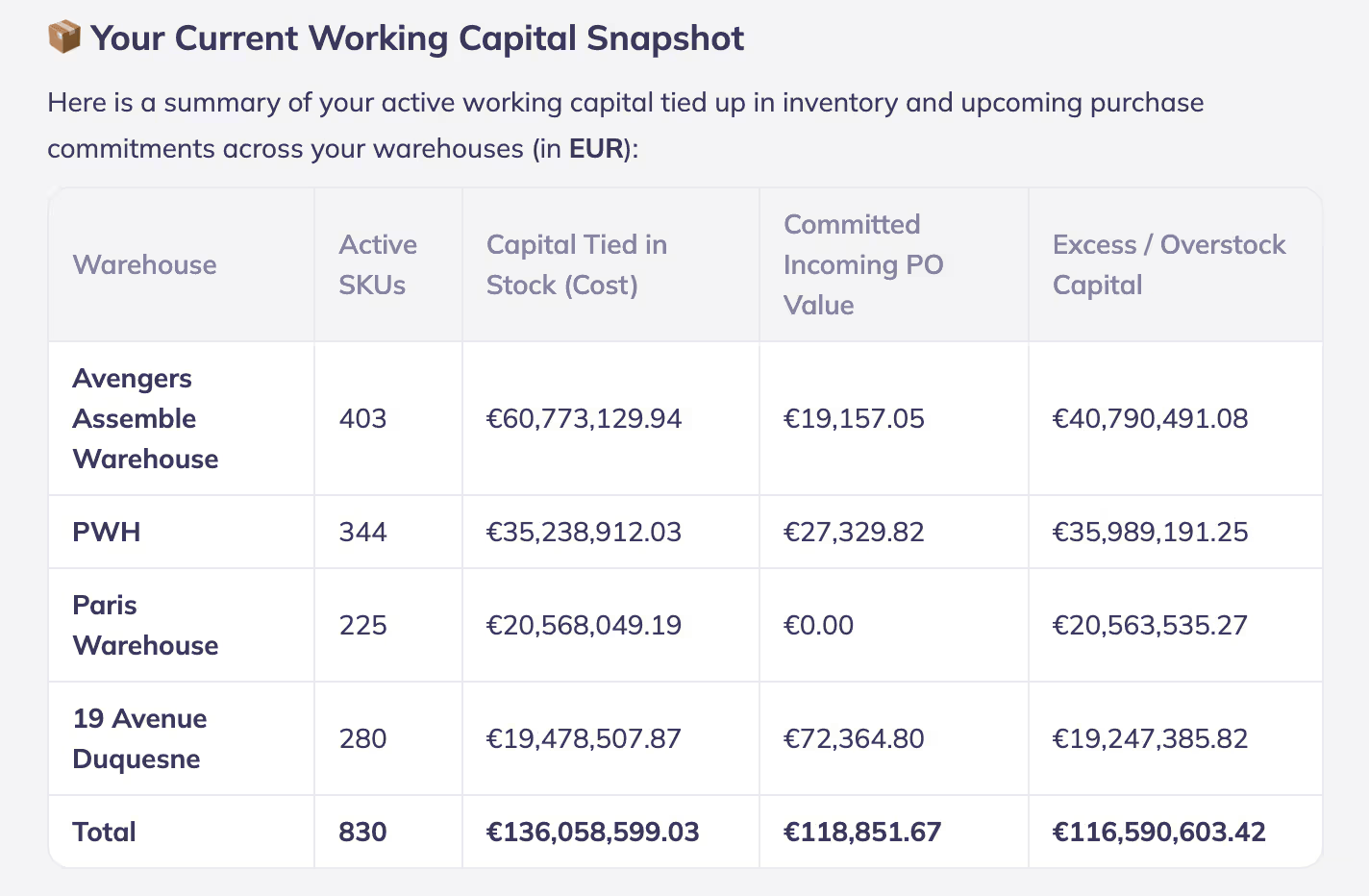
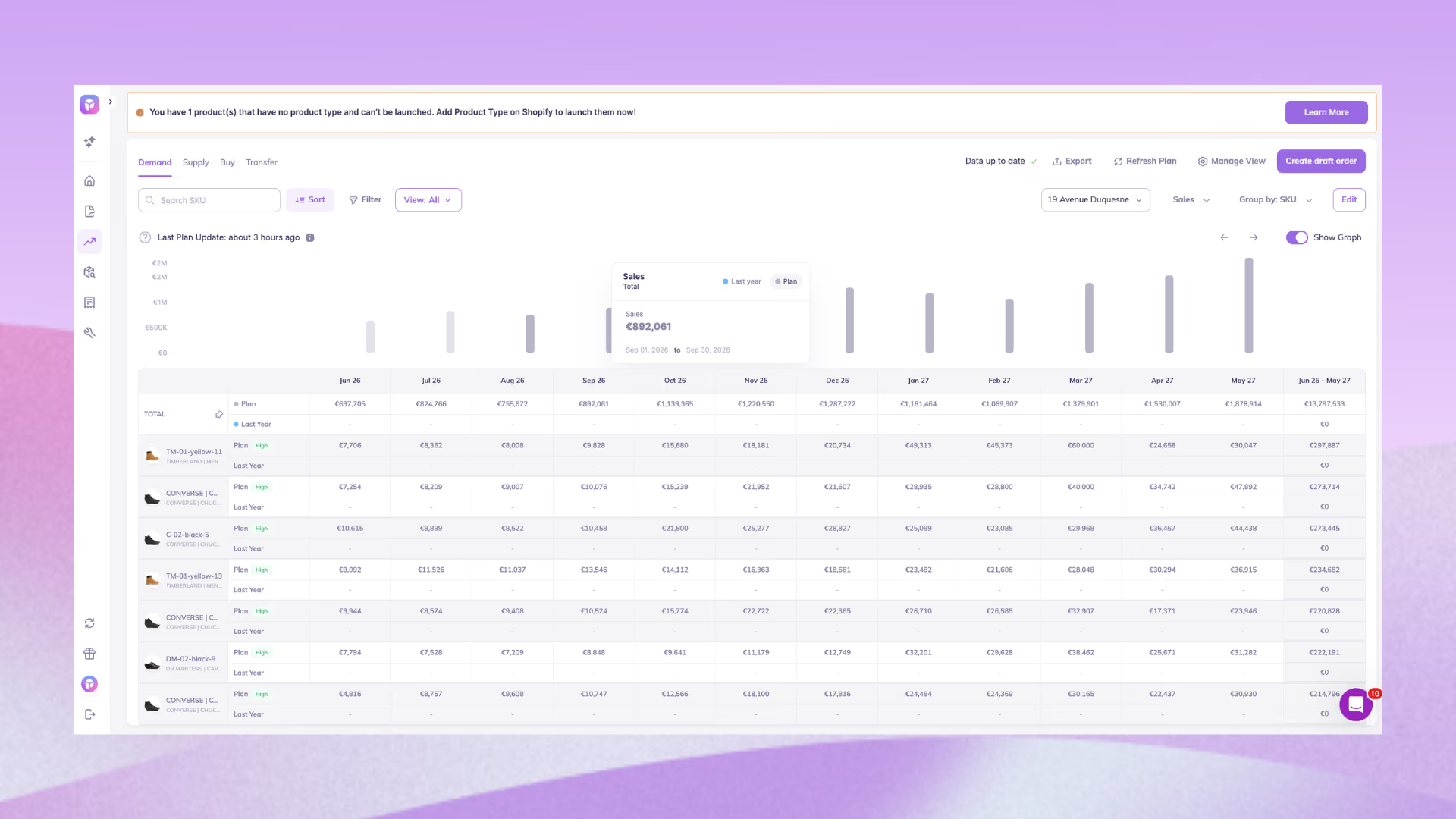
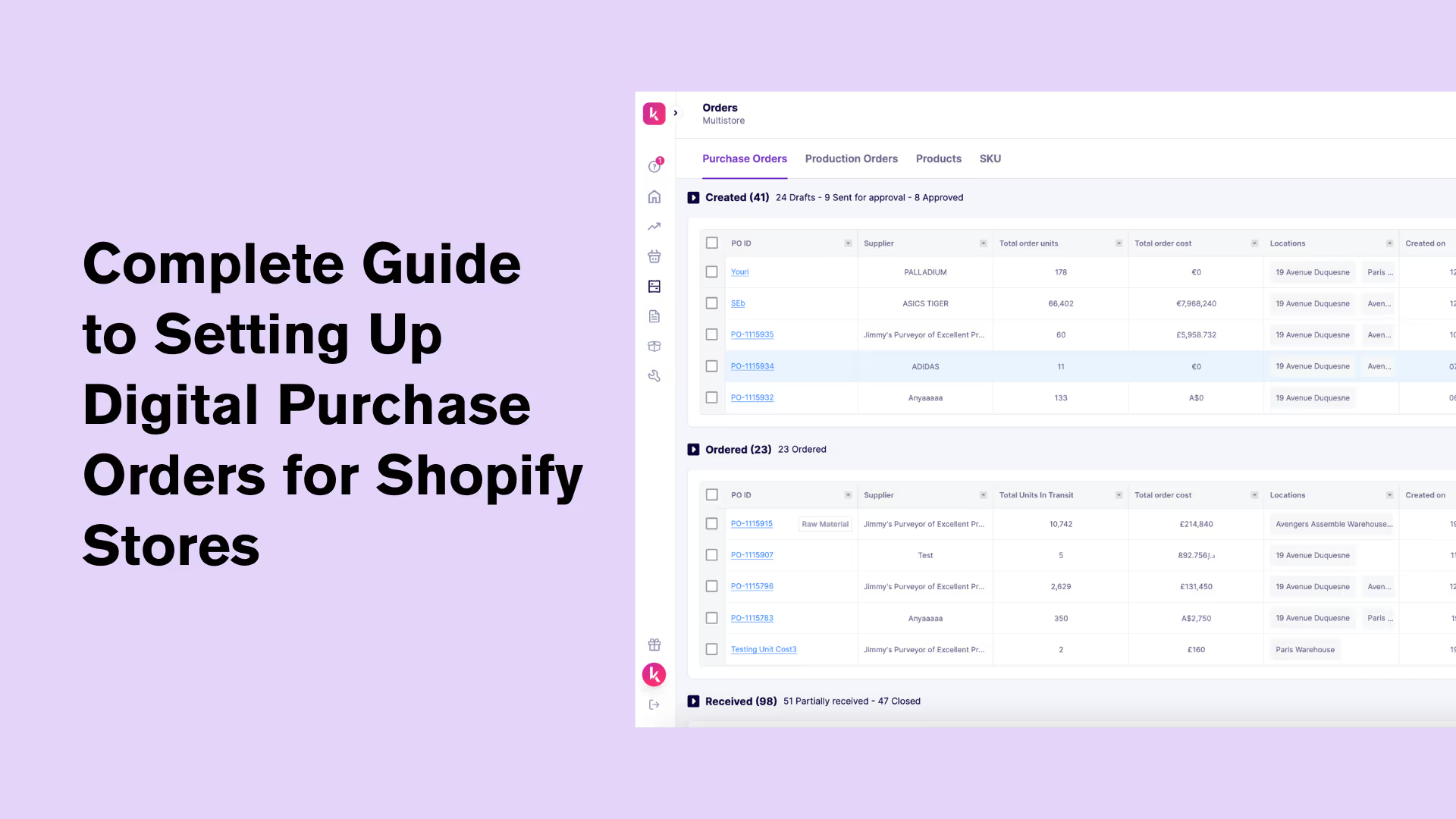


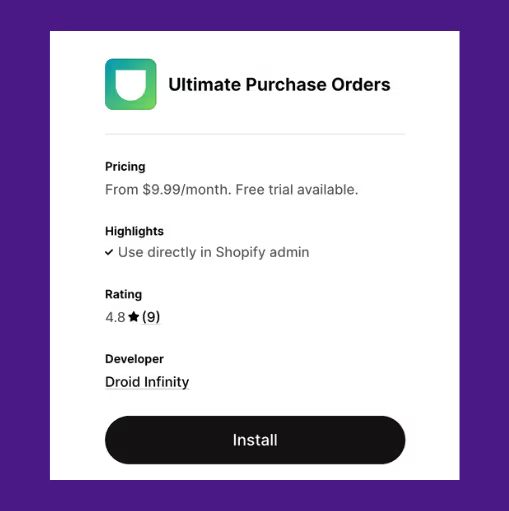


.avif)
.jpeg)
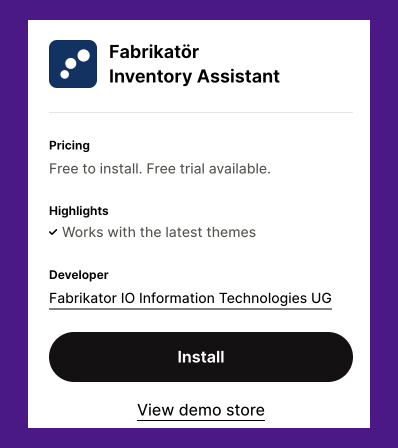
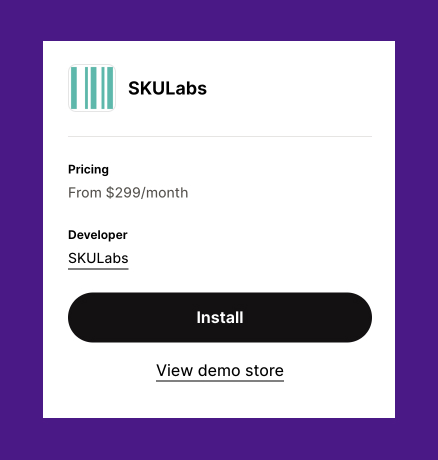
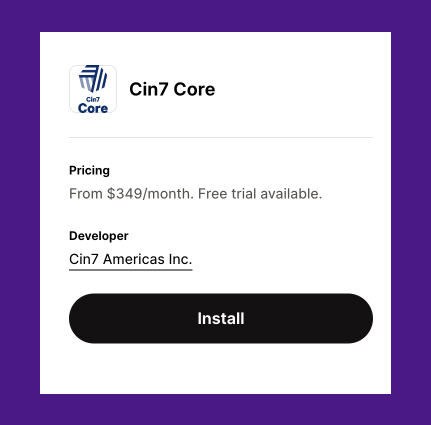
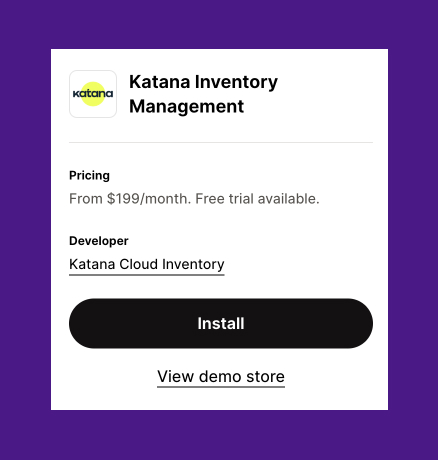
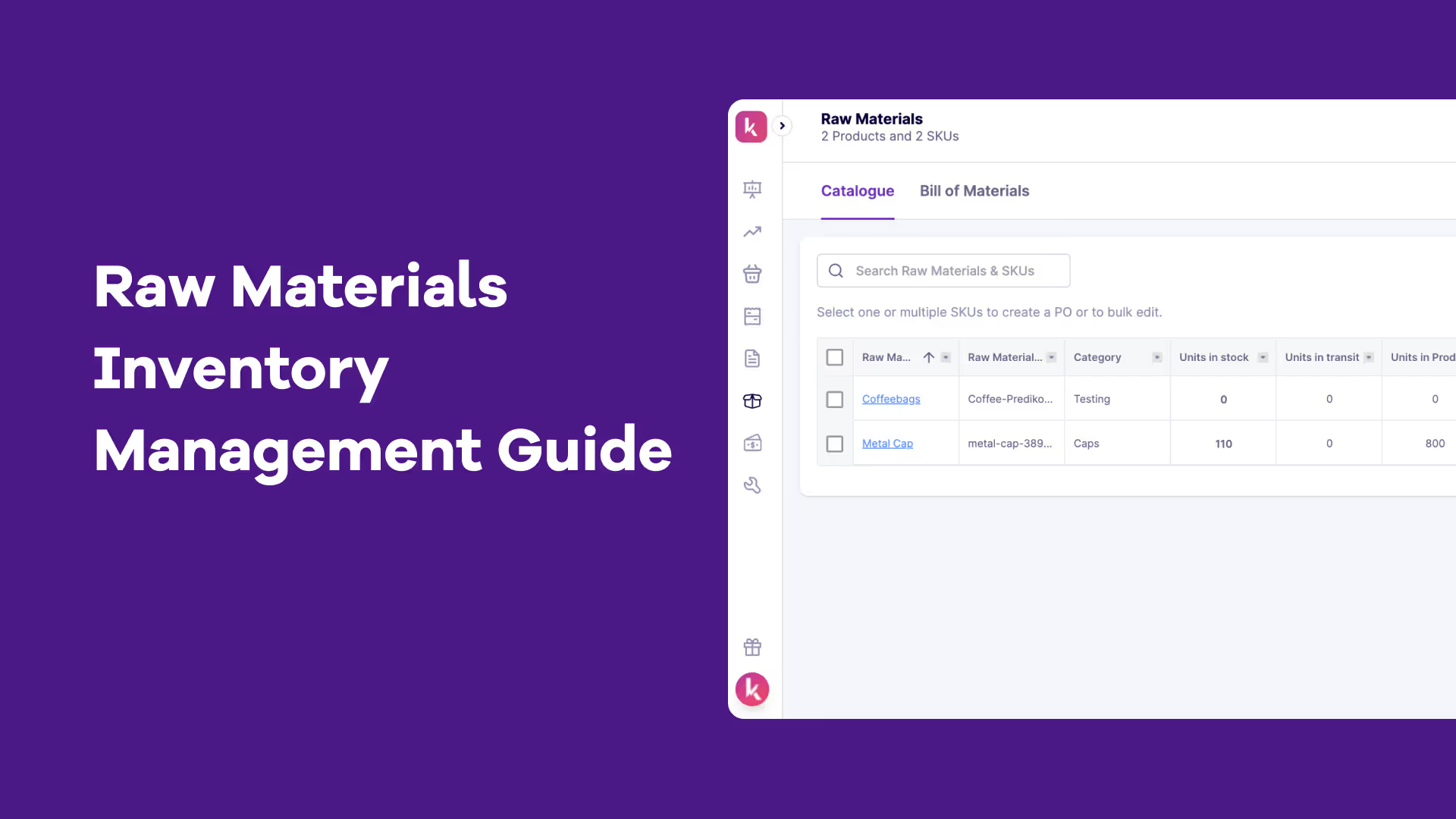
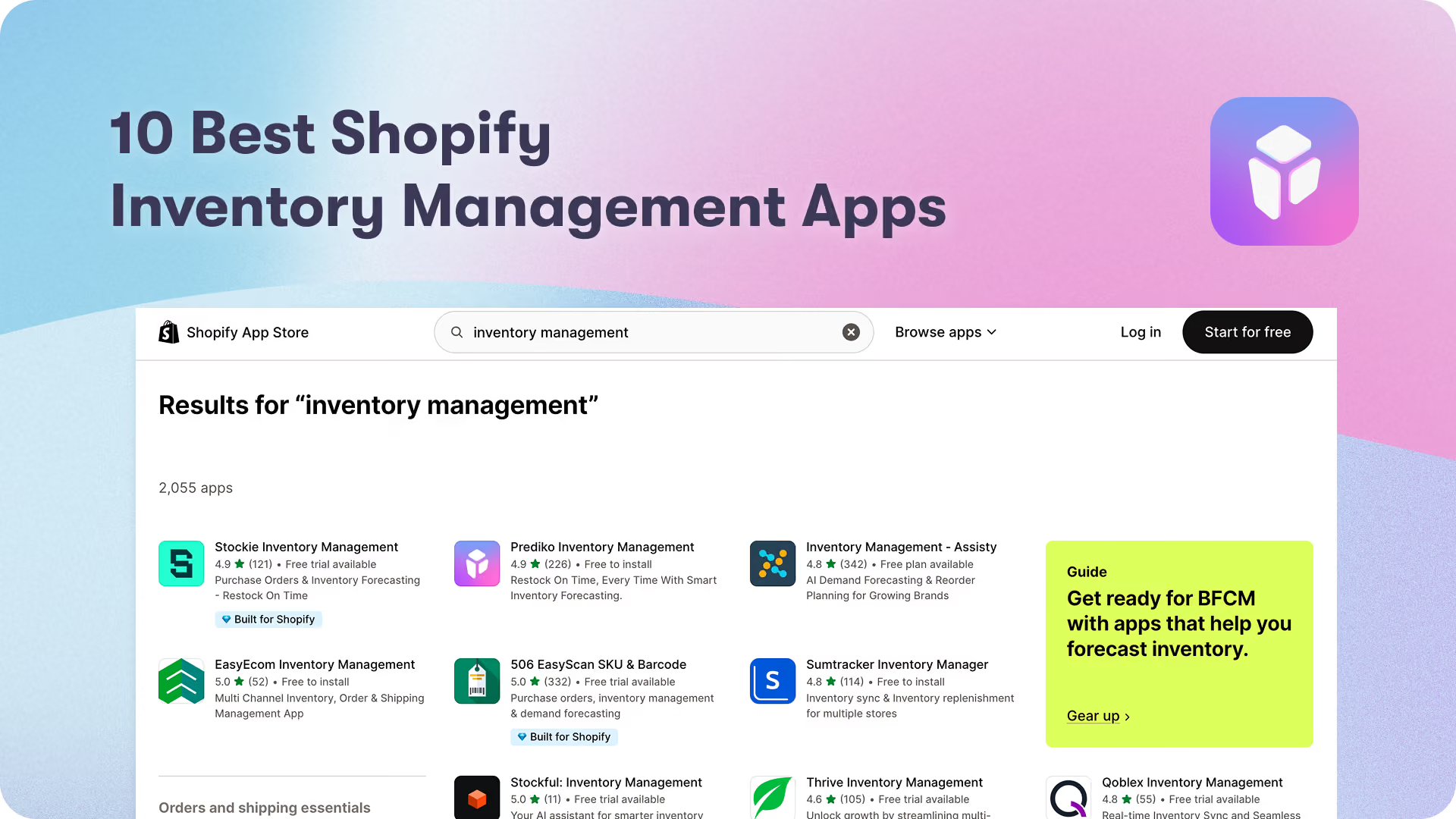
.avif)
.avif)

.avif)
.avif)
.avif)
.avif)
.avif)
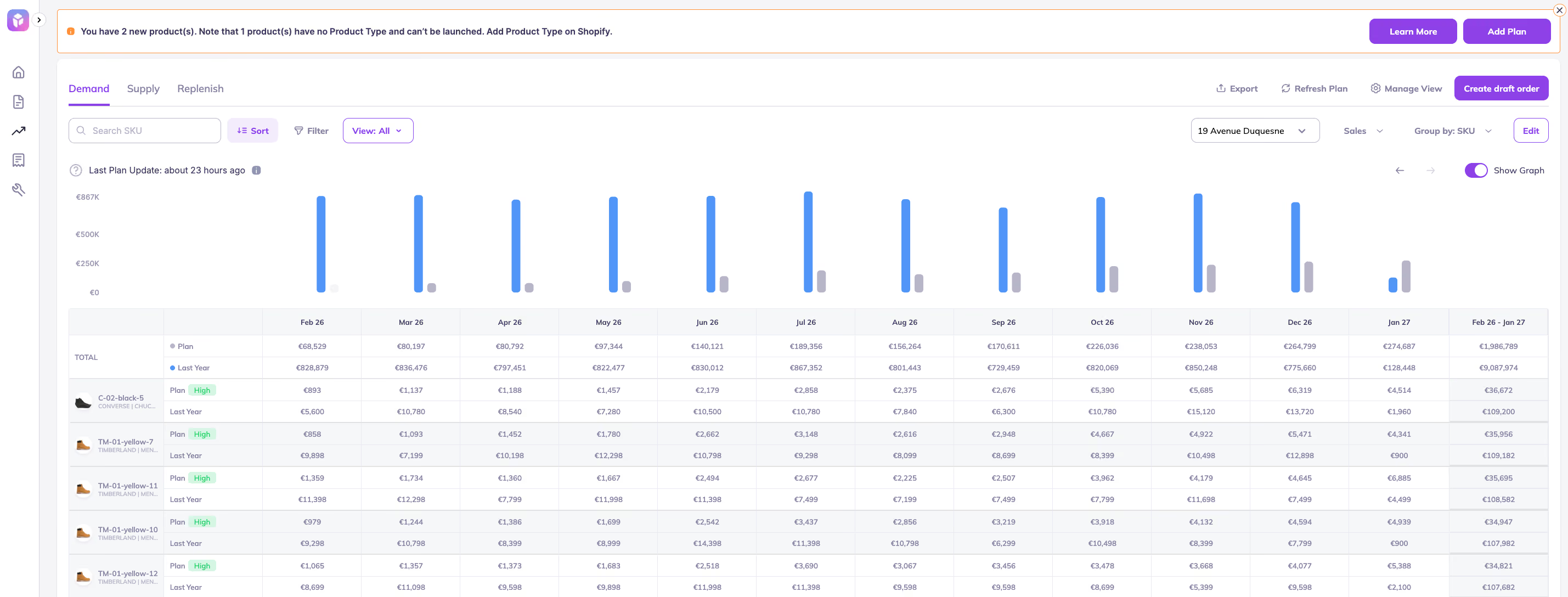
.avif)
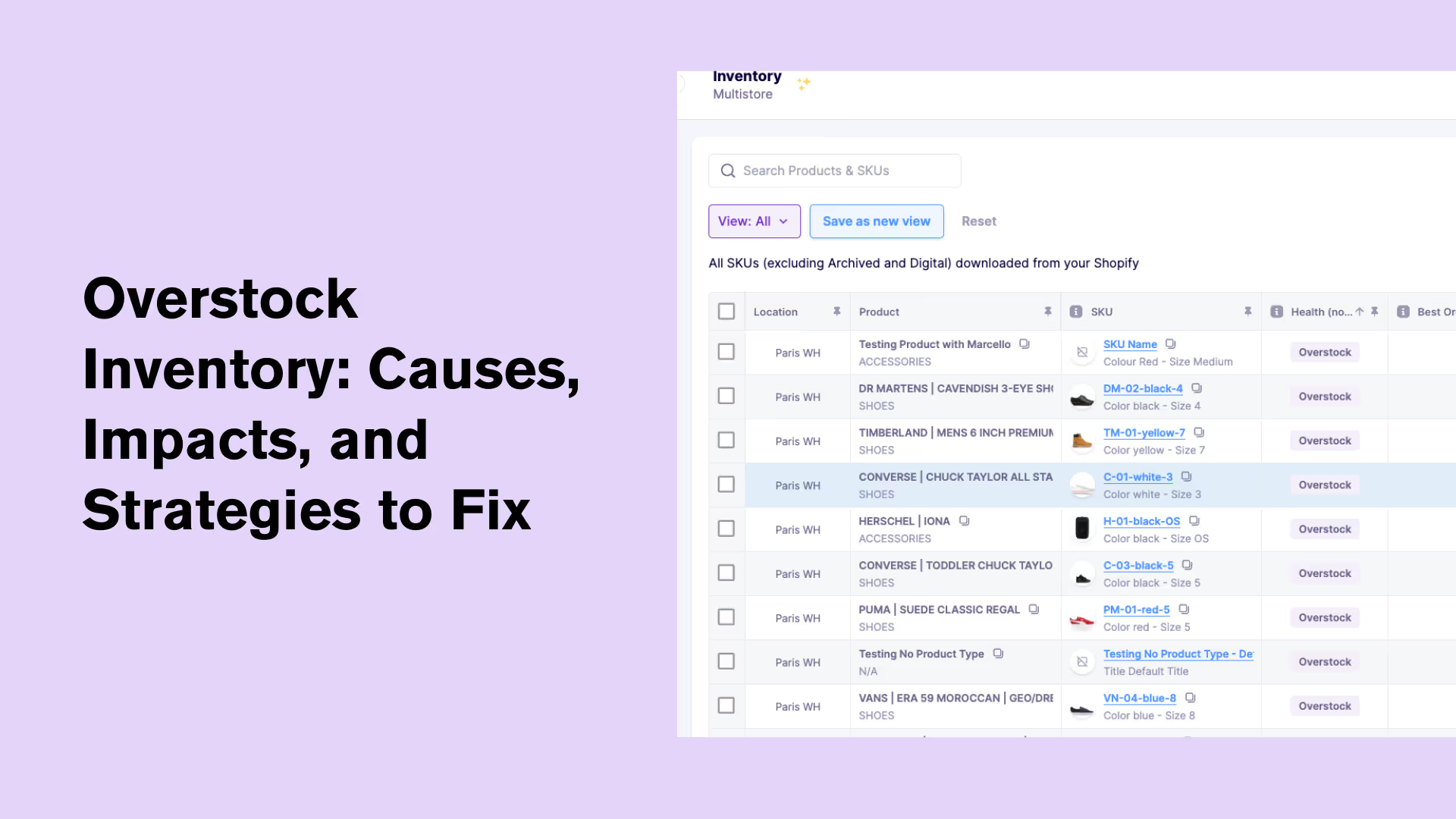
.avif)
.avif)
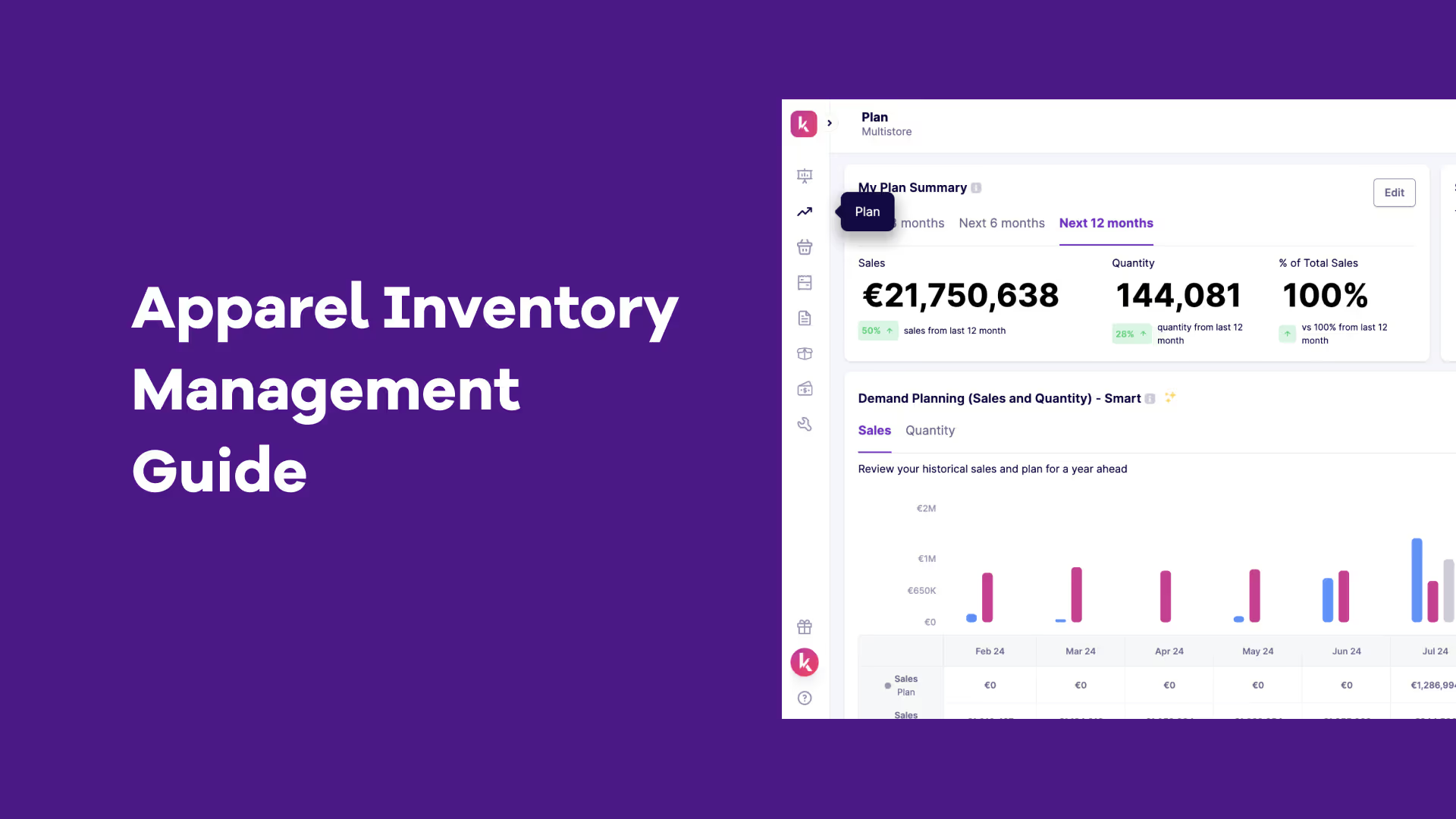
.avif)
.avif)
.avif)
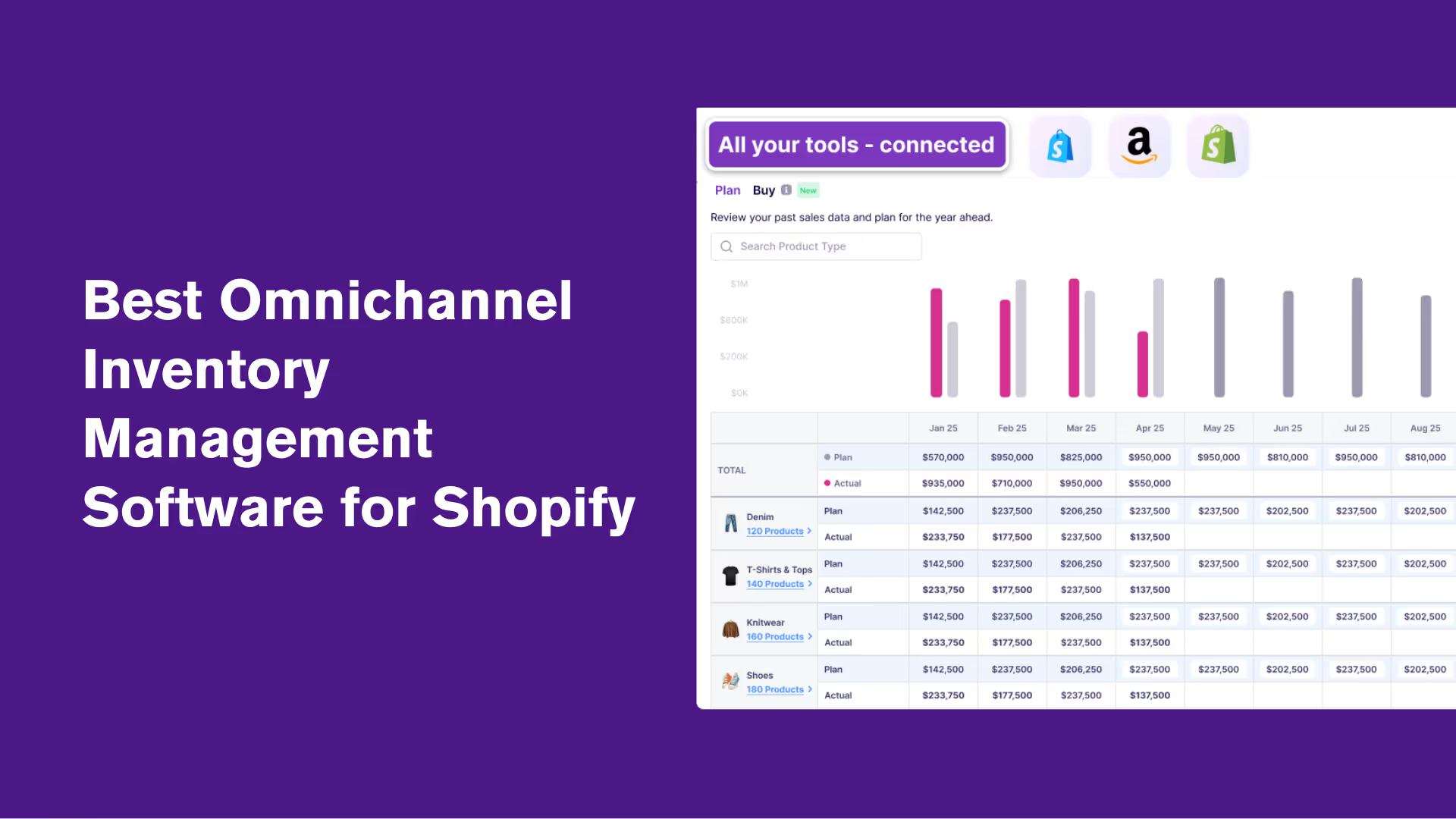

.avif)
.avif)
.avif)
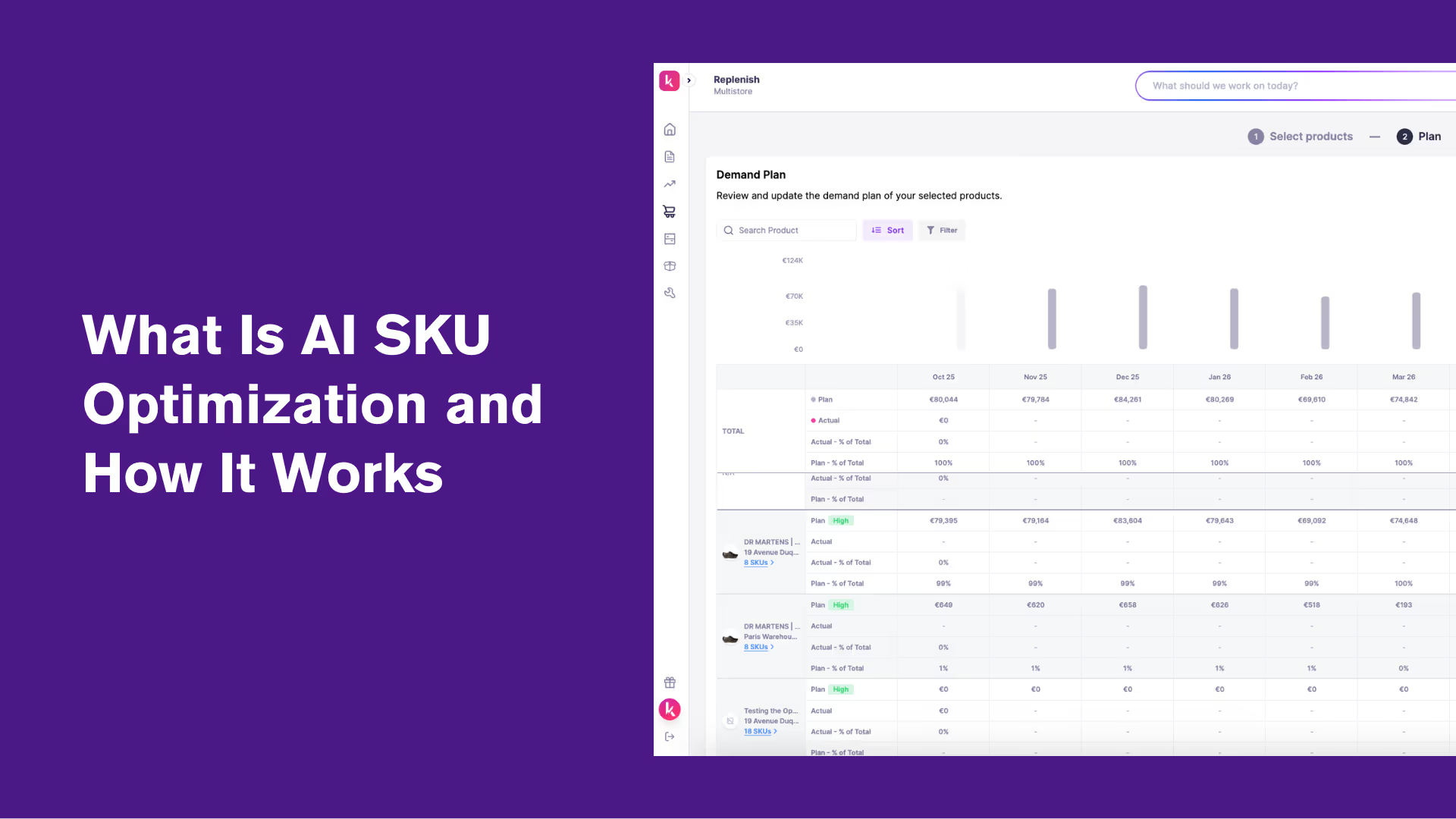
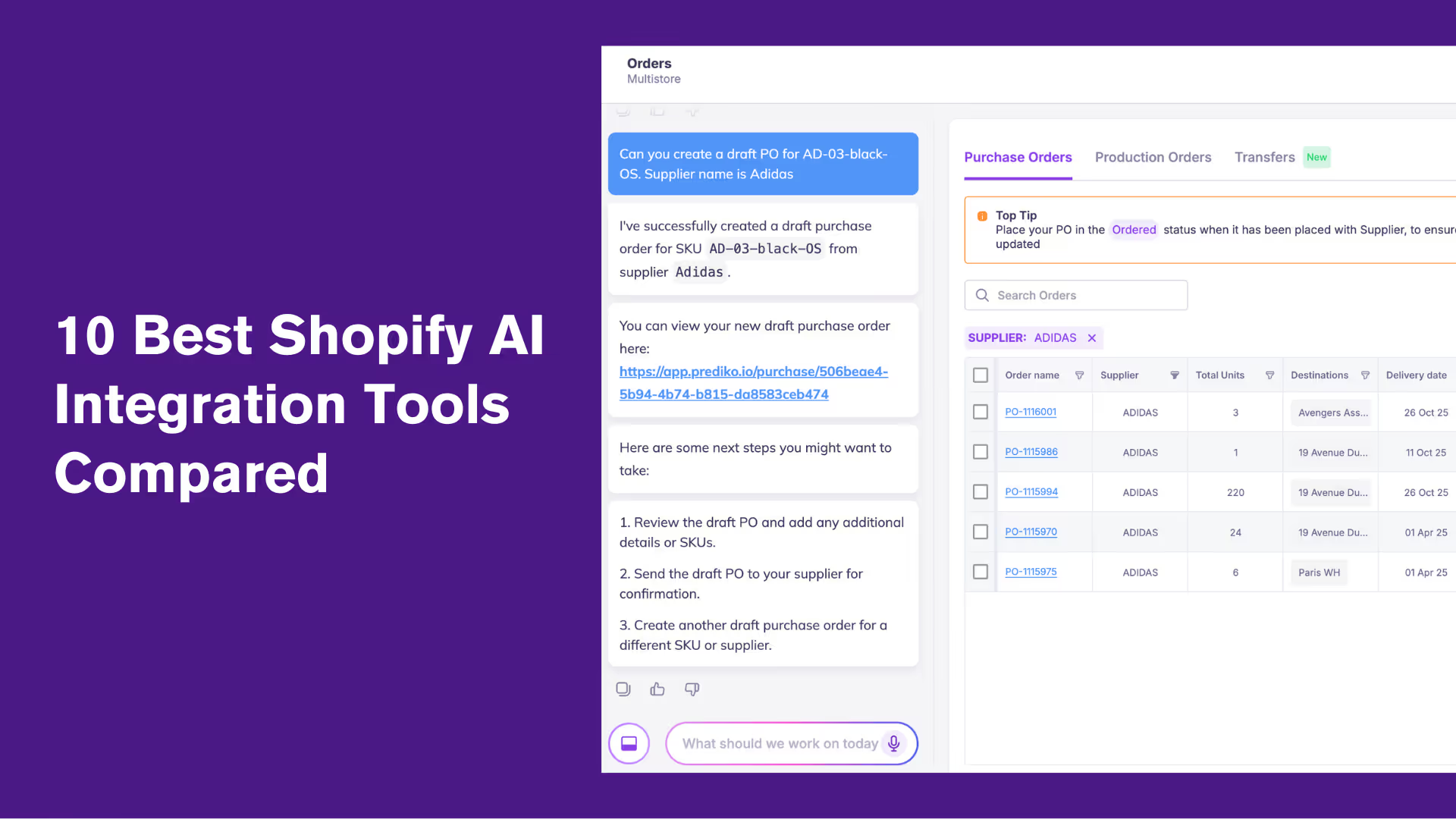
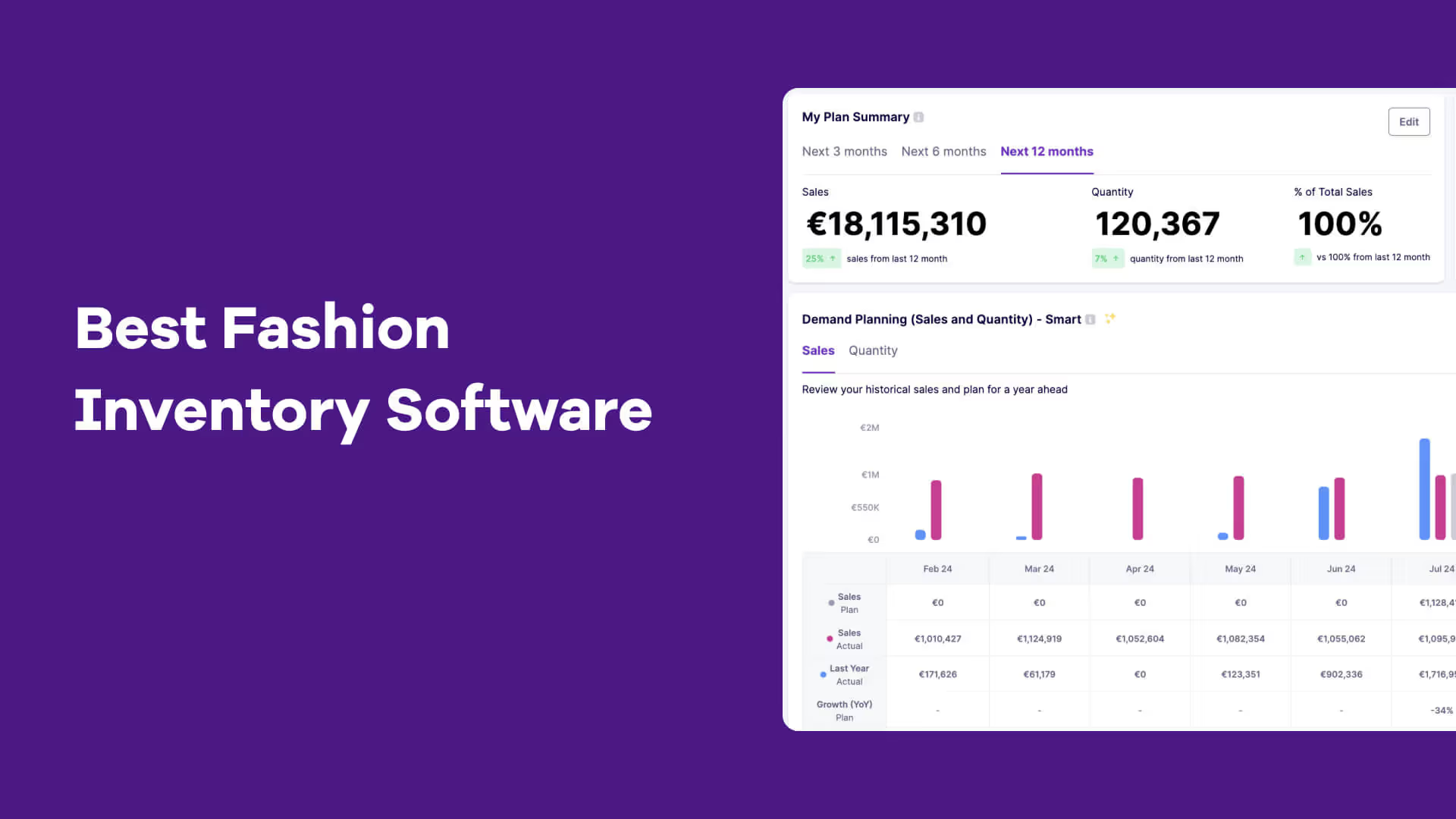
.avif)
.avif)
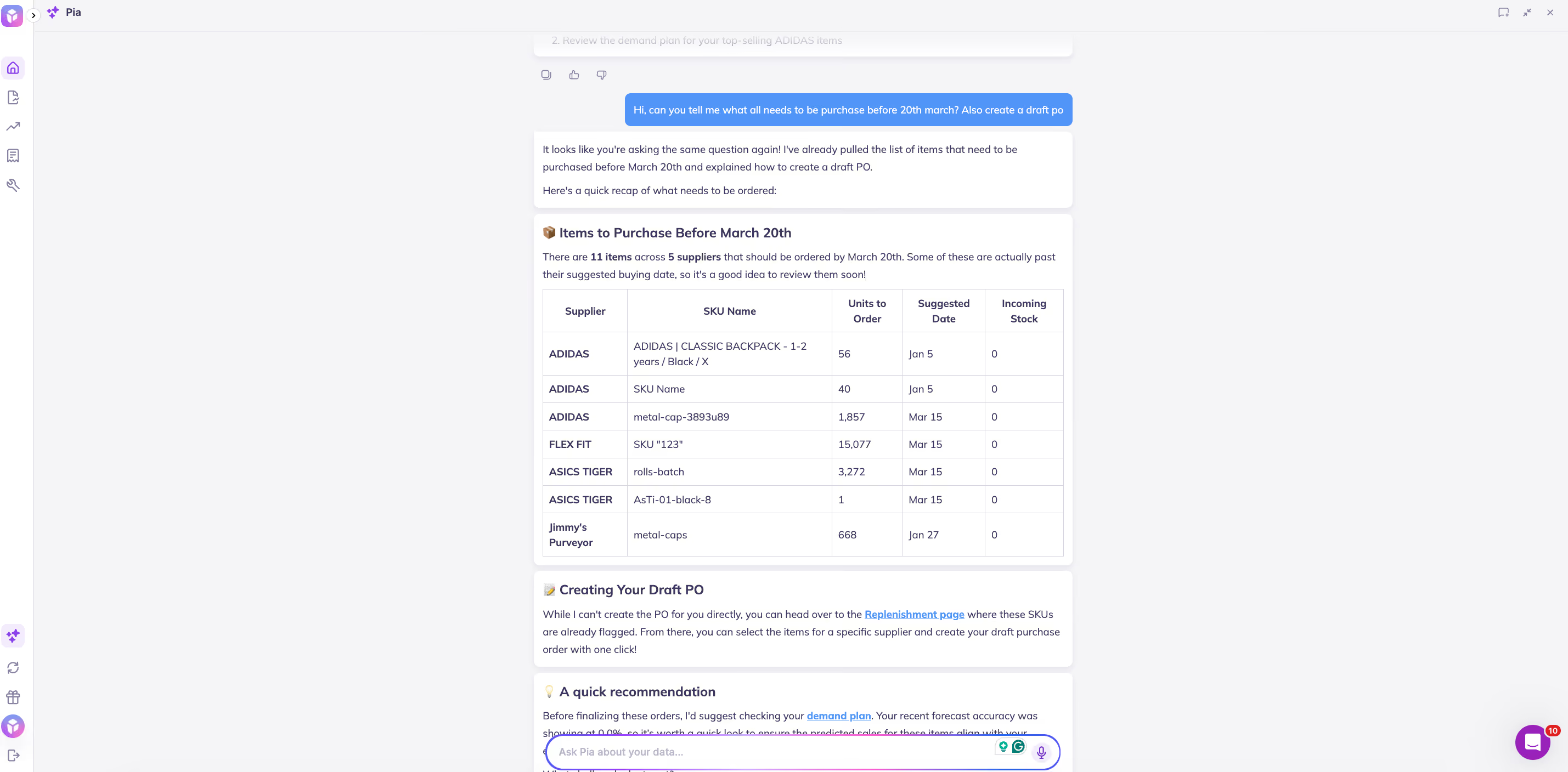
.avif)

.avif)
.avif)
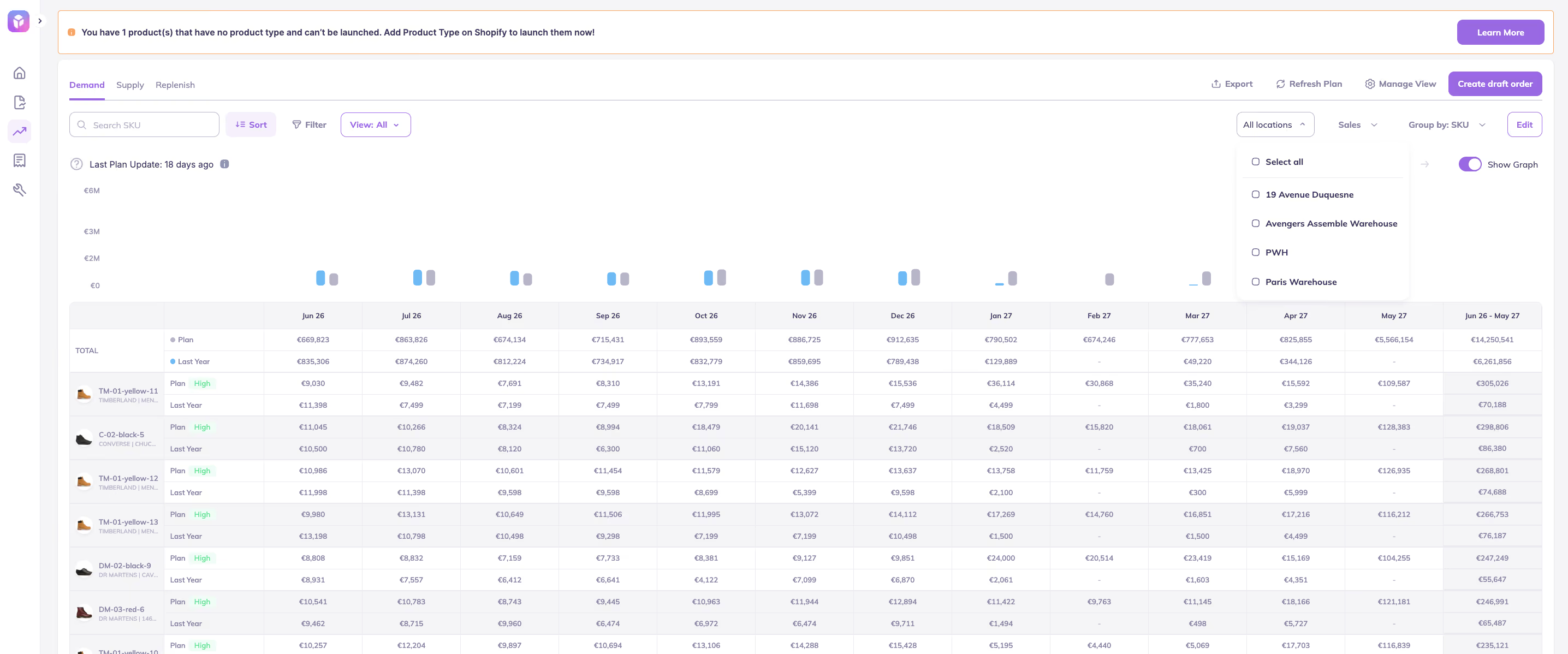

.avif)






.avif)