




Your ERP holds the financial and operational truth of your business, but inventory, orders, and storefront data often live in disconnected tools.
Your teams re-key the same data, fight stock discrepancies, and make buying decisions on numbers that are already stale.
ERP system integration fixes that by connecting your ERP to the systems around it so data flows automatically and everyone works from one source of truth.
We cover what ERP system integration is, how it works, the main methods, the benefits and challenges, and how to connect an ERP to your Shopify stack.
What Is ERP System Integration?
ERP system integration is the process of connecting your ERP (enterprise resource planning system) with the other business software you run, whether its ecommerce, warehouse management, CRM, finance, and inventory tools.
This way, they exchange data automatically instead of through manual entry. The goal is a single source of truth: one set of numbers that finance, operations, and the storefront all read from.
The ERP integration space has shifted decisively toward real-time, API-driven, and increasingly AI-assisted connections (more on this later).
How ERP System Integration Works
At a mechanical level, an integration moves a record out of one system, translates it into a format the receiving system understands, and writes it there, keeping both sides aligned.
This happens through APIs, prebuilt connectors, or middleware that maps and converts fields between systems (an order "line item" in one tool becoming a "sales order line" in another).
The target state is bidirectional, real-time sync: data flows both ways and updates the moment something changes.
An order placed on the storefront posts to the ERP instantly; updated stock levels flow back to the storefront just as fast.
Batch syncing (updating on an hourly or nightly schedule) is cheaper but introduces the lag that causes overselling and stale counts.
Common ERP Integration Challenges (and How to Avoid Them)
ERP integration projects fail more often than teams expect. Here’s what usually happens and what can be done to fix it.
- Data quality and mapping. Mismatched SKUs and dirty records are the most common cause of sync failures.
Mitigation: Audit and clean your data before you connect anything. - Cost and complexity. Costs hike when edge cases (bundles, returns, partial fulfillments, multi-location stock) surface mid-build.
Mitigation: map every edge case up front. Get fixed-scope quotes from at least two partners rather than relying on published pricing. - Scope creep. Trying to connect everything at once stretches timelines. Mitigation: phase the rollout, starting with the highest-value flow.
- Inadequate testing. Going live without sandbox testing on real order scenarios invites production failures.
Mitigation: test thoroughly in a sandbox environment before going live. - Treating it as one-and-done. APIs on both sides change and evolve.
Mitigation: assign a permanent owner for monitoring and maintenance.
Main Methods of ERP Integration
How you connect matters as much as what you connect. Four approaches dominate the market today, each trading implementation speed, flexibility, and scalability differently.
1. Point-to-point
A direct connection between two systems. Cheap and simple when you only have a couple of tools to link, but every new system means another bespoke connection.
With several systems, it becomes a fragile web; one API change can break multiple links and it's hard to scale.
2. Middleware / Enterprise Service Bus (ESB)
A centralized hub routes data between systems using adapters and connectors. Well-suited to complex, legacy-heavy enterprise stacks, but heavier to stand up and maintain than cloud-native options.
3. API-based integration
Connections built directly against each system's API. Real-time, flexible, and the modern default. It gives full control over what data moves and when, at the cost of just development and maintenance effort.
This is the most common method that brands use today.
4. iPaaS (Integration Platform as a Service)
A cloud, low-code platform that connects your systems through a managed hub with prebuilt connectors, field mapping, monitoring, and error handling.
It scales cleanly as you add tools and channels, and it's now accessible to mid-sized brands rather than just enterprises.
Benefits of ERP Integration for Ecommerce Brands
For Shopify and D2C operators, the payoff of ERP integration is operational, and each benefit ties to a revenue outcome.
- Real-time inventory accuracy: connected stock data across storefront, warehouse, and ERP means fewer oversells and fewer stockouts.
- Faster order processing: orders flow straight from the storefront to fulfillment without manual hand-offs.
- Fewer manual errors: automated syncing eliminates the re-keying that produces mismatched counts and pricing mistakes.
- Unified reporting: finance, ops, and merchandising read the same numbers and make informed decisions, instead of reconciling spreadsheets.
- Better demand decisions: clean, consolidated data is the foundation for smarter buying.
At scale, accurate connected data isn't optional; it's how you protect margin.
Shopify ERP Integration: Connecting Front End to Back Office
For a Shopify brand, an ERP integration keeps your storefront and back office in the loop. The data that flows between them includes:
- Orders: Shopify sales post to the ERP as sales orders for fulfillment and accounting.
- Inventory: stock levels sync back to Shopify so the storefront shows accurate availability across locations.
- Fulfillment: shipment and tracking status flow back to the customer.
- Financials: revenue, taxes, and reconciliation land in the ERP automatically.
Real-time, bidirectional sync is what makes this work; lag is what causes oversells and customer-facing errors.
A lot of the brands that come to us are already living with the broken version of this. They're on Shopify with a 3PL and maybe an ERP behind it, stitched together with apps and spreadsheets, and the sync only half works.
Stock shows wrong, wholesale and DTC get tangled, and someone's manually patching the gaps every week.
B2B brands have another level of complexity with wholesale price tiers, customer-specific catalogs, and purchase-order workflows, all of which need explicit handling in the integration.
Connecting these systems cleanly is exactly what a purpose-built integration layer handles. Prediko's 100+ integrations link Shopify with WMS, 3PL, and ecommerce tools so your inventory and order data stay synchronized across the stack.
Where Inventory Planning Fits in an Integrated Stack
An ERP centralizes operations and finance but it rarely tells you what to reorder, when, or how much.
That's a forecasting and purchasing problem, and most ERPs handle it weakly. This is where an inventory planning layer earns its place in the connected stack.
Prediko isn't an ERP, it's the intelligence layer that sits alongside one. It connects to Shopify (and to your ERP or WMS), then adds AI demand planning that forecasts demand at the SKU level using seasonality, sales velocity, and growth.
Those forecasts then feed directly into replenishment and purchase order management, so the plan and the buy happen in one workflow rather than across spreadsheets.
Because Prediko sits alongside the ERP rather than replacing it, it only pushes new POs out and pulls back item-receipt data, it never writes to product or vendor records, so there's no risk of it overwriting what you maintain in your ERP.
On the warehouse side, Prediko integrates natively with WMS systems like Jazz Central, so fulfillment stays exactly where it is while your ERP remains the financial system of record.
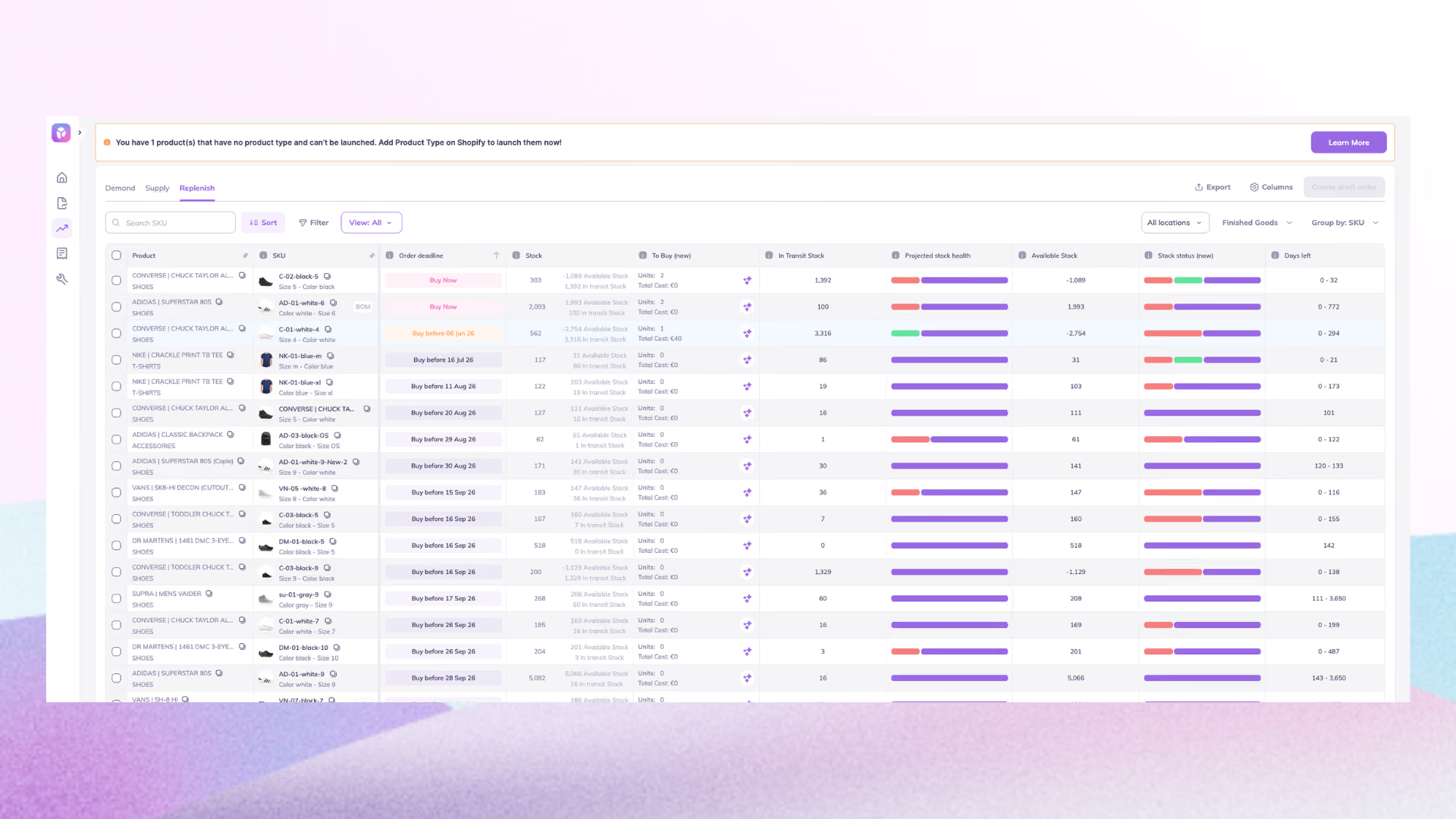
For brands that want forecasting and reorder logic without the manual overhead, this is the layer that turns an integrated stack into a decision-making stack.
The pattern most growing brands land on: the ERP is the financial system of record, the integration keeps every system synchronized, and the inventory planning layer turns that connected data into accurate forecasts and well-timed purchase orders.
The Real Value Starts After the Integration
ERP system integration connects your back office to everything around it, so data flows automatically and every team works from the same numbers.
Three quick takeaways:
- Pick the method that fits your stack. iPaaS is the scalable default for multi-system ecommerce brands; point-to-point only works for a couple of tools.
- De-risk the build. Clean your data first, map edge cases, phase the rollout, test in a sandbox, and assign a maintenance owner; that's what separates the integrations that work from the ones that derail.
- Add the intelligence layer. An integrated ERP centralizes your data; a planning layer like Prediko turns it into accurate forecasts and well-timed purchase orders.
See how Prediko fits your ERP system integration with a 14-day free trial.
Frequently Asked Questions
What's the difference between ERP integration and an ERP system?
The ERP system runs your finance, inventory, and operations. ERP integration is the connective tissue that links it to your other tools so data flows automatically.
How long does ERP integration take?
Days to weeks for a prebuilt connector, weeks to months for an iPaaS multi-system build, several months for a custom API. Data cleanup is usually the longest part.
Do small Shopify brands need full ERP integration?
Only if you need multi-entity finance, complex revenue recognition, or BOM/cost accounting. If the real pain is knowing what to reorder and when, a Shopify-native inventory planning layer delivers that faster.
What's the best ERP for Shopify inventory?
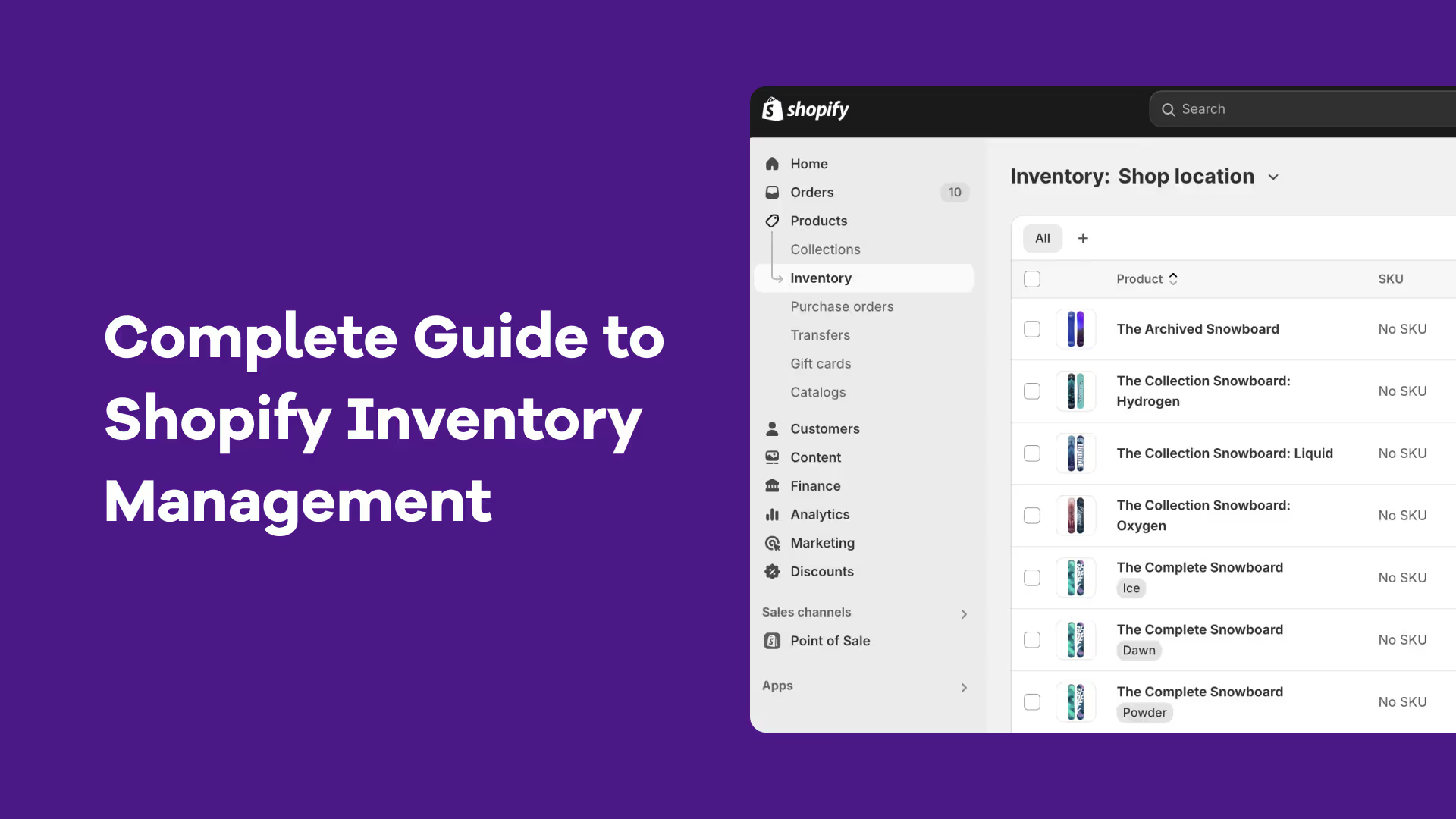
NetSuite, Microsoft Dynamics Business Central, and Acumatica are common D2C choices. Whichever you pick, pair it with a Shopify-native demand planning layer. Compare your options here.









.avif)