Design and Print Barcode Labels Straight From Your Inventory Data
Create custom label templates, match quantities to real-time inventory, and generate a print-ready PDF for every SKU in minutes. No design tool needed. Learn more
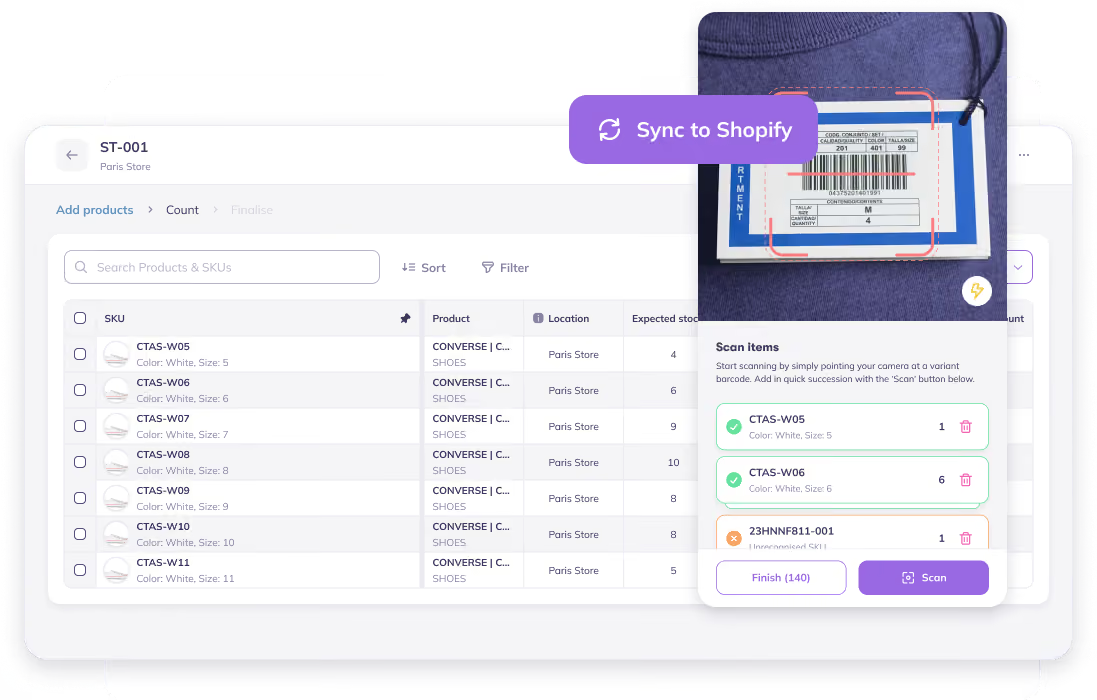








%25201%2520(1).avif)



.avif)










.avif)


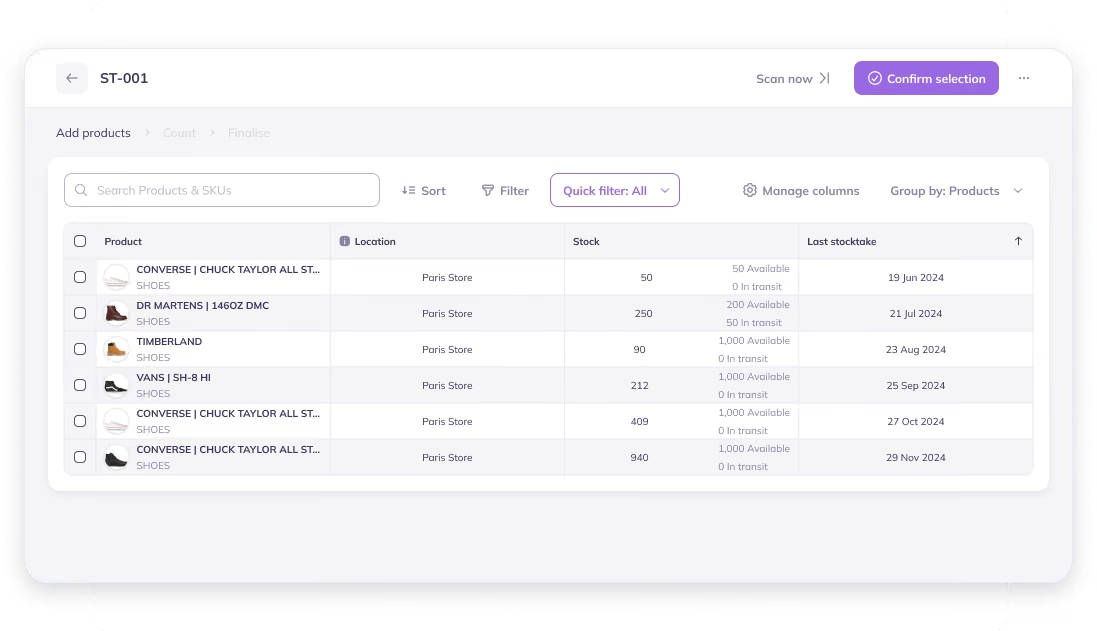
Design Label Templates That Match Your Product Specifications
Build labels and choose exactly what goes on them. Save templates so you're never rebuilding one from scratch.
- Set exact label dimensions in millimeters
- Choose source: product barcode, Prediko SKU, or no barcode
- Add product details above or below the barcode like price
- Save, edit, preview, and set default templates
- Get a live preview as you build
Print the Barcode Format Compatible With Your Scanner
Whether you're scanning at the register, in the warehouse, or at a 3PL, easily print the barcode type that’s compatible.
- Supports CODE128, EAN13, UPC-A, and QR
- Print your product's existing barcode or fall back to a Prediko-generated SKU code
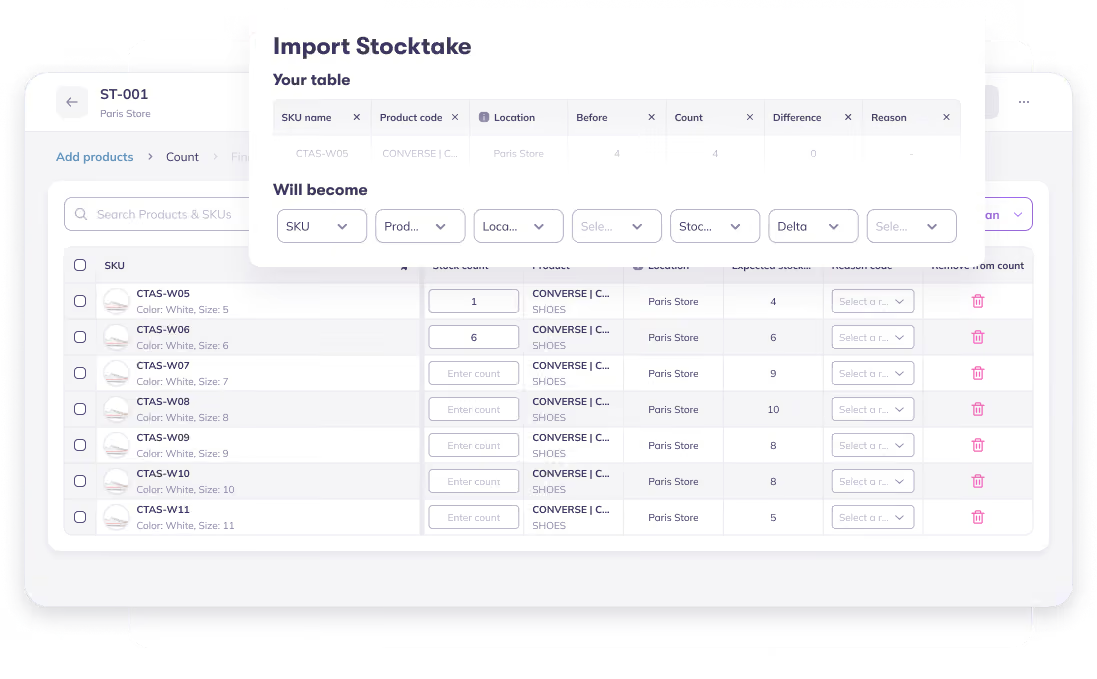
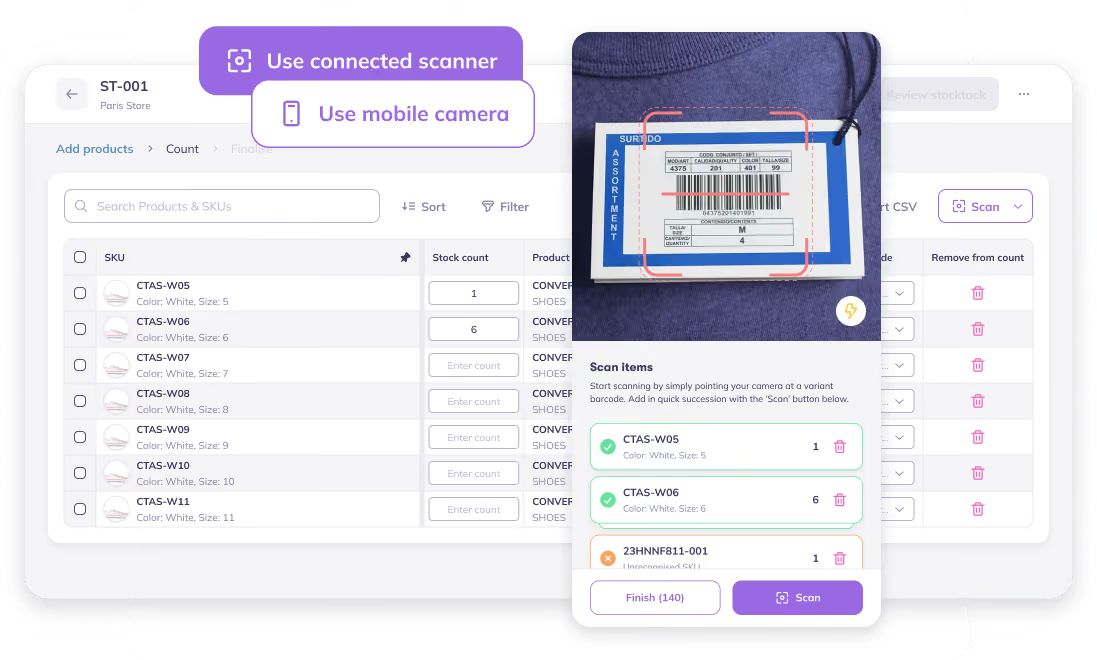
Go From Catalog to Print Job in a Few Clicks
Use the product search you already work with to build a print job: add SKUs, set quantities, and print everything at once.
- Search and add products like anywhere in Prediko
- Set quantities manually or match current stock to auto-fill
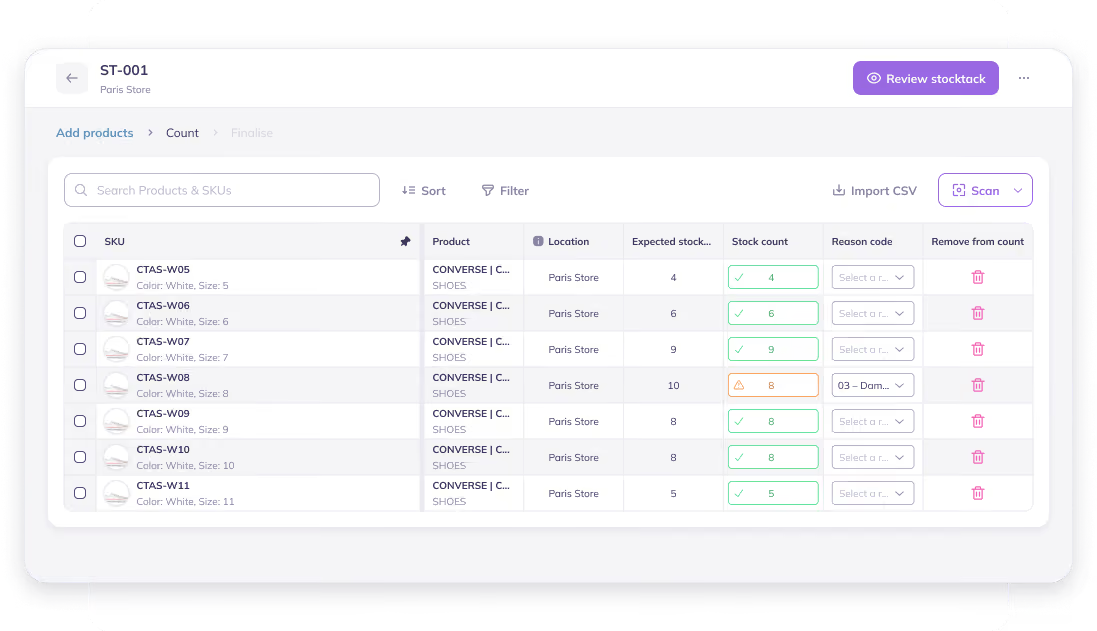
- Print labels from POs, Transfers, or Stocktakes
- Print up to 1,000 labels at once
Print-Ready PDFs, Sized to Your Labels
Every print job generates a single PDF, one page per label, sized exactly to your template dimensions. A perfect fit for continuous thermal label rolls. Download the PDF and print it from your browser like any other document.
50+ Brands Migrated from
Stocky to Prediko

Solid forecasting & business planning app. Makes keeping on top of stock levels easy useing sophisticated forecasting. We moved from Stocky app and have never looked back.

.png)
Super helpful support onboarding. We were looking for a replacement for Stocky and Prediko ticked all the boxes! So far, we're really pleased with the platform.

Working to migrate from Stocky. The free trial, complementary onboarding call and chatting with support has been most helpful in my decision process.

Let’s answer some FAQs

It fills in your total stock across all locations combined, not stock at a specific warehouse. If you stock the same SKU in more than one location, double-check the quantity before printing.
Yes, once a template exists, a "Print labels" button shows up right on the Purchase Order (also Transfer and Stocktake) page, and it prints one label per confirmed unit straight from there.
Labels designed with Prediko can show retail price and compare-at price, not your internal product cost.
You can do it using Prediko that syncs your real-time Shopify inventory. Search and add products to a print queue, set a quantity per product (or auto-fill from stock), and print up to 1,000 labels in a single PDF.
Yes, build a template (size, barcode type, and text fields), pull in your products, and print the PDF yourself. No design software required.
There's a recommended size, not a mandatory one, a full-size EAN-13/UPC-A barcode is roughly 37×26mm, with about 31×22mm as a practical minimum for reliable scanning. Prediko lets you set your template to any size in millimeters, so you can match your printer and label stock exactly.
Build a label template, add the products you want to track, and print. Prediko generates the barcode (from your product's existing code or a Prediko SKU code) as part of that process, no separate barcode generator needed.