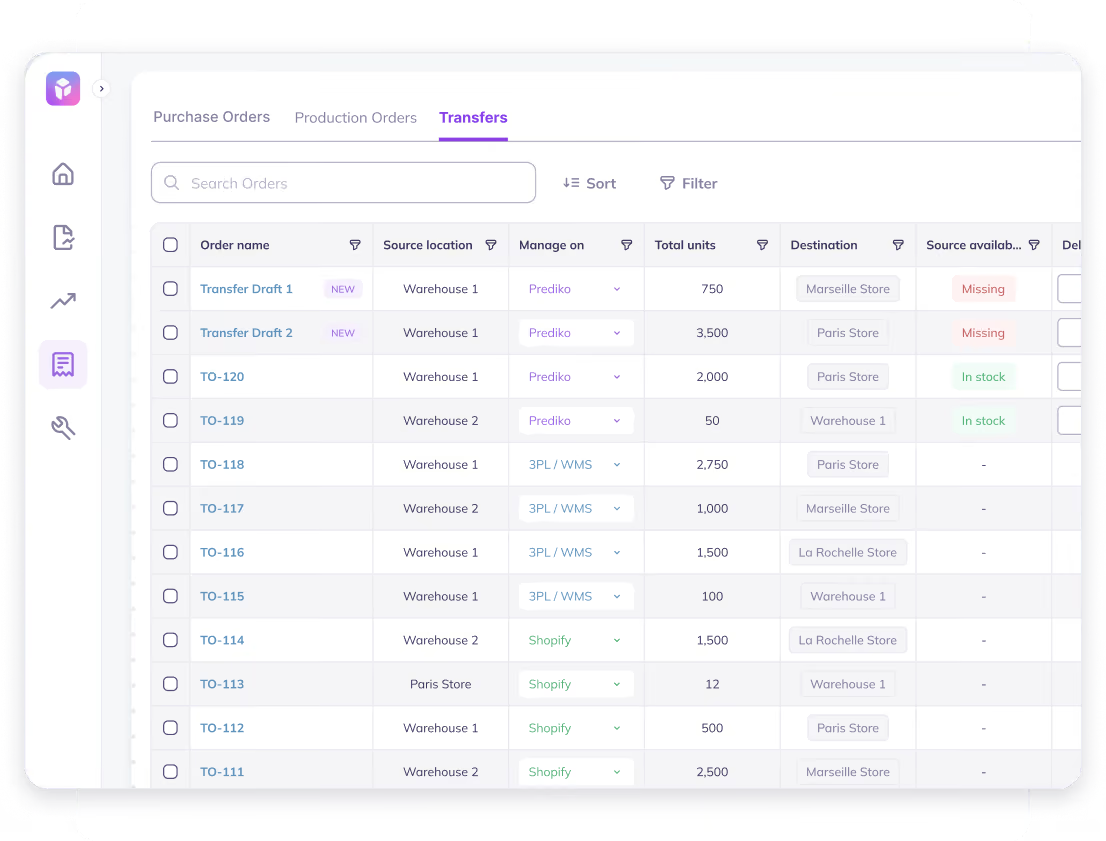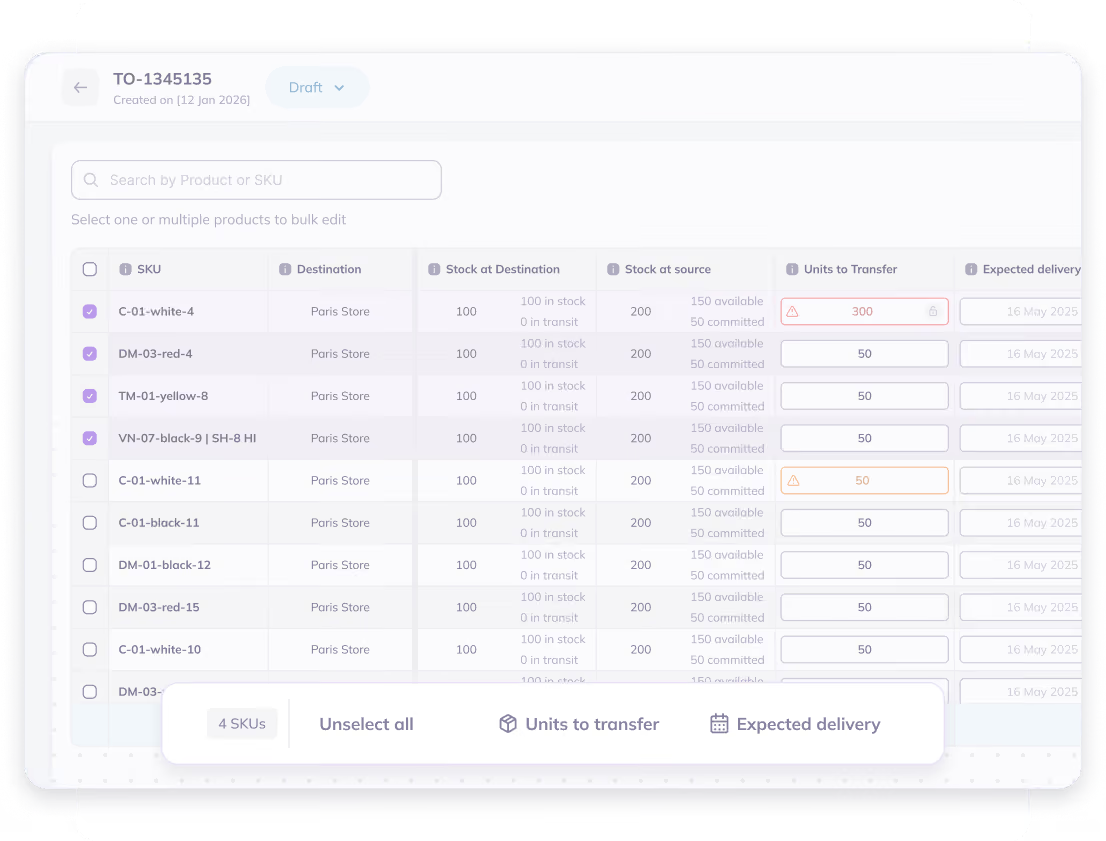

For Shopify merchants, planning doesn’t fail because targets are wrong; it fails because reality gets in the way.
Previously, Prediko’s planning flow was split into two parts: planning for the year ahead and buying for immediate needs. This gave teams a clear way to set direction and take action quickly.
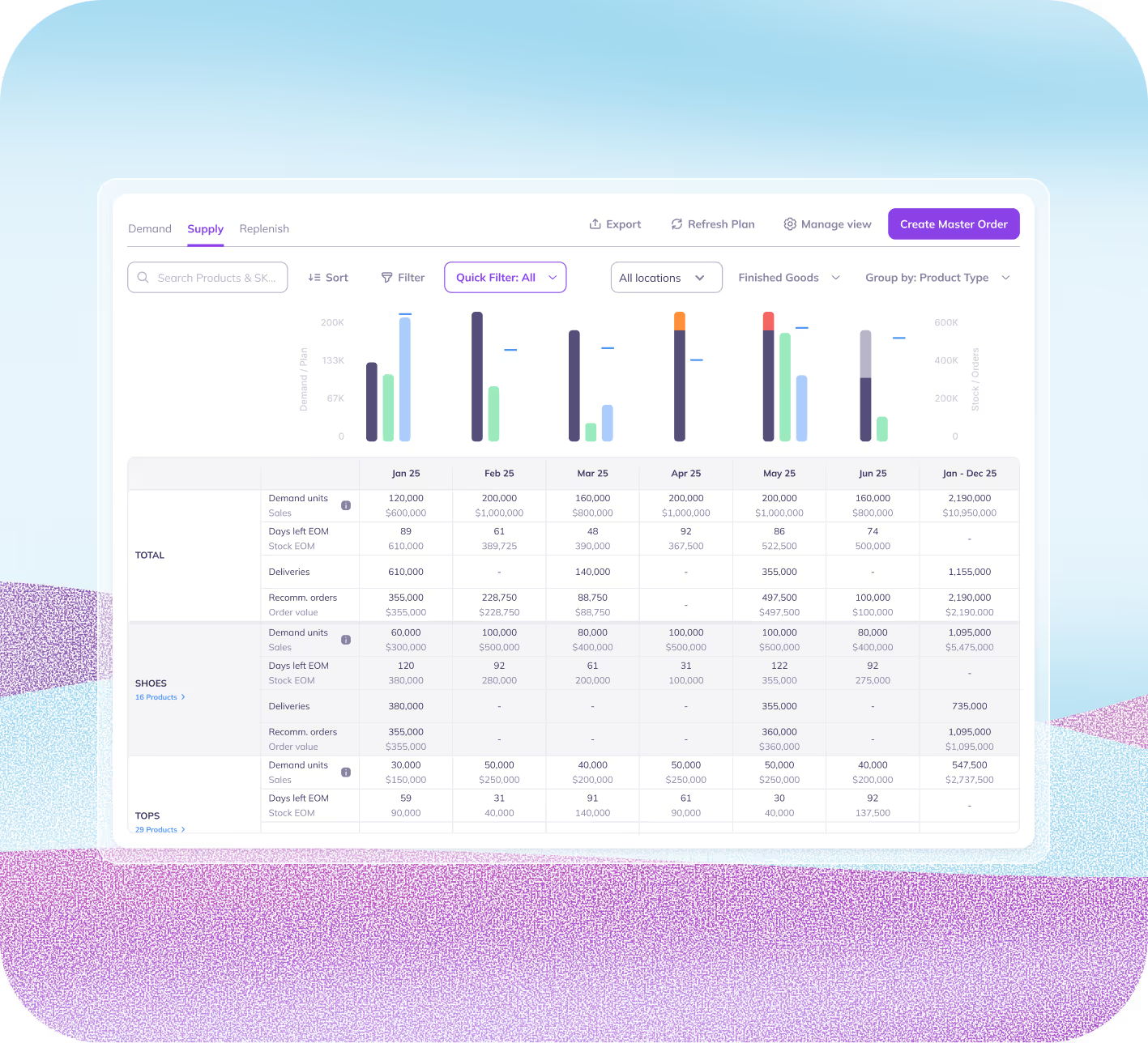
Now, we’ve enhanced that experience even further by adding a dedicated Supply planning step, so you can validate your plan against your 12-month inventory reality before you start placing purchase orders.
In other words, Supply planning brings more depth and confidence to the existing Plan + Buy workflow by answering one of the most important planning questions early: “Can we actually fulfill this plan with the stock we’ll have?”
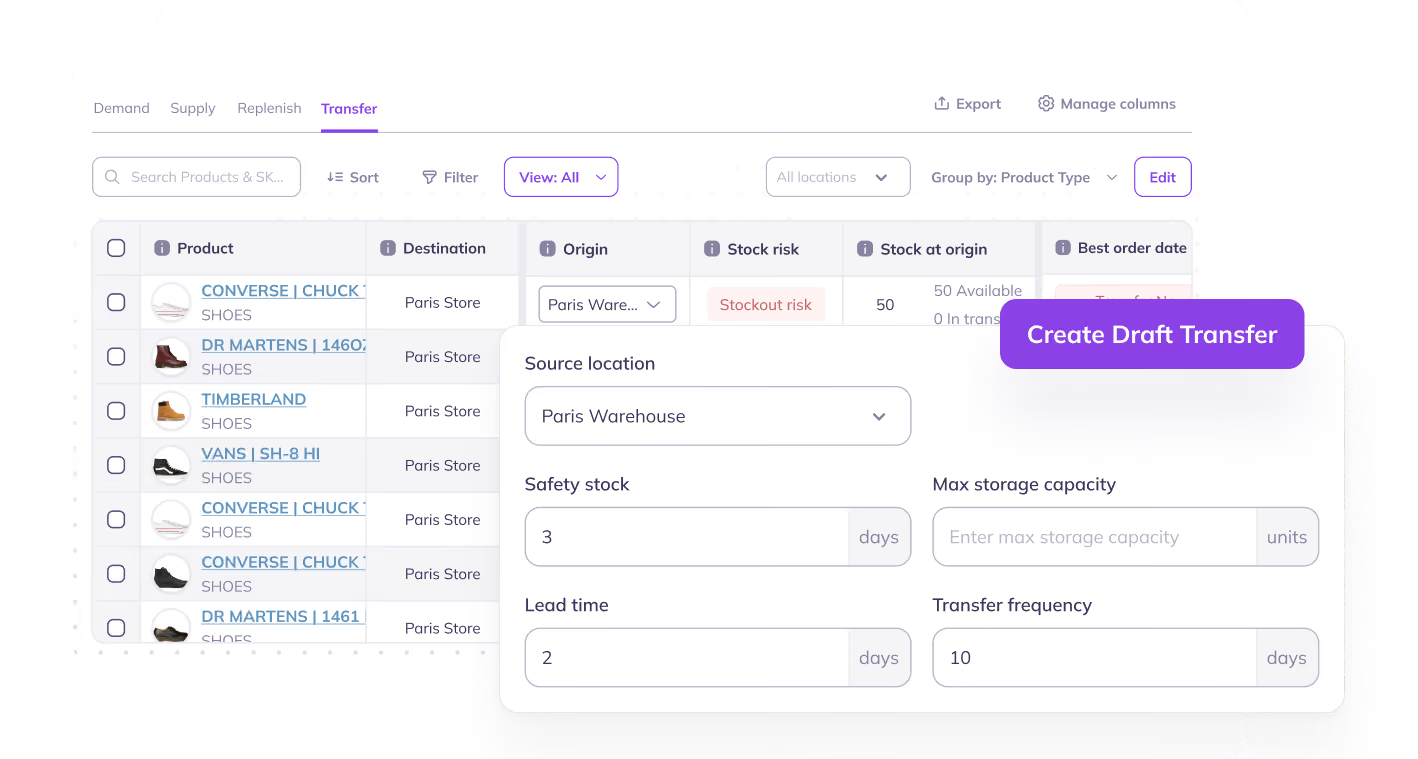
And with this step in place, we’re excited to launch Prediko’s new and upgraded three-tab planning system (Demand → Supply → Replenish), a connected approach to go from planning to execution, without the chaos in between.
Introducing the New Three Tab Planning System
We have built a new Demand → Supply → Replenish flow that mirrors how inventory decisions are taken by real teams.
The new flow starts with how much you expect to sell, validates whether you can support it, and turns that into the exact purchase orders you need to place.
Here’s a detailed view of the 3-step approach.
Step 1: Demand (Plan)

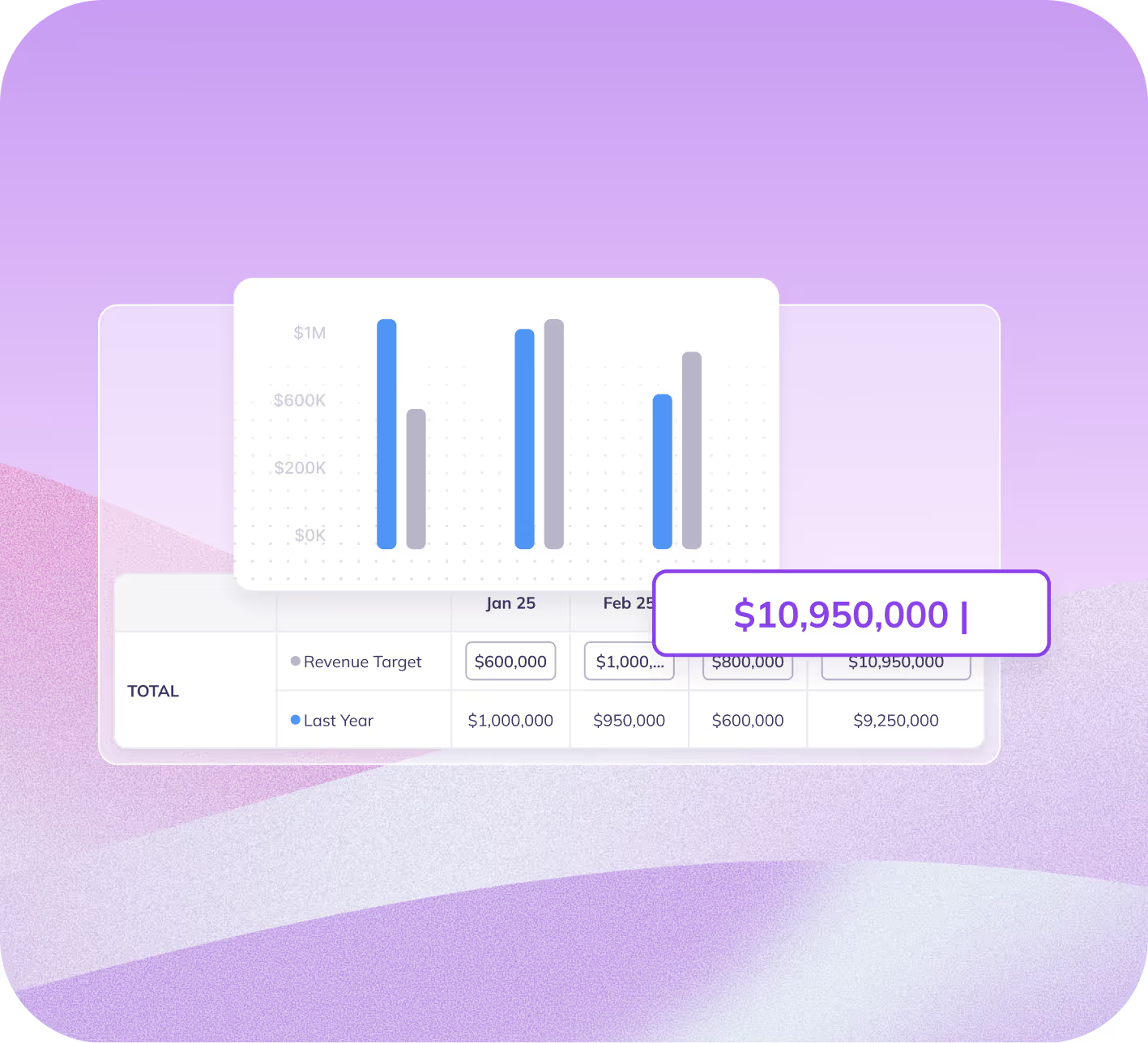
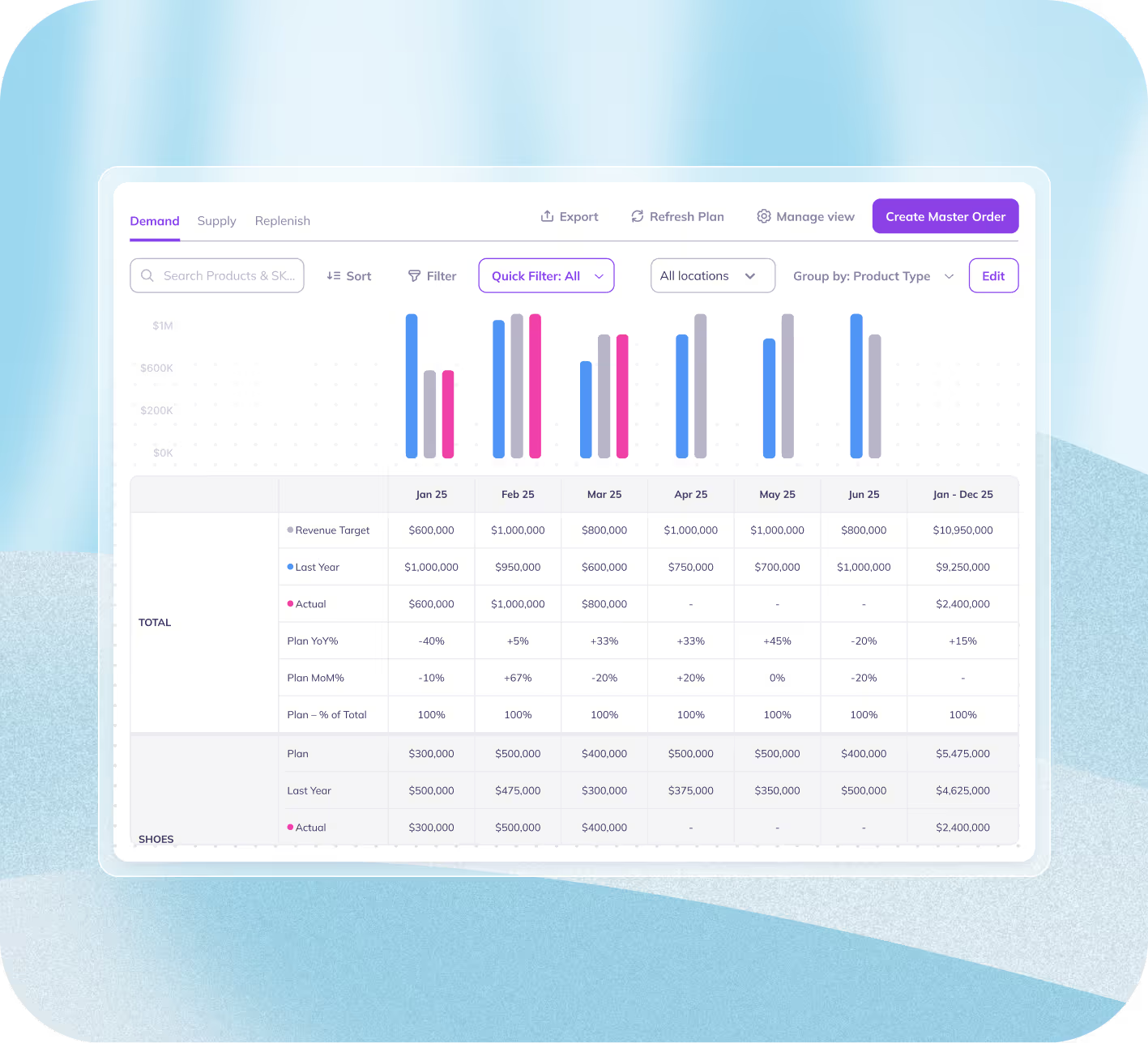
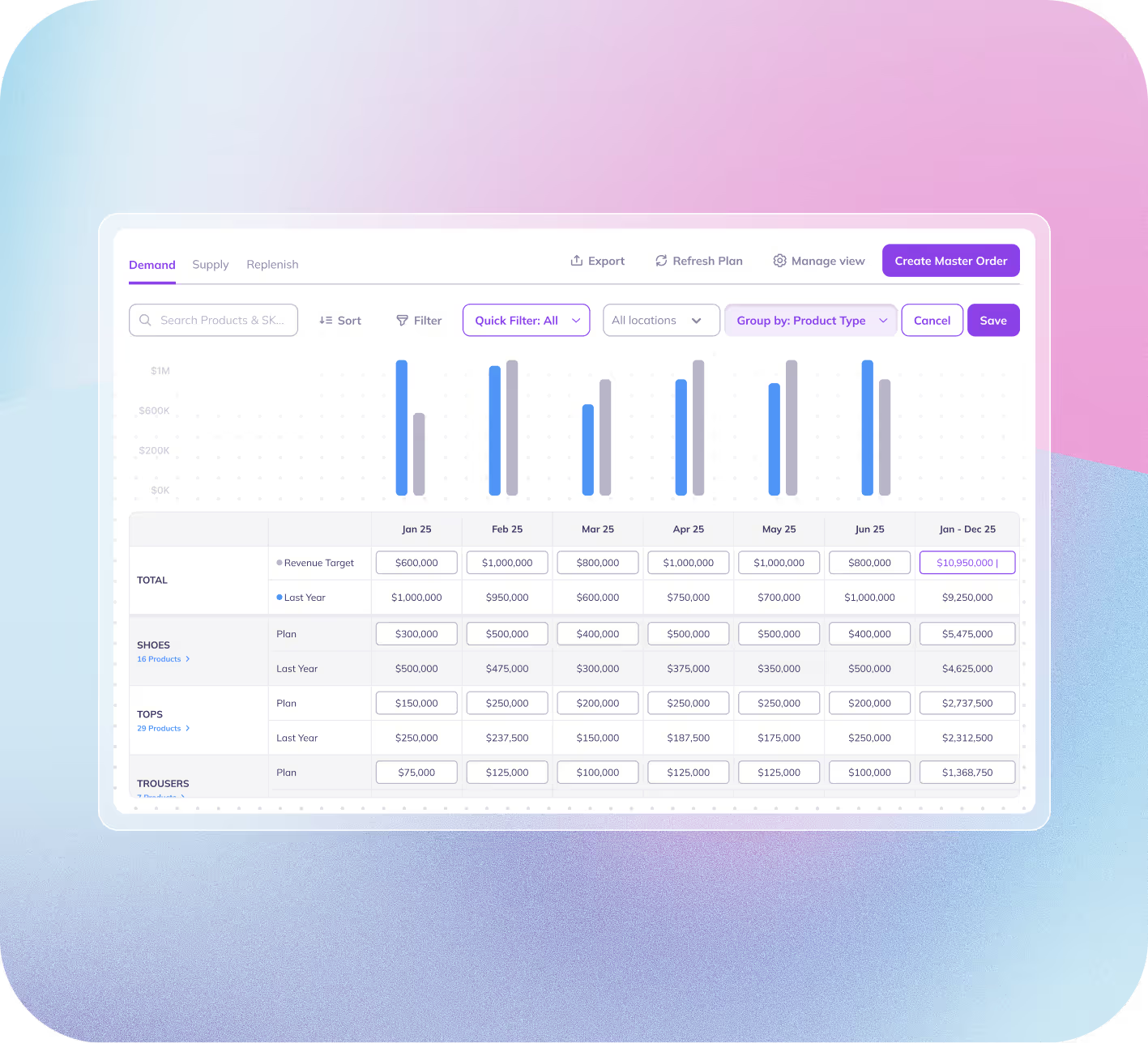
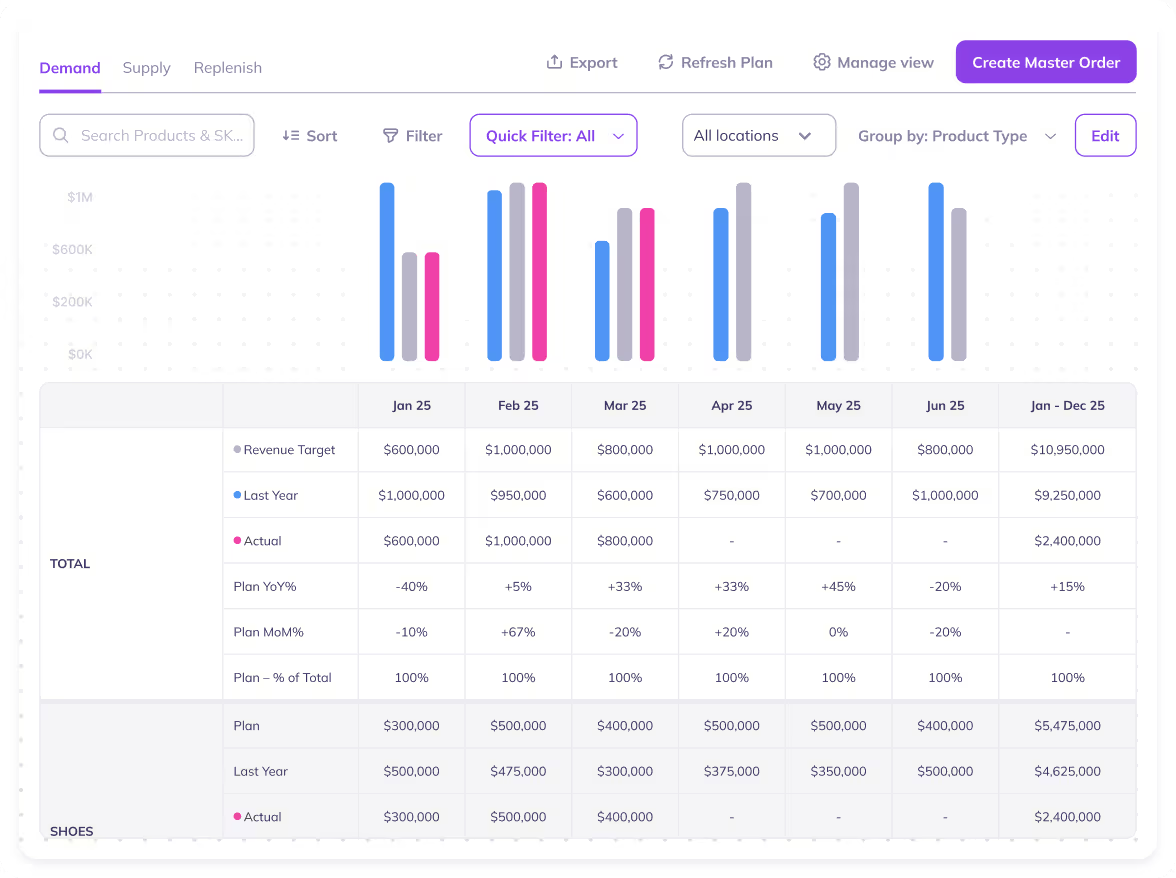
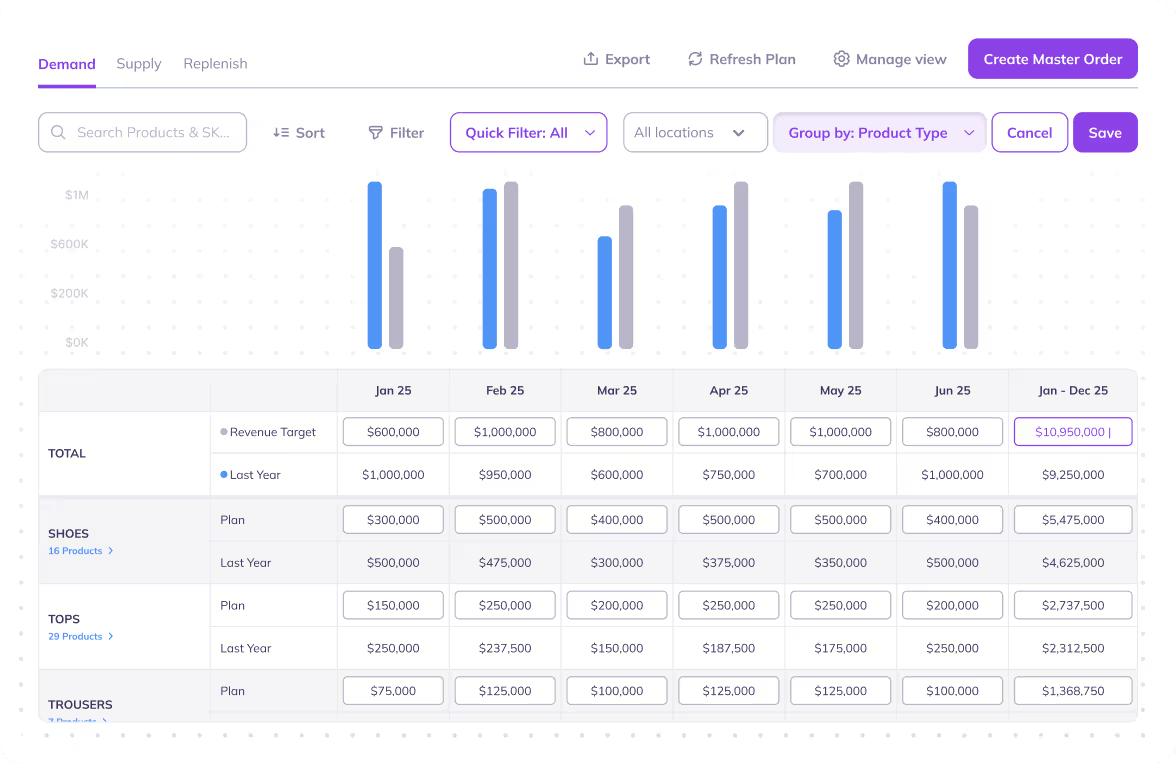
Demand is where you define the plan for the next 12 months: your targets, your expectations, and what “success” should look like by SKU.
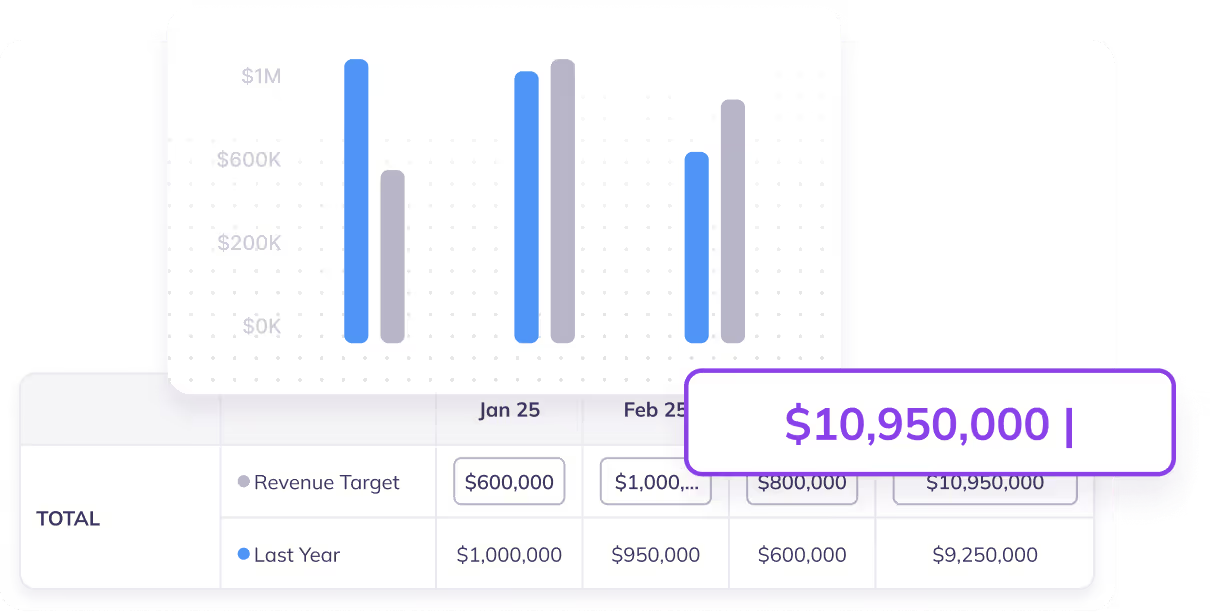
You can set or import monthly sales targets (by product, category, etc.), then adjust the forecast until it reflects your real-world view of growth, seasonality, and upcoming changes.
Once you’re confident, you lock the plan. This becomes the single source of truth for everything downstream.
Step 2: Supply (Achievability & Feasibility)

Supply is where the plan becomes reality-checked.
Prediko takes your Demand plan and converts it into a 12-month supply plan, showing whether you can actually support your targets with existing stock, incoming inventory, and future POs, all while respecting lead times and safety stock.
This is where you can clearly see what parts of your plan are achievable, what’s at risk (because you’re eating into safety stock), and what’s unachievable (because inventory can’t arrive in time).
Step 3: Replenish (Action)

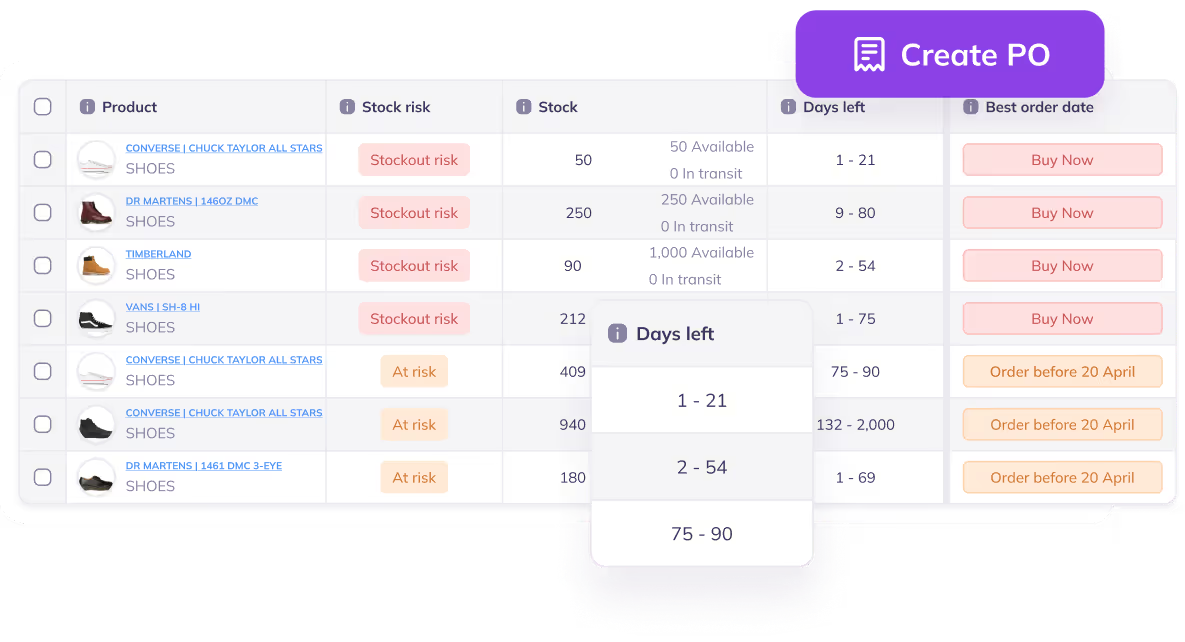
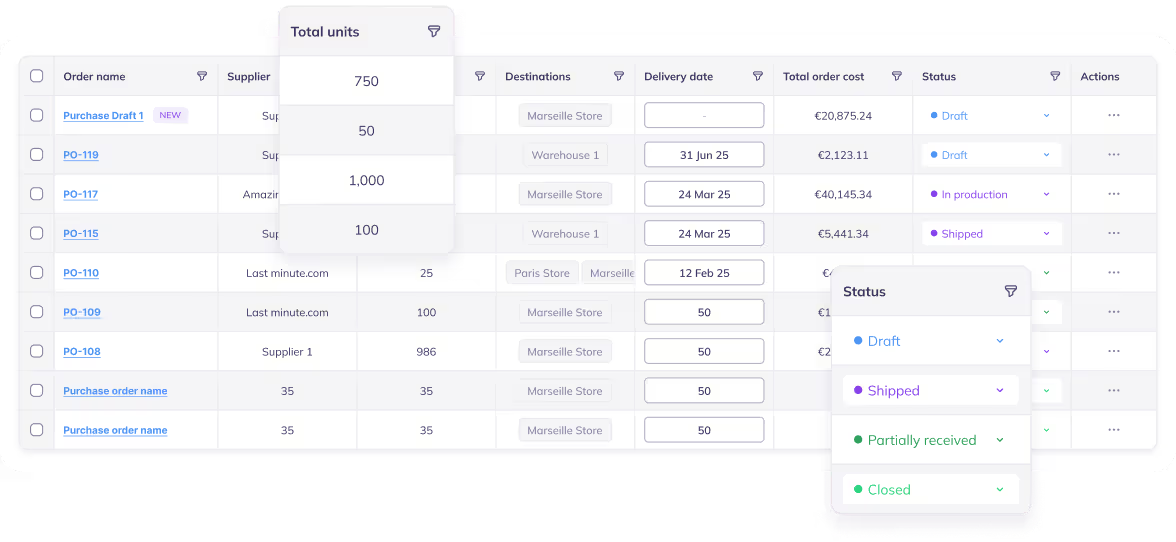
Replenish is where the strategy turns into execution. This step focuses on acting on the validated supply plan: identifying which SKUs need ordering now or soon, and creating the purchase orders to keep selling.
It’s based on the numbers from Supply, so you’re not guessing quantities or going beyond your budget.
You’re placing the right orders at the right time, with a clearer view of upcoming deliveries and the PO calendar you need to maintain inventory health.
How Shopify Stores Can Use Demand, Supply, and Replenish Flow
With an understanding of how the flow works, let’s look at the scenarios where it becomes most useful.
1. Annual target setting
You can use the flow to translate high-level annual store targets into monthly executable inventory plans.
Start in Demand by setting next year’s goals (sales or quantities) and then move to Supply to validate whether the plan is realistic based on current stock, lead times, and recommended orders.
Lastly, use Replenish to convert the plan into real purchase orders and keep execution in line with the target.
2. Budget planning
The flow makes it easy to bridge ops planning with finance approvals.
Build the plan in Demand, then use Supply to view the recommended orders and deliveries value across the next 12 months.
This gives the finance team a clear view of expected purchasing spend while giving ops team a clear plan of what needs to be ordered and when.
Replenish then becomes the execution layer to place POs in line with the approved budget.
3. Supplier negotiations
The flow also helps you negotiate with your suppliers as a long-term partner and not a reactive buyer.
Plan demand, then filter Supply by supplier to see total recommended units, number of deliveries, and approximate yearly value.
This gives you concrete numbers to commit to and negotiate with, while helping you structure delivery schedules well in advance.
Once terms are agreed, use Replenish to execute POs smoothly throughout the year based on the negotiated plan.
4. Scenario planning when targets change mid-year
When demand shifts or business targets change, the flow helps you re-plan quickly without the chaos.
Update the plan in Demand, then use the Supply tab to instantly see how the new plan impacts recommended orders, stock levels, and risk. This ensures you don’t continue ordering based on an outdated plan.
Replenish then reflects the updated actions needed so execution matches the latest direction of your plan.
5. Planning for new product launches
You can also use the new flow to launch products confidently without overbuying or stocking out.
Start by forecasting launch demand in the Demand tab, then validate in Supply whether your inventory plan or budget supports the expected sales ramp. This allows you to decide order quantities and timing early enough to meet launch windows.
Finally, use Replenish to create the first set of POs and stay on track as early sales data comes in.
6. Cash flow control
Utilise the Demand, Supply, and Replenish flow to prevent over-ordering and protect working capital.
Once your demand plan is confirmed, go to Supply and review recommended orders and stock coverage across the year.
If recommended orders are low (or zero) and stock stays healthy, you can confidently avoid placing unnecessary POs.
Then in Replenish, you only execute POs that truly support growth, freeing cash for strategic investments.
7. Bundle/kit planning
The upgraded flow also helps plan bundles correctly by connecting demand to component-level supply needs.
You set bundle-driven demand, then in Supply, you can review and understand the required component quantities well in advance.
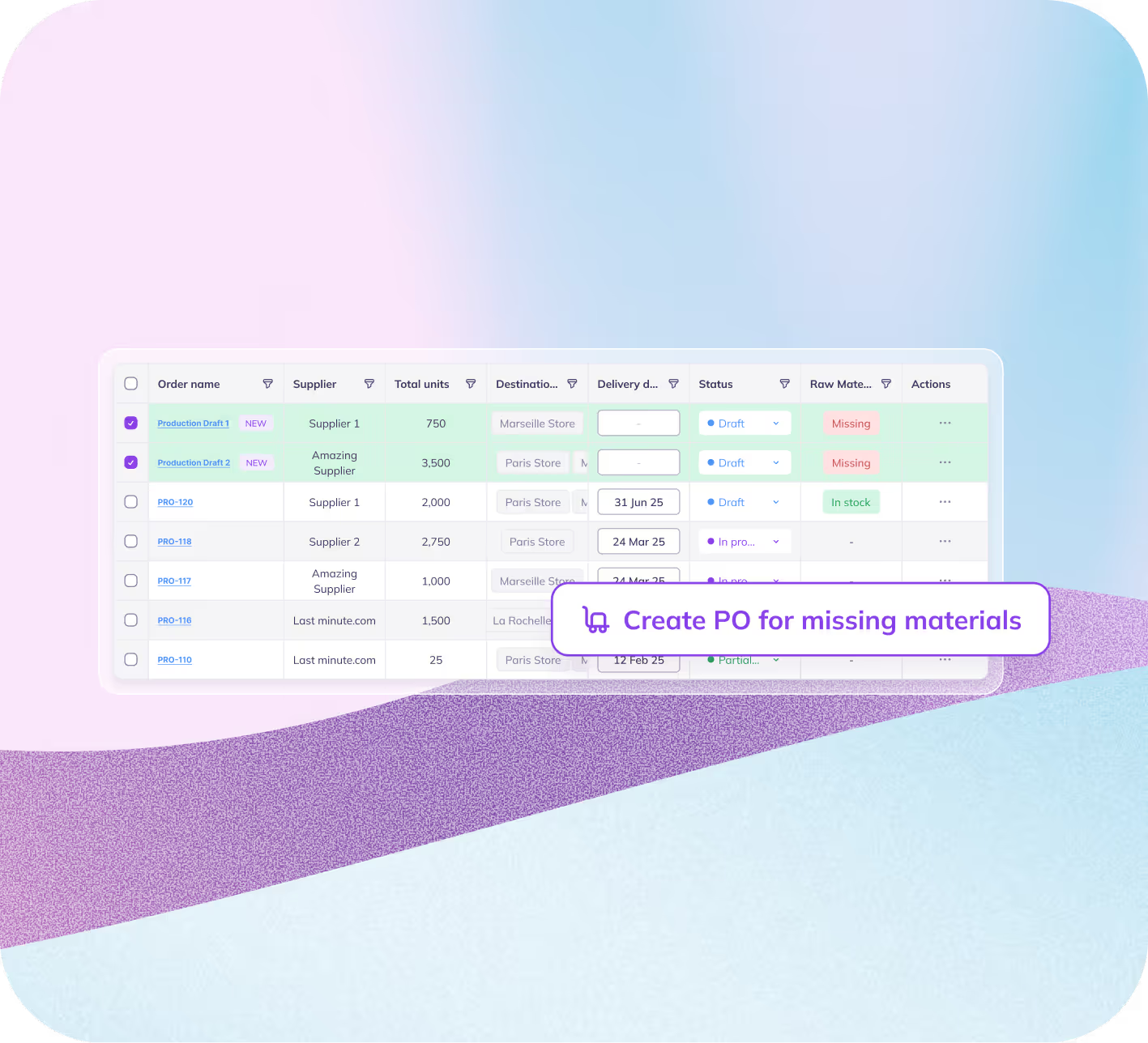
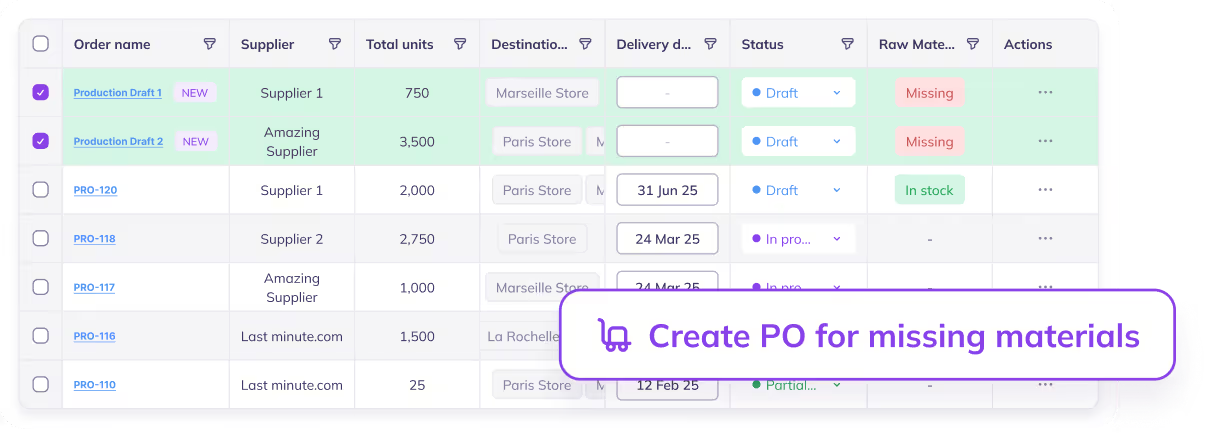
Replenish tab, then ensure you order the right underlying SKUs so bundle sales don’t break due to missing components.
How Prediko’s 3‑Step Flow Benefits Your Shopify Store Operations?
Prediko’s Demand → Supply → Replenish flow helps teams move from planning to execution with clarity.
The key upgrade is the Supply planning layer, which sits between forecasting and ordering, bringing the following benefits.
1. Adds a validation layer between planning and purchasing
Instead of jumping straight from a demand plan to placing POs, the Supply step validates whether the plan is actually achievable based on inventory levels, lead times, and recommended orders. This reduces last-minute costly stock issues.
2. Makes budgets easier to approve
With Supply planning, teams can review the recommended order value and delivery value across the next 12 months.
Finance gets a clear view of expected purchasing spend and projected quantities, making budget discussions faster and far more aligned.
3. Enables smarter supplier planning and negotiations
Supply planning gives you forecast-backed clarity on annual volume, number of deliveries, and approximate spend, so you can negotiate terms proactively and plan supplier schedules in advance, rather than operating one PO at a time.
4. Makes replenishment execution faster and cleaner
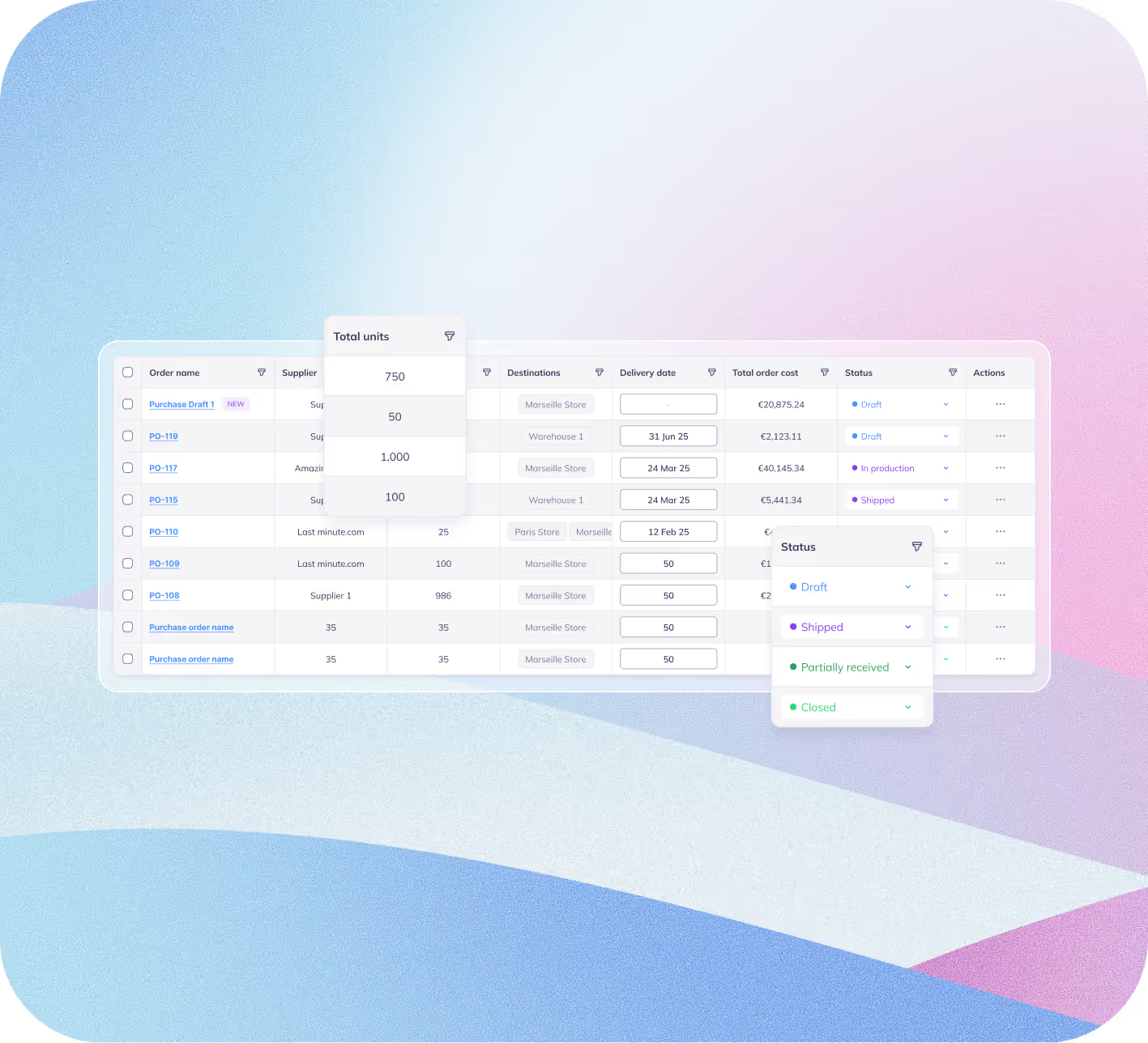
Once the plan is validated in Supply, the Replenish tab becomes pure execution. Teams can create the right purchase orders at the right time with fewer errors, fewer surprises, and less back-and-forth.
Plan Demand, Validate Supply, and Replenish Faster Than Ever
The biggest win in inventory management comes from the decisions you make before you buy.
With Supply planning now built into the flow, Prediko gives you the clarity to pressure-test your plan before committing budget, align teams earlier, and avoid expensive surprises, like over-ordering or running out at the wrong time.
As a result, every PO you place is intentional, timely, and directly tied to your plan.
If this reflects how you want to run your Shopify store, try out Prediko’s Demand, Supply, and Replenish flow free for 14 days.